668 Matrix ETERNITY NE System Manual
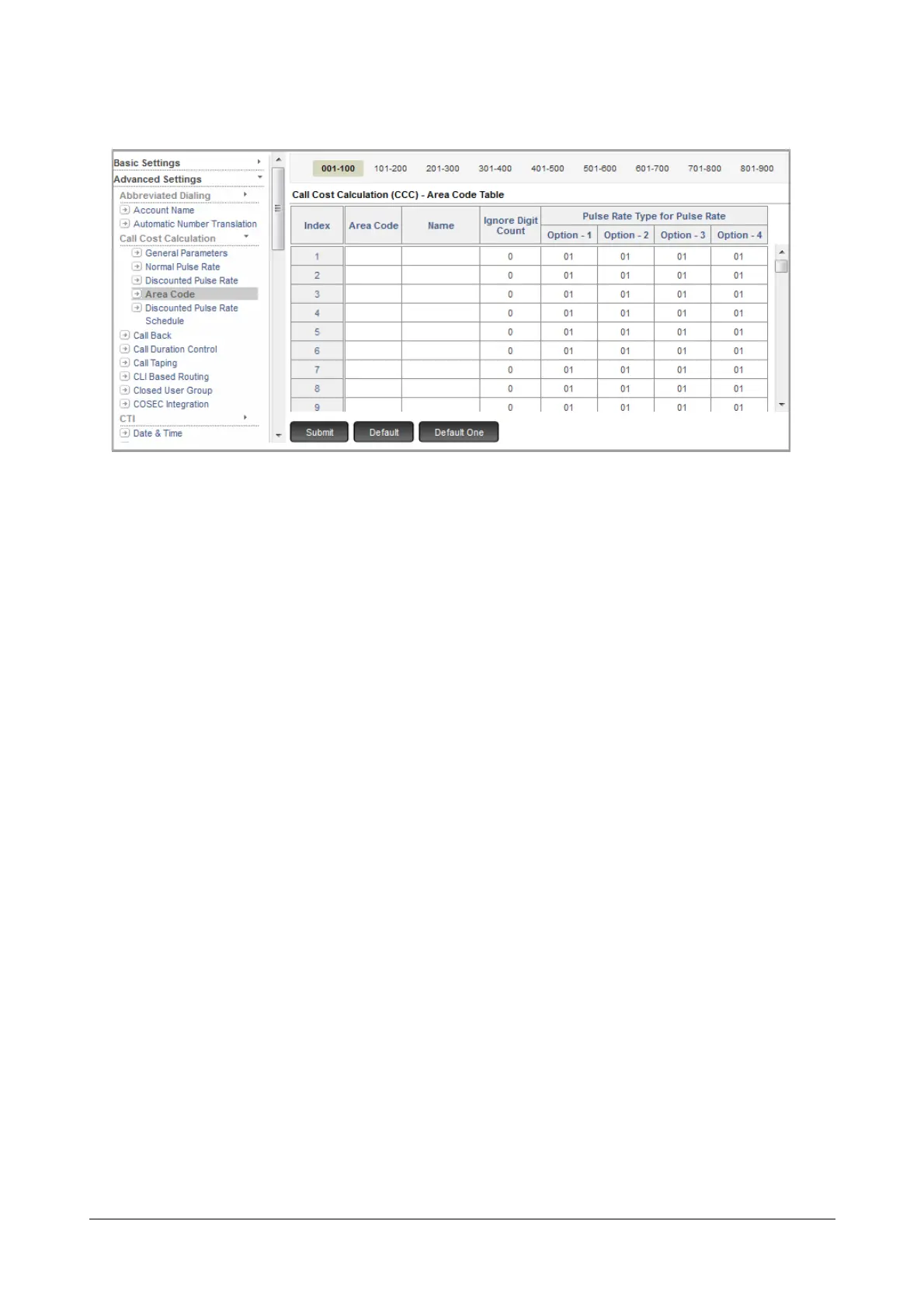
• Click Area Code.
• In the Area Code column, enter the number strings (prefix) of the Area Codes, country codes, local
numbers. You can configure as many as 999 area codes in the table.
• You may enter a Name to tag each Area Code.
• Do not configure the Ignore Digit Count. This parameter is relevant only for Service Provider Based Least
Cost Routing.
• Different service providers offer different pulse rates for the same type of calls. To take care of this,
SARVAM UCS allows you to assign different Pulse Rate Options for each area code.
• For each area code, configure the Pulse Rate to be followed for the desired Pulse Rate Options in the
Pulse Rate Type for Pulse Rate (Option 1 to 4) column.
• Click Submit.



 To Next Page