678 Matrix ETERNITY NE System Manual
• When the calls are forwarded the extension user gets the feature tone on lifting the handset to indicate
that Call Forward is set on the extension.
How to configure
To provide this feature to an extension, you need to do the following configuration:
• Enable Call Forward in the “Class of Service (CoS)” of the Extensions. By default, Call Forward is enabled
in the Class of Service of all extensions of SARVAM UCS for the Day and Night/Break.
• If required, change the duration of the Call Forward No-Reply Timer on the extension. By default, the timer
is set to 30 seconds.
• Select the type of call—internal, trunk, all calls— to be forwarded when call is forwarded to an external
number on the extension. By default, Forward only Trunk Calls is selected.
For instructions on configuring Call Forward related parameters for different extension types, see “SLT
Extensions” and “SIP Extensions” under Basic Settings.
You can set Call Forward for each Extension from the SA Mode.
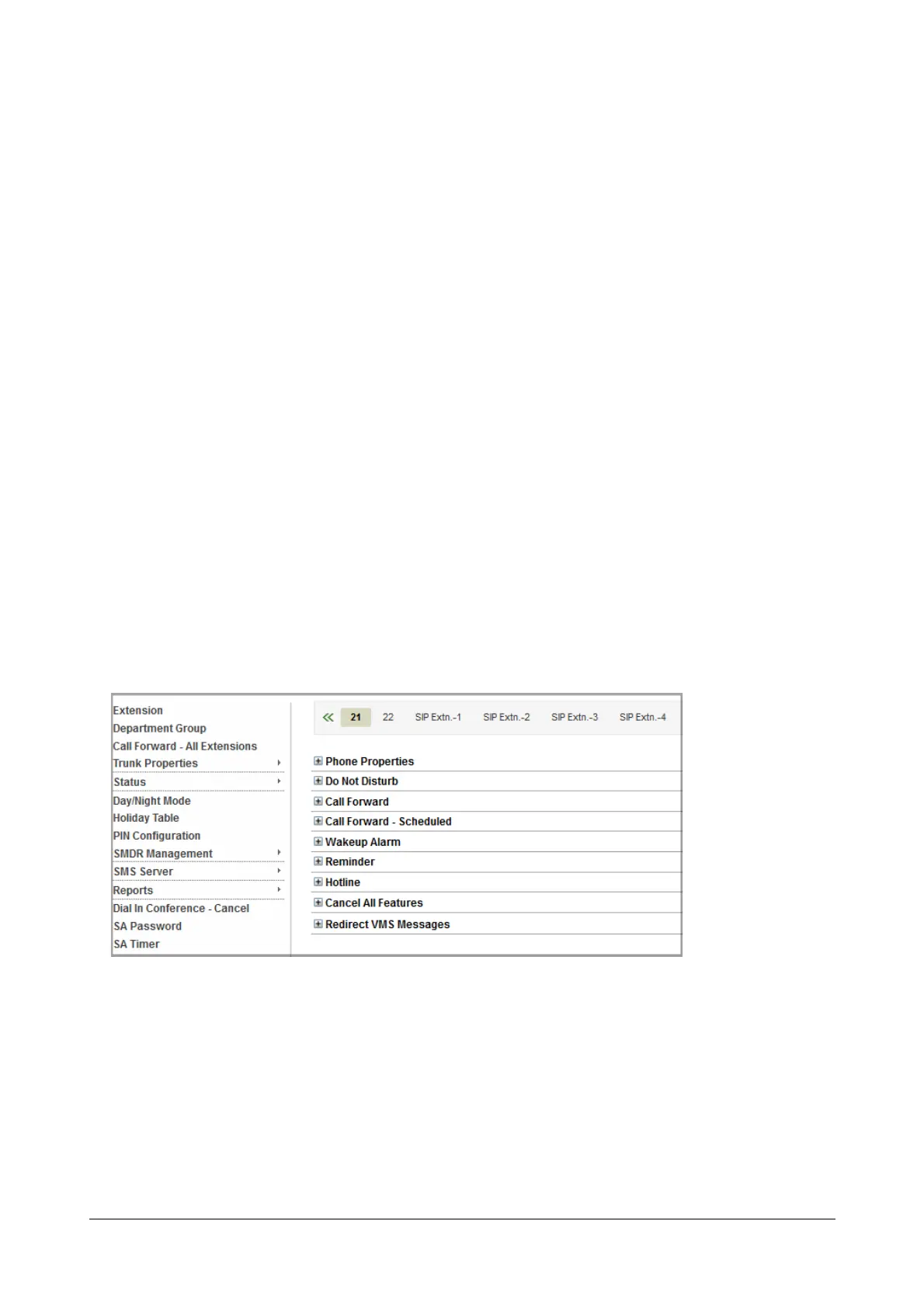
Settings Call Forward for an Extensions using SA Mode
• Login as System Administrator.
• Click Extension.
• The Extension numbers appear on the tabs on the top pane, starting with SLT extensions.
• To select a particular extension number or type, click on the tab.



 To Next Page