744 Matrix ETERNITY NE System Manual
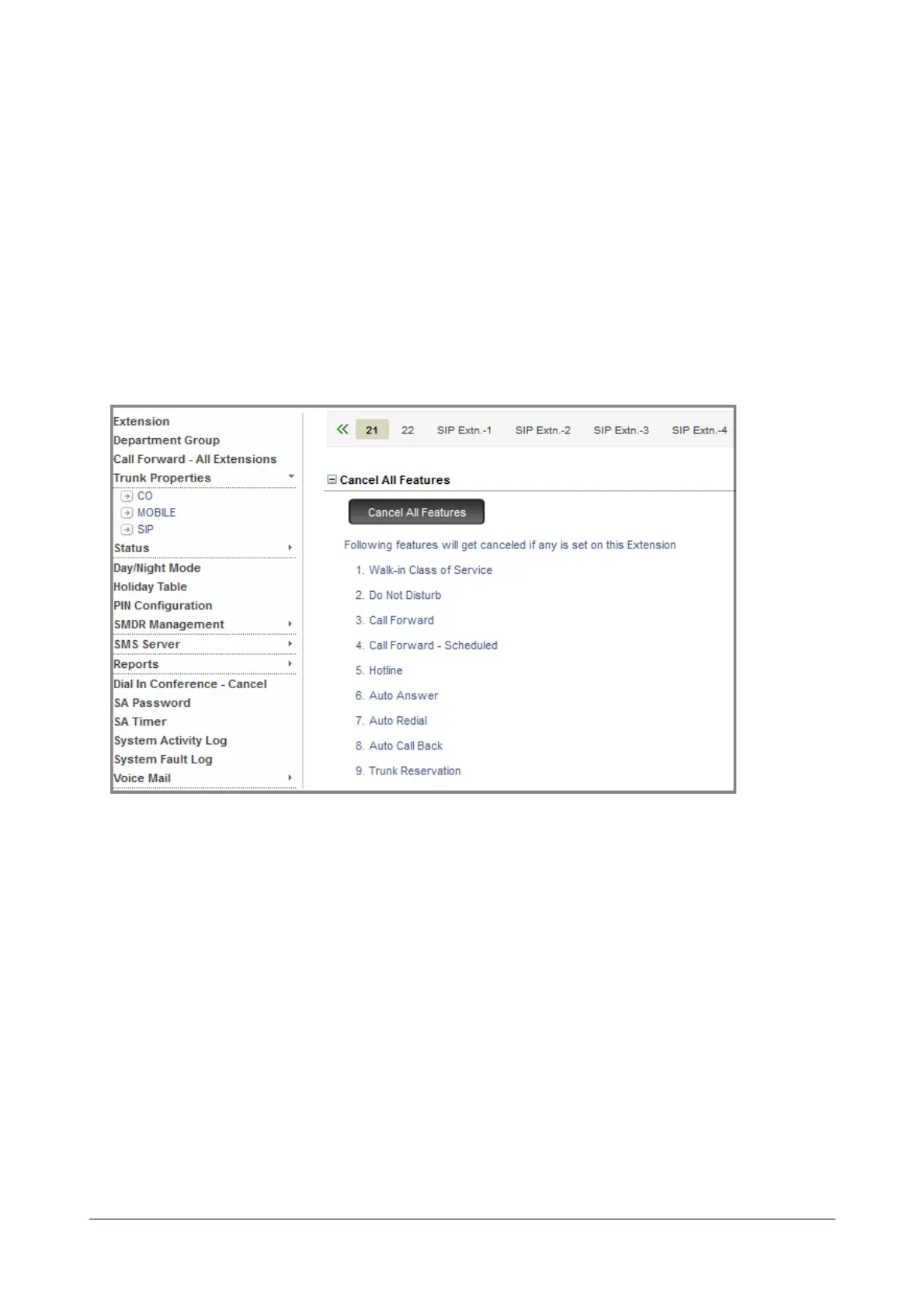
Cancel All Features for Extension Users
The Operator or any extension user having access to System Administrator mode can cancel all features for
extension users using Jeeves. To do this,
• Login as System Administrator.
• Click Extension.
• Click the desired Extension tab.
• The searched extension users details appear on your screen.
• Click Cancel All Features to expand.
• Click Cancel All Features. The following features will get canceled, if any is set on this extension user:
• Walk-in Class of Service
• Do Not Disturb
• Call Forward
• Call Forward - Scheduled
• Hotline
• Auto Answer
• Auto Redial
• Auto Call Back
• Trunk Reservation



 To Next Page