894 Matrix ETERNITY NE System Manual
• The server maintains an inbuilt timer, Device Inactivity Timer which is set as 2 days. Till the expiry of
the timer the server will send Push Notifications to the application.
• If for this duration, the server does not receive any registration request from the application and the
timer expires, the server will consider the application as unregistered and will stop all Push Notifications
to the application.The status of the SIP Extension will display Not Registered and under the respective
Contact 1, 2, 3 the details will be cleared. Calls and messages will be rejected.
The server will start sending notifications to the application in the background after the application is
bought in the foreground once and a registration request is received by the server.
Feature Interactions when the Application is in the Background
Call Forward when not Registered:
If the application receives an incoming call from a QSIG caller, the Call Forward functionality will not be applicable.
To know more, see “Call Forward - When Not Registered”.
Handover and Handoff:
VARTA ADR100 users will be able to use Handover but Handoff will not be possible. To know more, see “Handover
and Handoff”.
System Restart
After System Restart the Device Inactivity Timer will be reset.
FCM Connectivity
A connectivity between the system and the FCM Server is required so that the Push notifications can be sent to the
clients.
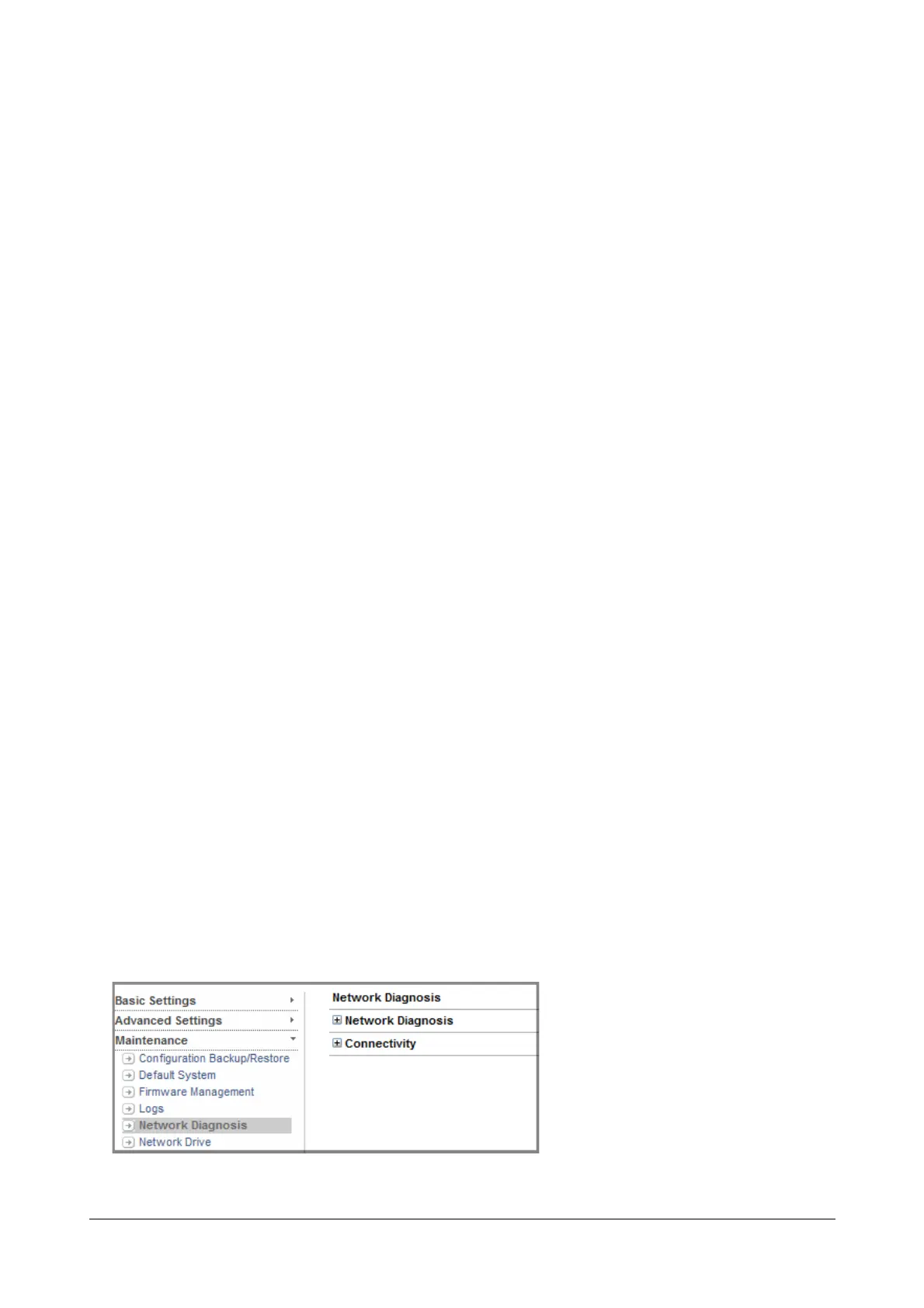
To check the FCM connectivity status,
• Log into Jeeves.
• Click Maintenance.
• Under Maintenance, click Network Diagnosis



 To Next Page