Matrix ETERNITY NE System Manual 83
• Activate the License Voucher for the VMS. See “License Management” under Advanced Settings for
instructions.
• Configure VMS. See “Configuring Voice Mail System” for detailed instructions.
Replacing the Pen Drive
If you are replacing the factory supplied Pen Drive, you must:
• Format the new Pen Drive with FAT32 file system.
• Copy the contents of the factory fitted Pen Drive onto the new Pen Drive.
To format the Pen Drive with FAT32, follow the steps given below:
• Insert the Pen Drive in the USB port of your computer.
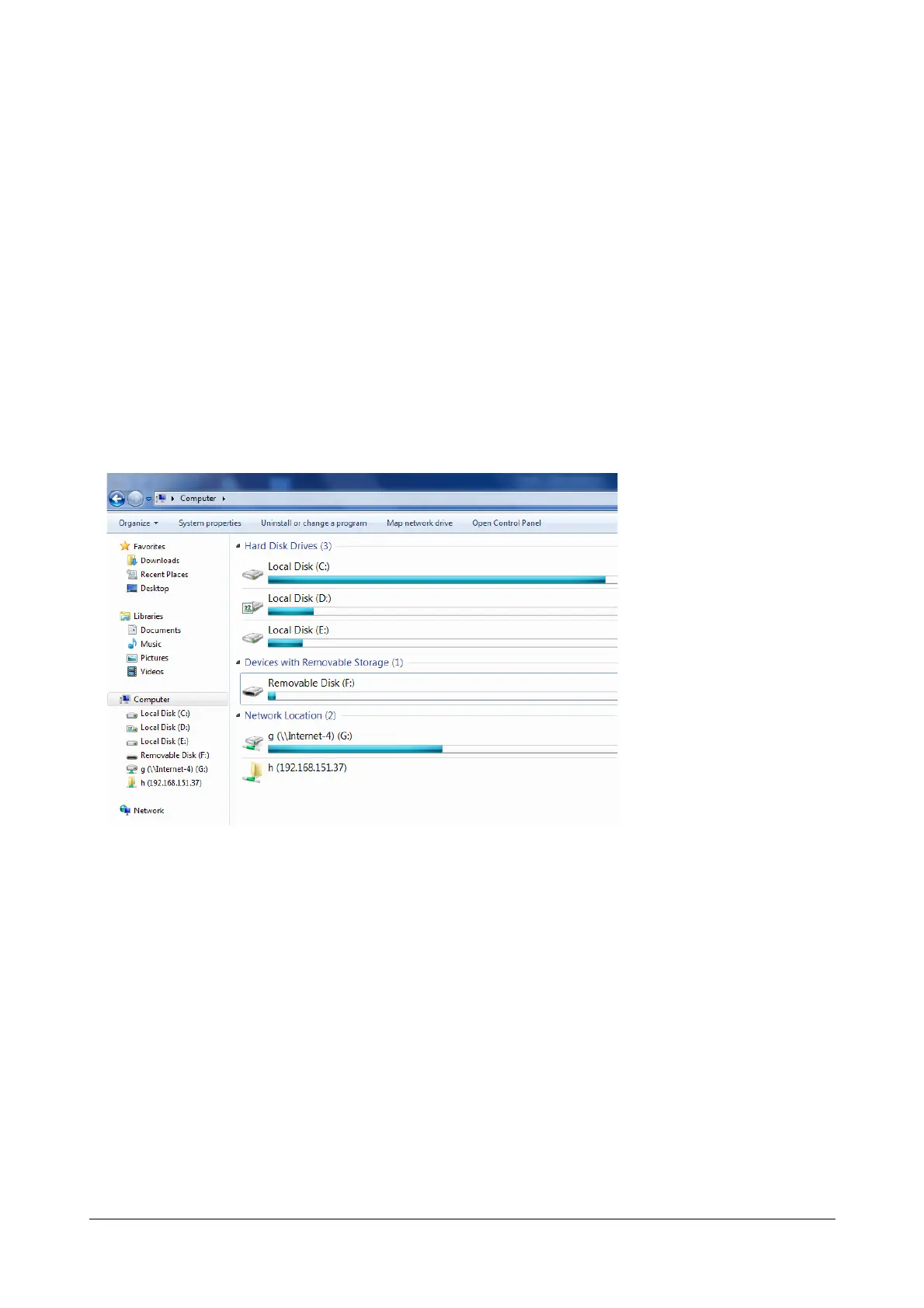
• Click My Computer.
• Right-click the removable disk to which you have connected your Pen Drive, in this example Removable
Disk (F:).



 To Next Page