Matrix ETERNITY NE System Manual 85
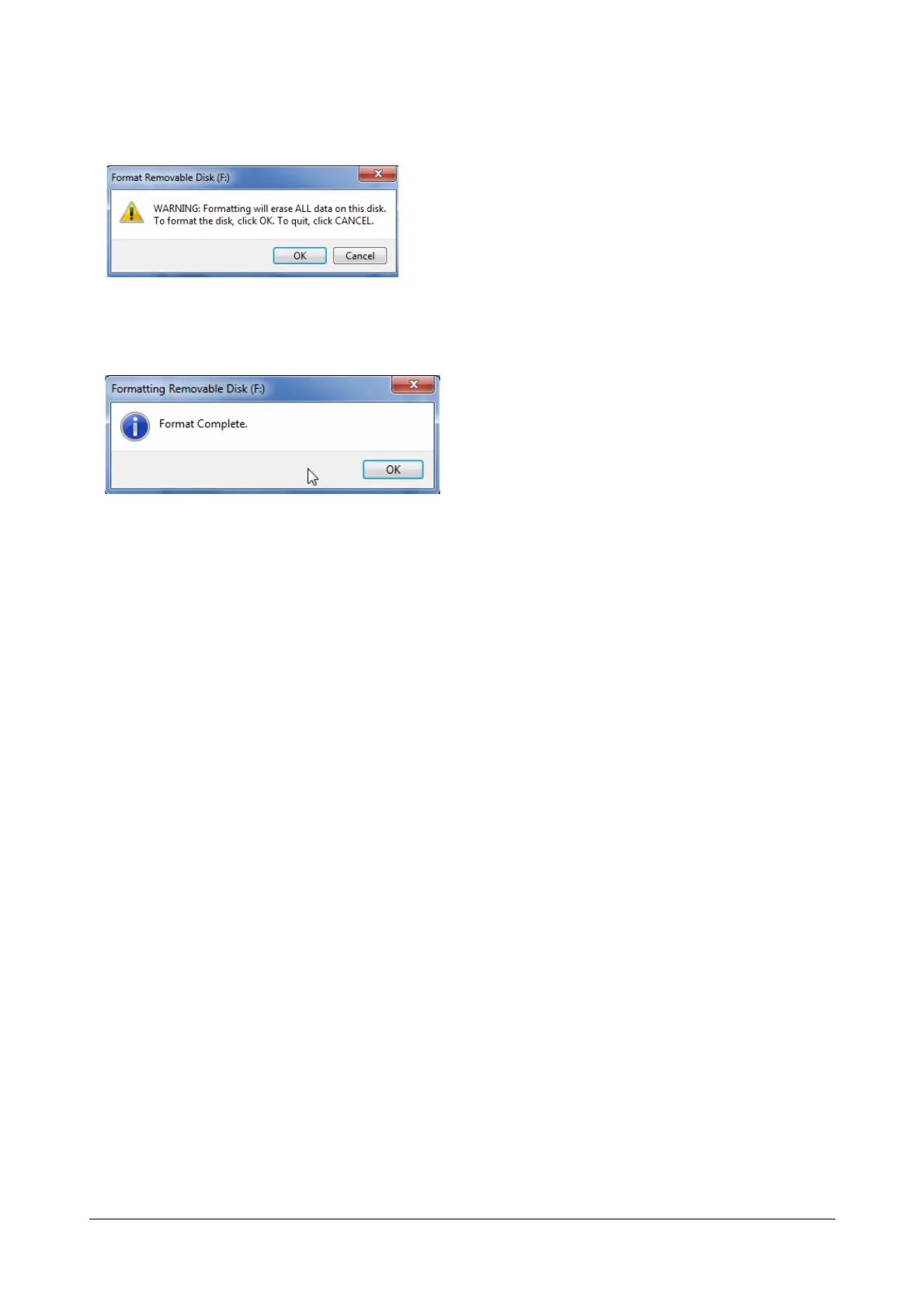
• You will get an alert: “WARNING: Formatting will erase ALL data on this disk. To format the disk, click OK.
To quit, click CANCEL.”
• Click OK to format.
• When the formatting process is complete, the message “Format Complete” will appear on your screen.
• Click OK to close the formatting window.
• Now, copy the contents of the factory fitted Pen Drive onto the new Pen Drive.



 To Next Page