Matrix ETERNITY NE System Manual 983
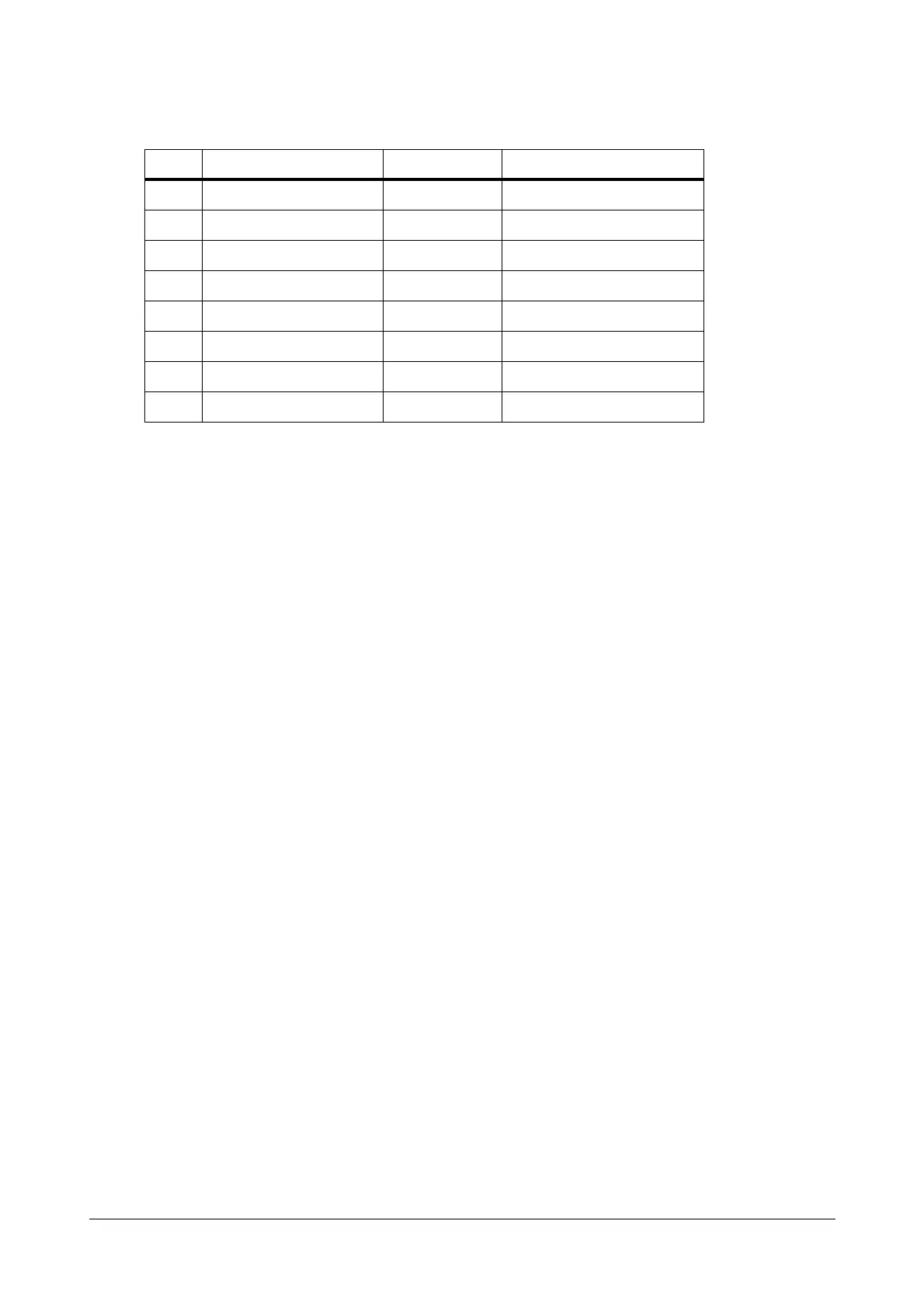
• The Automatic Number Translation table would look like this:
• When the Automatic Number Translation table is configured, the Extension user can simply dial the Trunk
Access code and the destination number: 0/5 - 0014125126508.
• The system matches the dialed number with the Dialed Number String of the ANT table, the number
matches with the entry ‘00’ stored in the table.
• The system dials the Add Prefix Number string 1602233 (number of the calling card server). It waits for the
calling card server to answer the call.
• When the call is matured, i.e. the calling card server has answered the call, the system dials the PIN
number 1132121234 and waits for the Pause Timer before dialing the destination.
Thus, the extension user directly dials only the desired destination number, the system substitutes this
number by adding the calling card server number and PIN number and dials these numbers in two stages.
How to configure
To be able to use Multi-Stage Dialing, you must configure the following:
• Automatic Number Translation table on the desired trunks. For instructions on configuring ANT table on
different Trunk types, see Automatic Number Translation (ANT) under “CO Trunks”, “Mobile Trunks” and
“SIP Trunks”.
• Configure the DTMF Out Dial parameter on the desired trunks. For instructions, on configuring DTMF Out
Dial on different Trunk types, see Hardware Settings under “CO Trunks”, “Mobile Trunks” and “SIP
Trunks”.
• If required, you may also configure the Call Proceeding Tone for Multi-stage Dialing. For instructions,
see “System Parameters”.
Index Dialed Number String Strip Digits Add Prefix
1 00 00 1602233W1132121234P
2
3
4
5
6
:
32



 To Next Page