MultiLanguage actions
Selects the application language.
SetLanguage
Sets the language used. The selected language will be applied at run time to all applicable widgets.
Keyboard actions
Changes the use of keypads.
SendKey
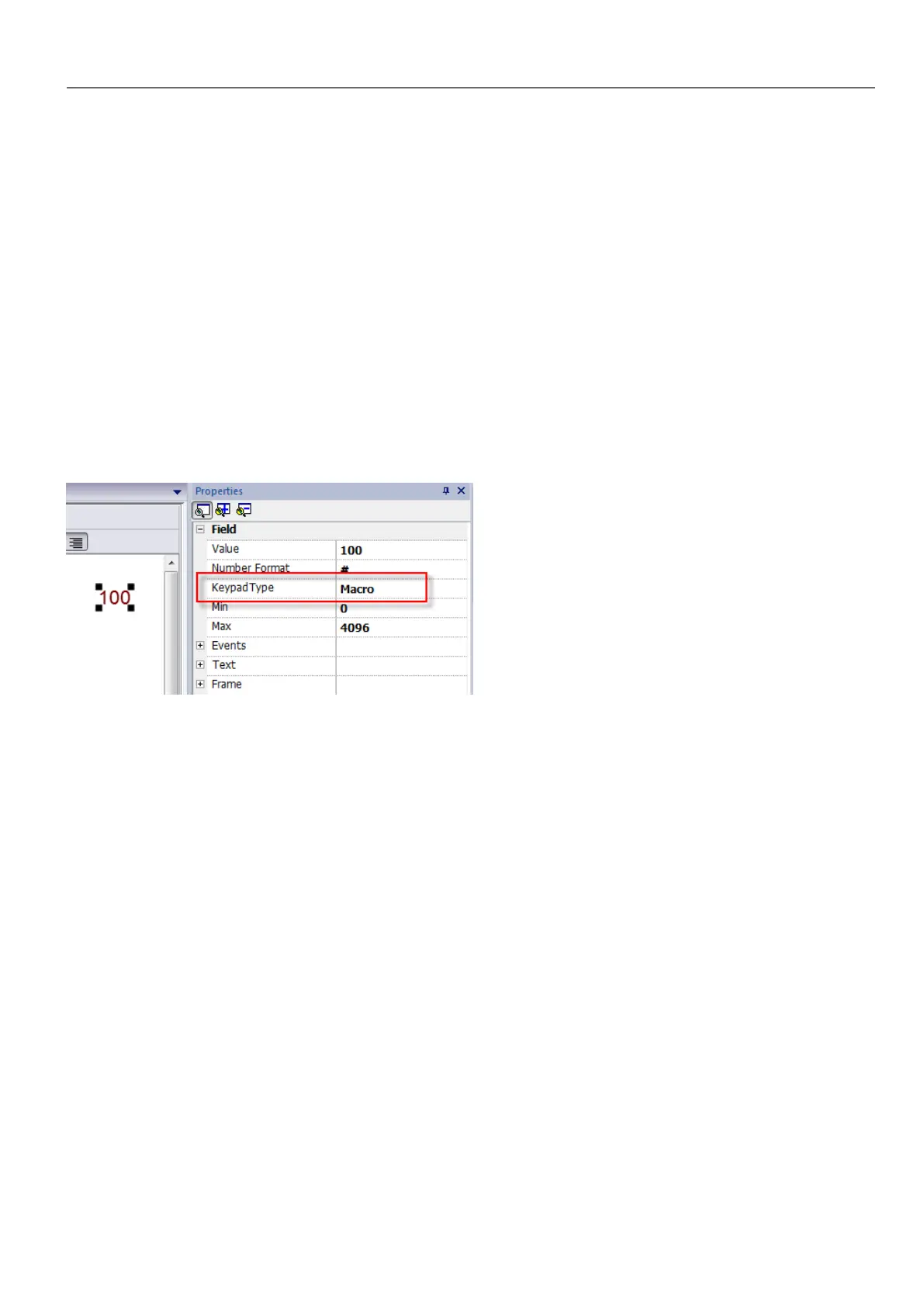
Sends one character to a numeric widget. The KeypadType property of the numeric widget must be set as Macro.
SendKeyWidget
Sends one character to a specific widget.
Example
The Up and Down buttons use the SendKeyWidget action in association with the Control List Widget.
HMWIN Studio |User Manual| v206 (2017-06-30) | EN| © 2014-2017 Panasonic Electric Works Europe AG
119
10 Actions



 To Next Page