Note: If you are using a device (for example, a smartphone) that is not the localhost where the simulator is
running, you will be required to enter username and password.
Downloading the Web project
After testing the HM4Web pages, you can download the project to the desired HMIdevice.
The HM4Web project is downloaded together with the HMWIN Studio project, see "Download to HMI device" on page68
for details.
After the download process is completed, the HMI project automatically starts on the HMI device and the HM4Web project
is ready to be used.
Running HM4Web from a browser
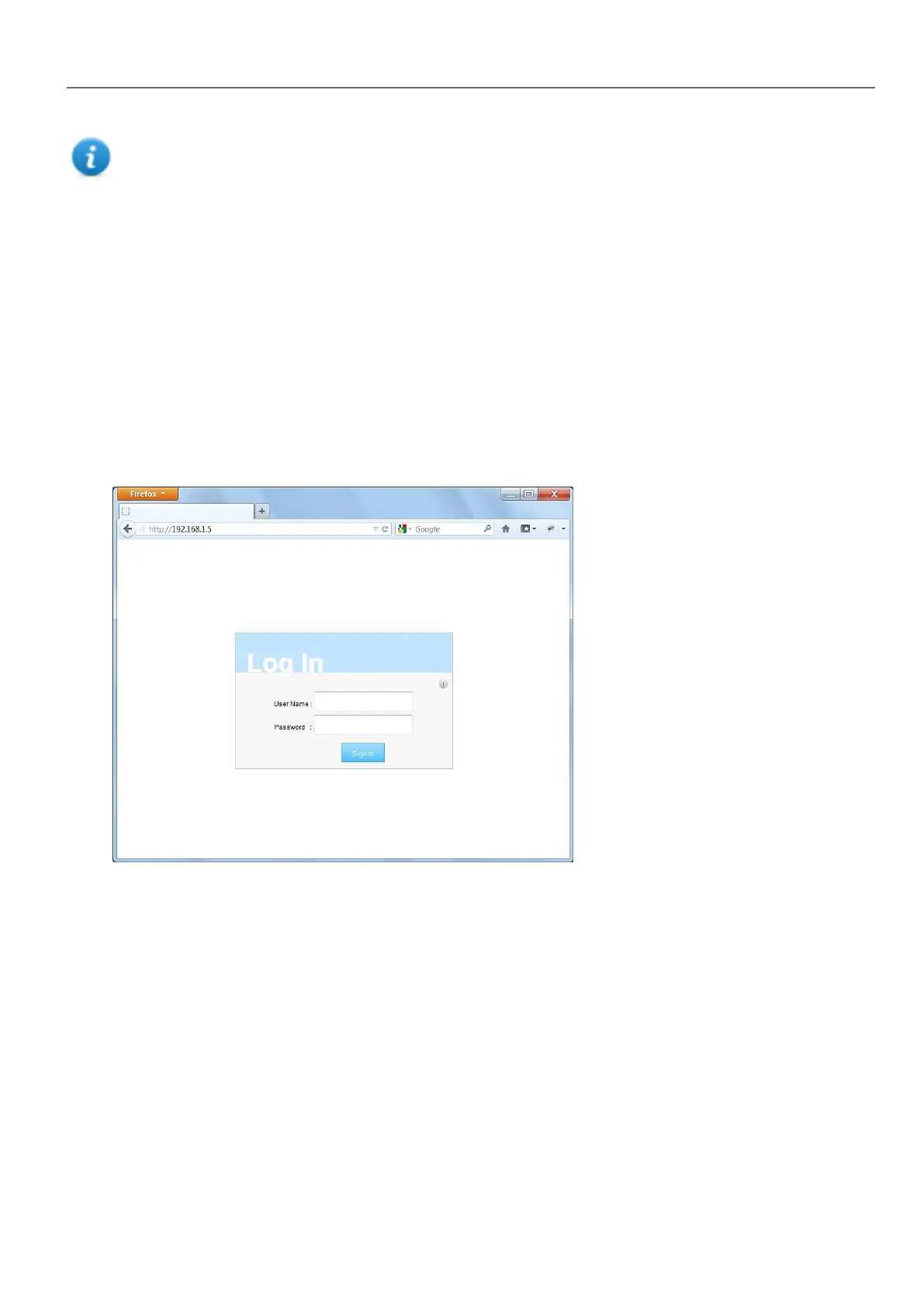
1. Open a web browser and enter the IP adress of your HMI device: the login page is displayed.
HMWIN Studio |User Manual| v206 (2017-06-30) | EN| © 2014-2017 Panasonic Electric Works Europe AG
407
38 Web access



 To Next Page