JavaScript Interface
project.launchUpdater(strPath)
Examples
project.launchUpdater("\\USBMemory")
LaunchHMICloudEnabler
Open the HMI Cloud Enabler.
Macro available only for HMI devices based on Windows CE platform.
On HMI devices based on the Linux platform the Service Cloud can be enabled from the "Service" tab of the
"Linux Devices" on page387.
LockScreen
Temporarily locks the touch screen. Allows cleaning the touch screen.
The system variable Time remaining to unlock displays the time remaining to unlock.See "Screen variables" on page85
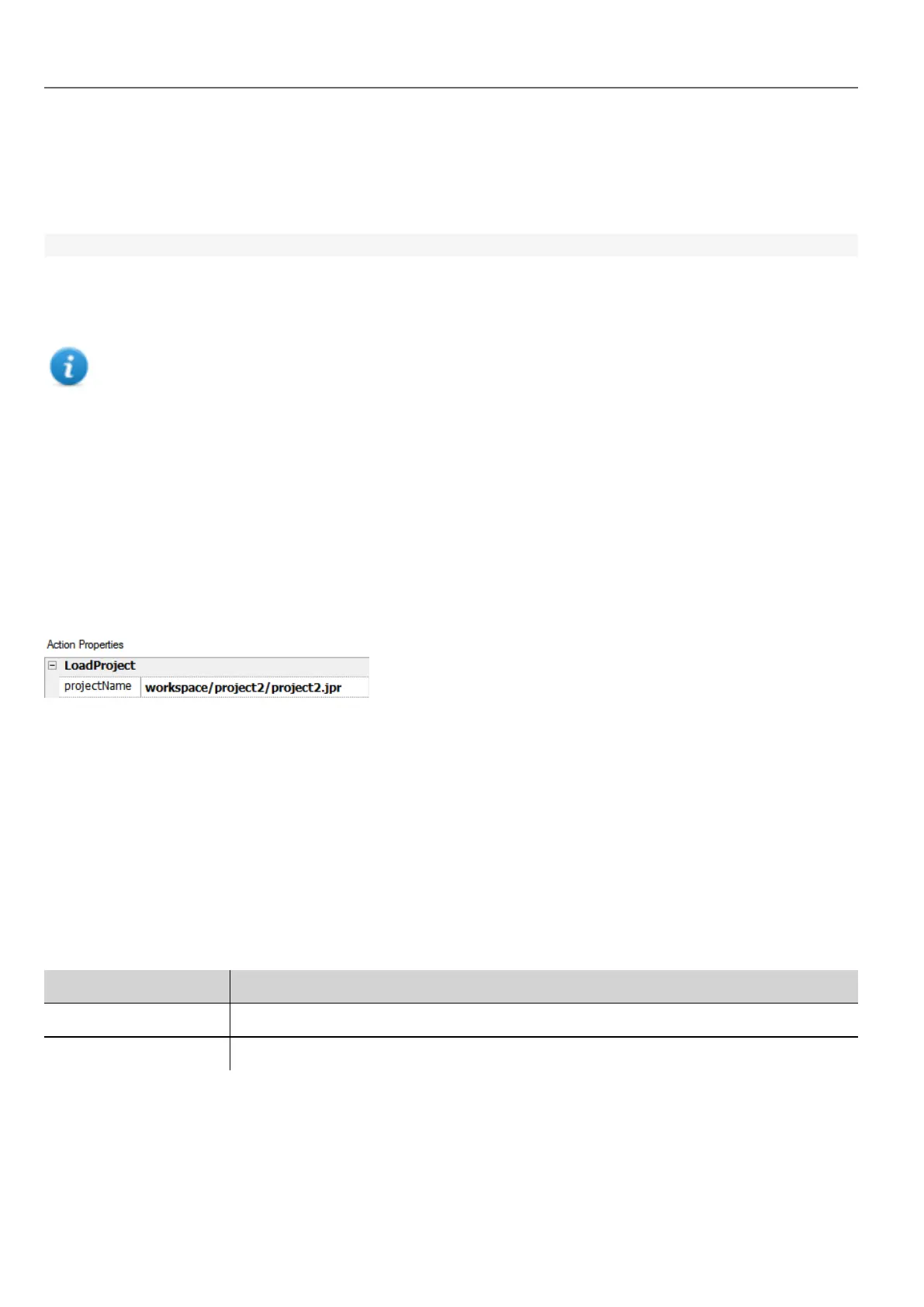
LoadProject
Unload current project and load the selected project inside the HMI device.
The project name has to be specified using relative path, as for the below example:
LastVisitedProject
Unload current project and return to previous project
Print actions
Manages print tasks.
PrintGraphicReport
Prints a graphic report.
Parameter Description
reportName Assigns a name to the report
silent false = allows to set printer properties at run time
PrintText
Prints a string.
128
HMWIN Studio |User Manual|v206 (2017-06-30) |EN|© 2014-2017 Panasonic Electric Works Europe AG
Print actions



 To Next Page