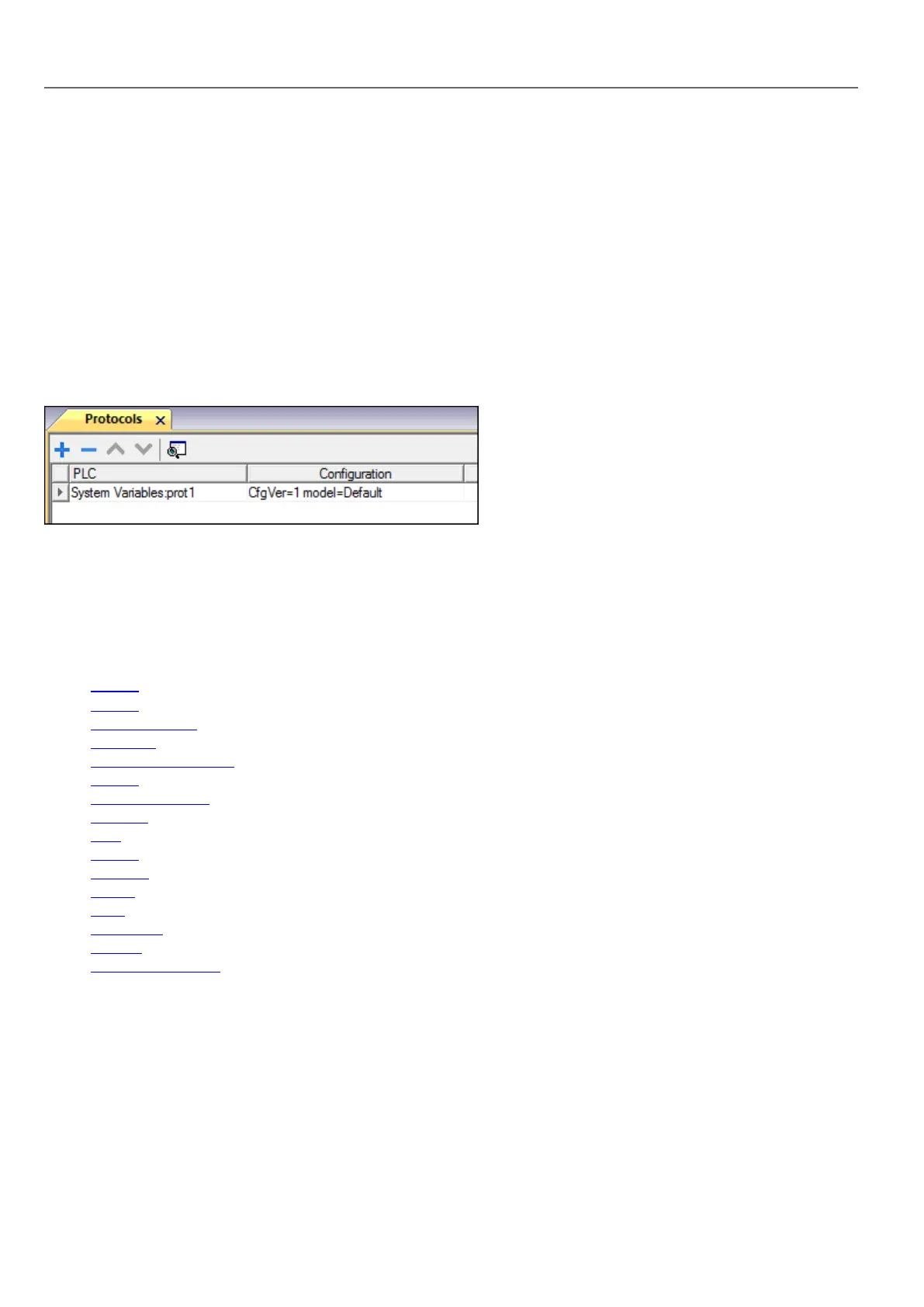
Protocol Editor Settings
Adding a protocol
To configure the protocol:
1. In the Config node double-click Protocols.
2. To add a driver, click +: a new line is added.
3. Select the protocol from the PLC list.
The driver configuration dialog is displayed.
From PLC Model list select the specific System Variables type.
Default variables
System Variables - Default protocol allows to create Tags that point to HMIsystem variables regarding:
l Alarms
l Buzzer
l Communication
l Database
l Daylight Saving Time
l Device
l Dump information
l Network
l PLC
l Screen
l SDCard
l Server
l Time
l USBDrive
l Version
l Virtual Com Switch
Protocol Editor Settings
From PLCModel list of Protocol Editor dialog, select Default.
92
HMWIN Studio |User Manual|v206 (2017-06-30) |EN|© 2014-2017 Panasonic Electric Works Europe AG
Protocol Editor Settings



 To Next Page