1. Enter System Mode.
2. Use one of the following operations available in rotating menu:
l Format Flash, to clean the flash drive and registry configuration.
l Restore Factory Settings, to clean only the select components.
Note: Both operations do not involve firmware factory restore (MainOS, ConfigOS, Bootloader, FPGA images,
etc).
See "System Settings" on page381 for details.
Linux Devices
Linux products offer a powerful integrated tool called System Settings that allows management and upgrade of system
components. Operations can be done directly on HMI or remotely using web browser.
Runtime Installation
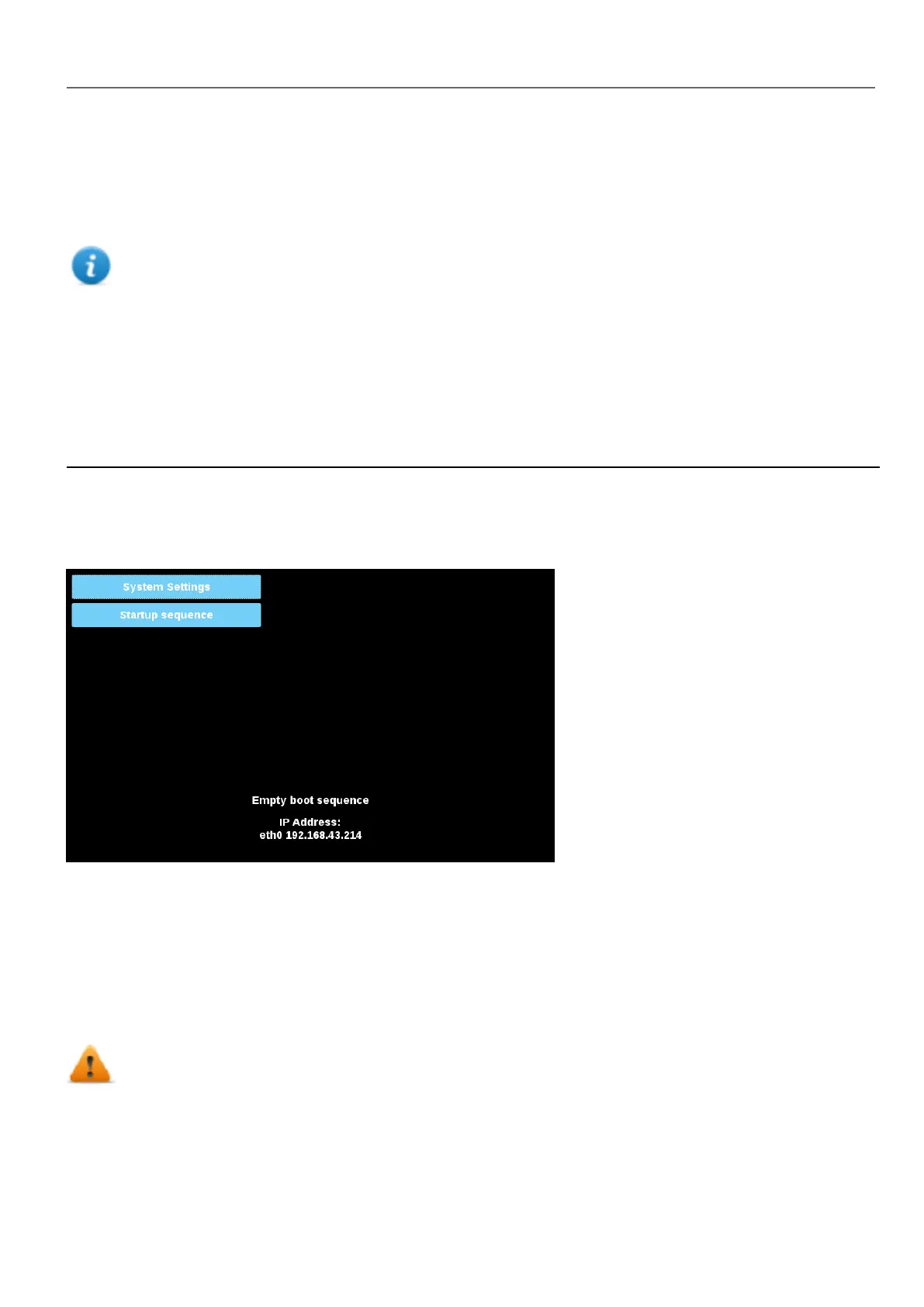
HMI devices are delivered from factory without Runtime, at first power up HMI shows the “Runtime Loader” screen.
Runtime can be installed:
l Automatically, via Ethernet on first project download with HMWIN Studio
l Manually via USB Memory, creating an “Update Package”
Install Runtime via Ethernet
To install Runtime via Ethernet follow the "Download to HMI device" on page68procedure.
WARNING: Runtime installation via Ethernet download requires the HMI to have a valid IP address.
The IP address can be assigned in three ways:
HMWIN Studio |User Manual| v206 (2017-06-30) | EN| © 2014-2017 Panasonic Electric Works Europe AG
387
37 System Settings



 To Next Page