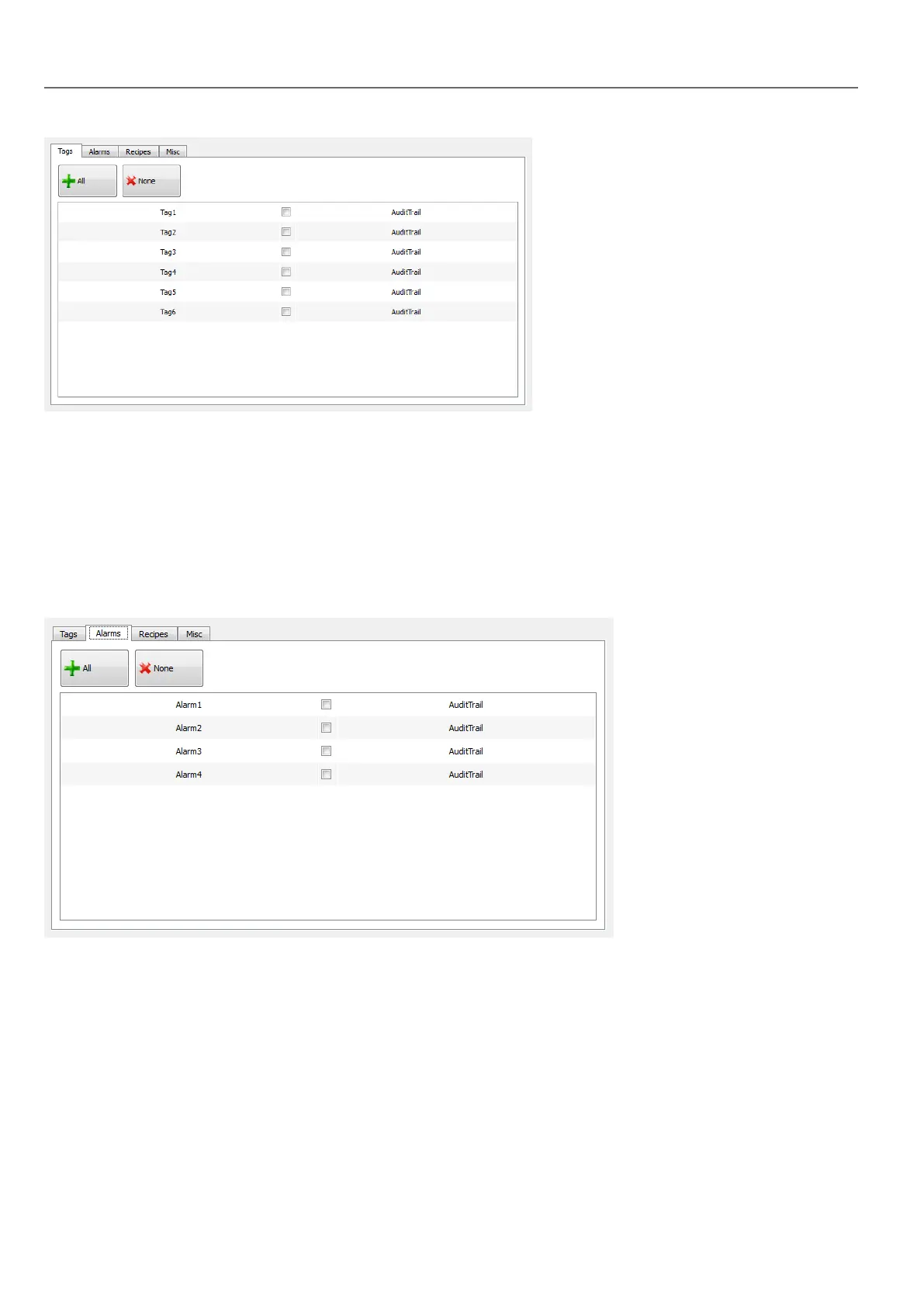
Configure alarms for audit trail
Path: ProjectView> AuditTrail> click AuditTrail
You can specify the alarms to be tracked by the audit trail.
1. In Audit Trail editor, select the Alarms tab.
2. Select all the alarms to log in the audit trail: all operations performed on the specified alarms will be logged.
Configure recipes for audit trail
Path: ProjectView> AuditTrail> click AuditTrail
Track only the recipes related to actions that you want to keep under control. For tracked recipes, all transfer operations will
be logged together with the time stamp and user that performed the operation.
242
HMWIN Studio |User Manual|v206 (2017-06-30) |EN|© 2014-2017 Panasonic Electric Works Europe AG
Configure alarms for audit trail



 To Next Page