Parameter Description
Version Protocol version available in HMWIN Studio for selected HMI
device.
Designing a page
Path: ProjectView > Pages
When a project is created, the first page is automatically added and shown in the Page Editor.
Adding objects to a page
Drag and drop objects from Widget Gallery to the page.
Adding a page
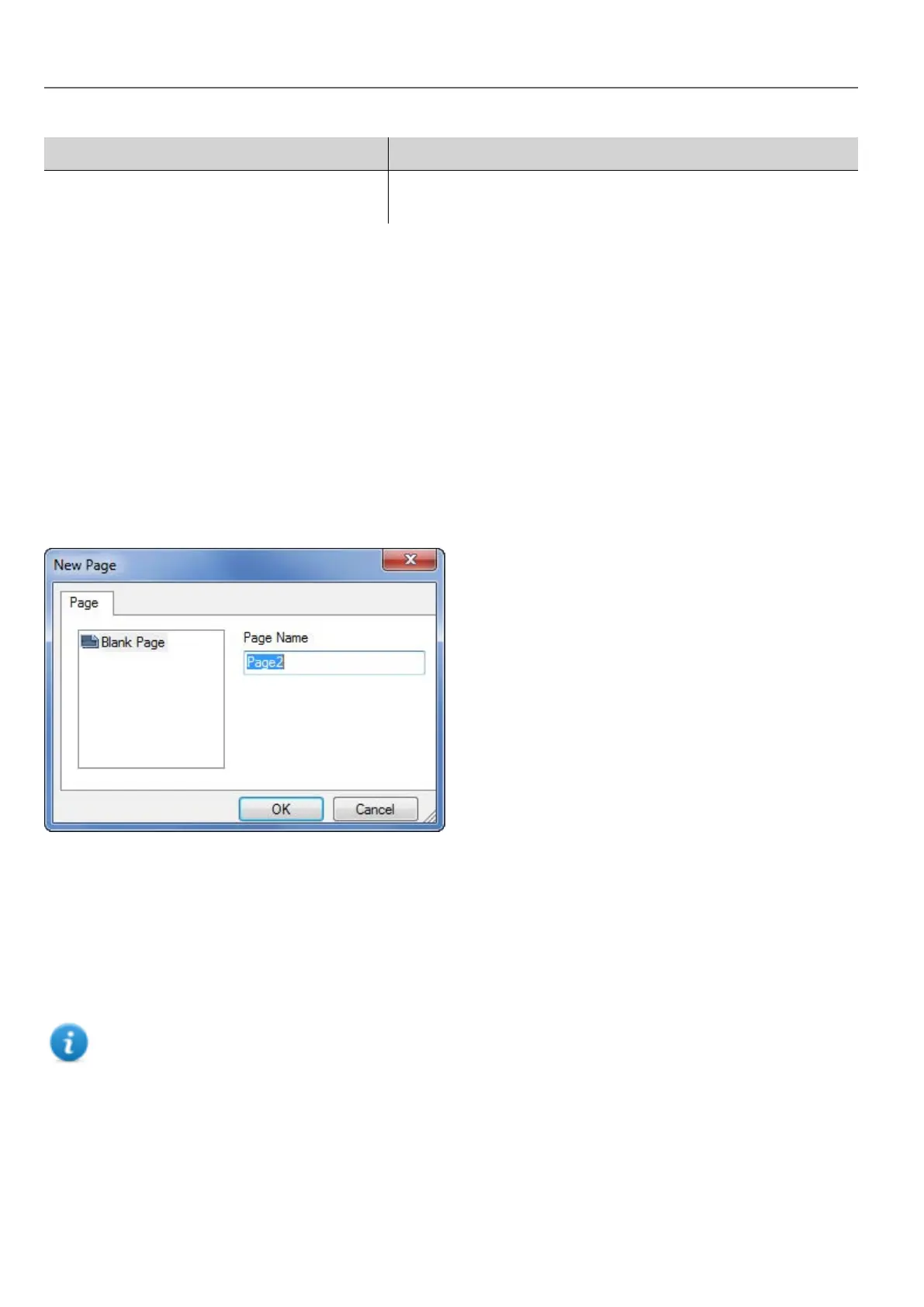
1. Right click the Pages node from the project tree and select Insert new page.
2. Type a name for the new page.
Importing a page
When importing a page HMWIN Studio will import the page layout and the page widgets without importing the actions and
data links attached to widgets. You can choose between two different behavior:
l importing only the pages and the widgets: in this case all actions and data link have to be defined
l importing pages with references to actions and data links: used tags must be present in the project for these
elements to work properly
Note: Page import can only be performed between projects made using the same software version. Save the
older project as the newer version, then try again.
1. Right click the Pages node from the project tree and select Import page.
2. Choose the page to be imported from the desired project then click OK: a warning message is displayed.
3. Click Yes to remove all the links to data and actions. Click No to maintain the reference to data links and actions.
Tags need to be available in the new project.
18
HMWIN Studio |User Manual|v206 (2017-06-30) |EN|© 2014-2017 Panasonic Electric Works Europe AG
Designing a page



 To Next Page