Grouping widgets
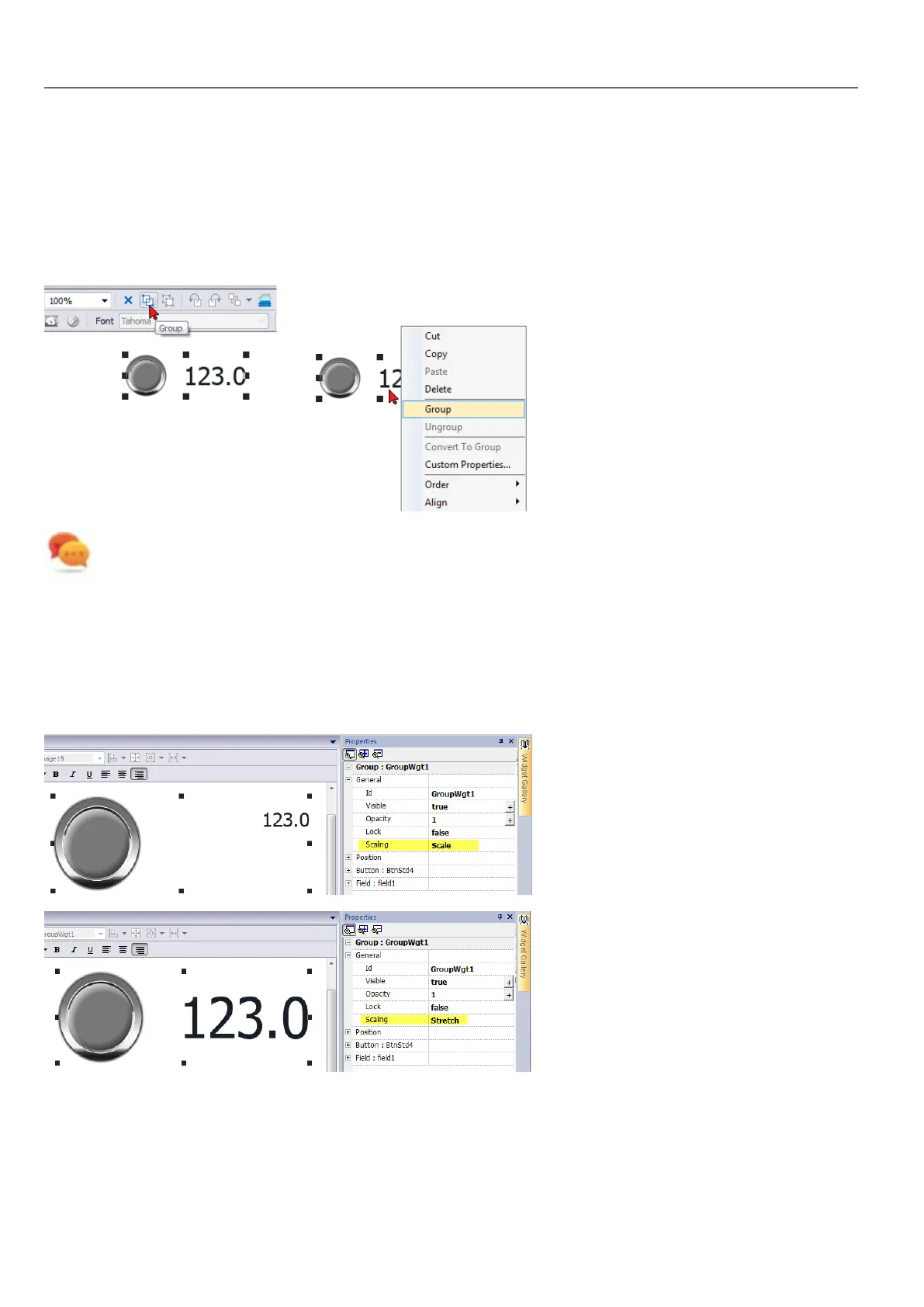
To group widgets:
1. Select all the widgets to group.
2. Right-click and then click Group.
Tip: Double click to enter the group editing mode. In group mode only the group widgets are editable and
selectable. All other widgets are partially hidden
Resizing grouped widgets
You can define how object reacts when re-sized. Use the Scaling property in General section:
l Scale: object and text are not re-sized proportionally
l Stretch: object and text are re-sized proportionally
Grid Layout Group
The grid layout add the possibility to configure the spatial relationships among the widgets of the group.
To create a grid layout:
40
HMWIN Studio |User Manual|v206 (2017-06-30) |EN|© 2014-2017 Panasonic Electric Works Europe AG
Grouping widgets



 To Next Page