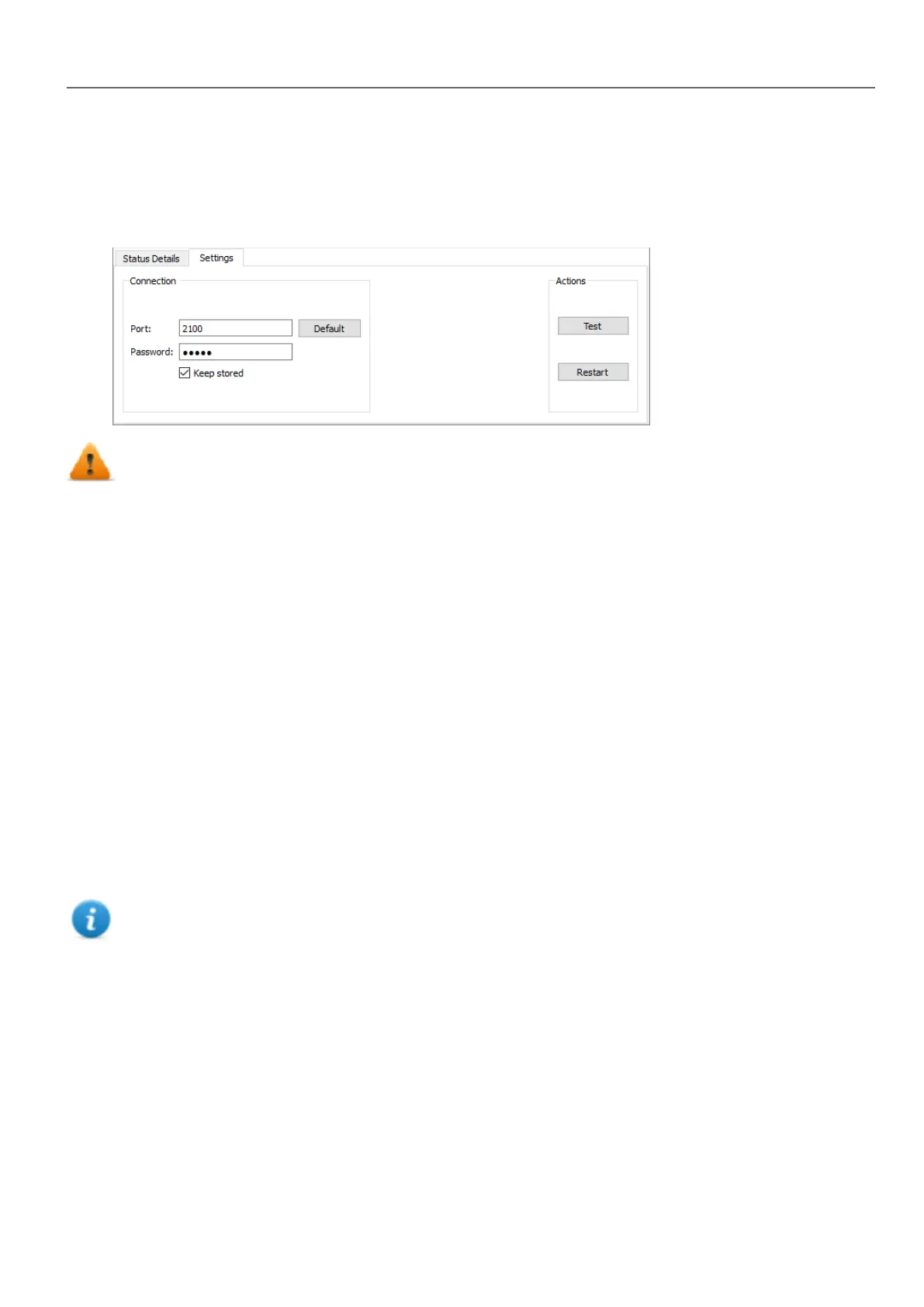
Settings
From the Settings tab you can specify the Port and the Password parameters to use to communicate with the HMI
devices. Leave Password empty if no password is set on the HMI device side.
WARNING: Bulk mode is working only with the HMI devices that have the same connection
parameters
Uploading a splash screen picture
You can replace the default splash screen image shown by the devices during the power up phase.
The image used as splash screen must comply with the following requirements:
Filename splash.bmp
Format Bitmap, RGB 565 format
Size < 500 KB
Bitmap width Even number (for example 430x239)
To upload the splash screen image:
1. Rename the new image splash.bmp and copy it in the source folder.
2. Select HMI devices
3. Click Download.
To ensure the best visual results, splash screen images must have a black background.
HMWIN Studio |User Manual| v206 (2017-06-30) | EN| © 2014-2017 Panasonic Electric Works Europe AG
419
40 Updating system components in HMI devices



 To Next Page