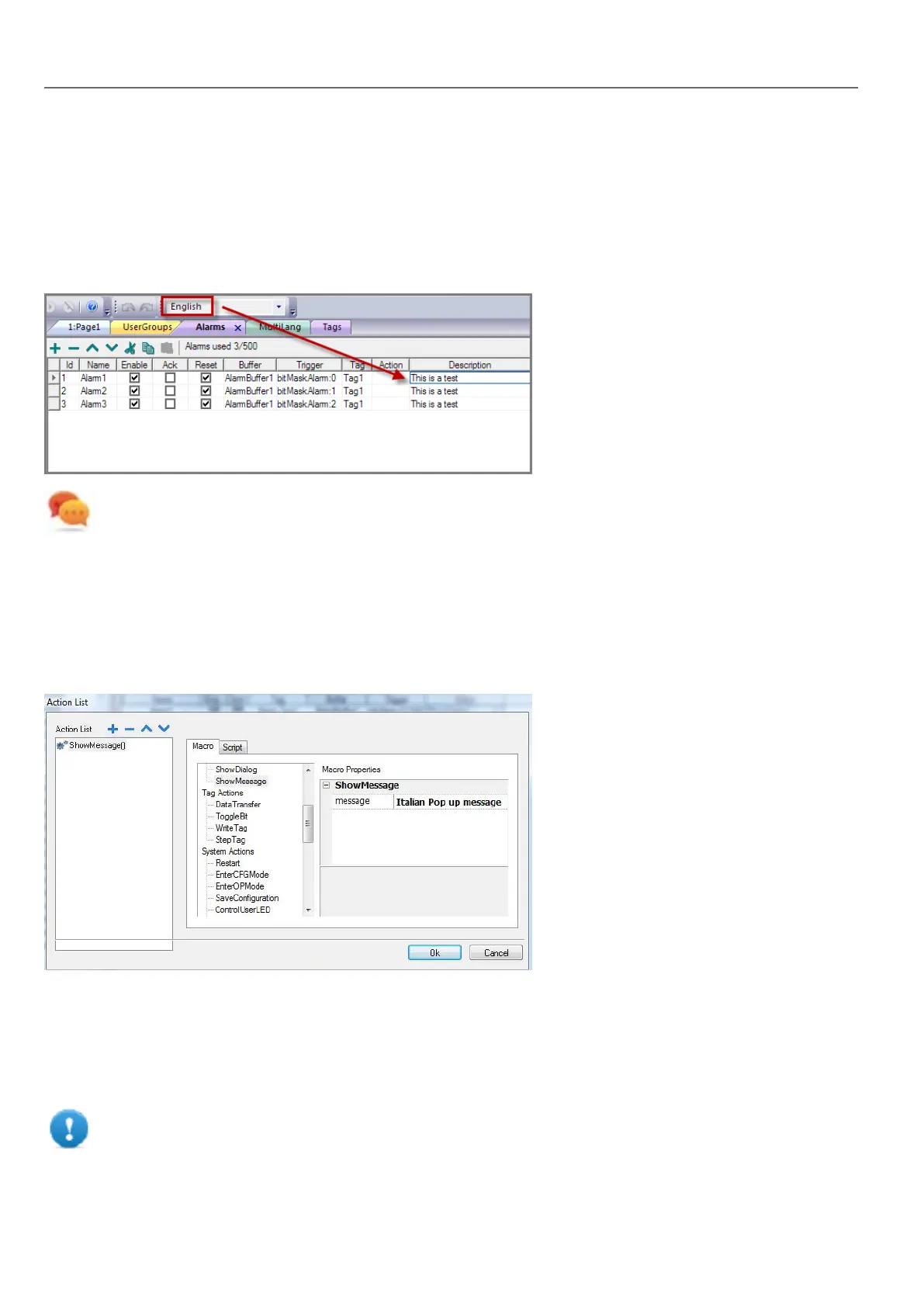
Multi-language for alarm messages
To add a multi-language strings for alarm messages:
1. Open the Alarm editor.
2. Select a language using the language combo box.
3. Enter the text for the alarm in the Description column.
Tip: Text labels with alarm states displayed by alarms widgets can be translated or personalized through the
Multilanguage text editor.
Multi-Language for pop-up messages
To add a multi-language pop-up message:
1. Select a language from the language combo box.
2. Add the Page action ShowMessage and enter the text in the selected language.
Exporting/importing multi-language strings
The easiest way to translate a project into multiple languages is to export all texts to a .csv file, translate the resulting
document and then import the translated text back into the project.
Important: The .csv file exported by HMWIN Studio is coded in Unicode, to edit it you need a specific
tool supporting Unicode encoded .csv files.
216
HMWIN Studio |User Manual|v206 (2017-06-30) |EN|© 2014-2017 Panasonic Electric Works Europe AG
Exporting/importing multi-language strings



 To Next Page