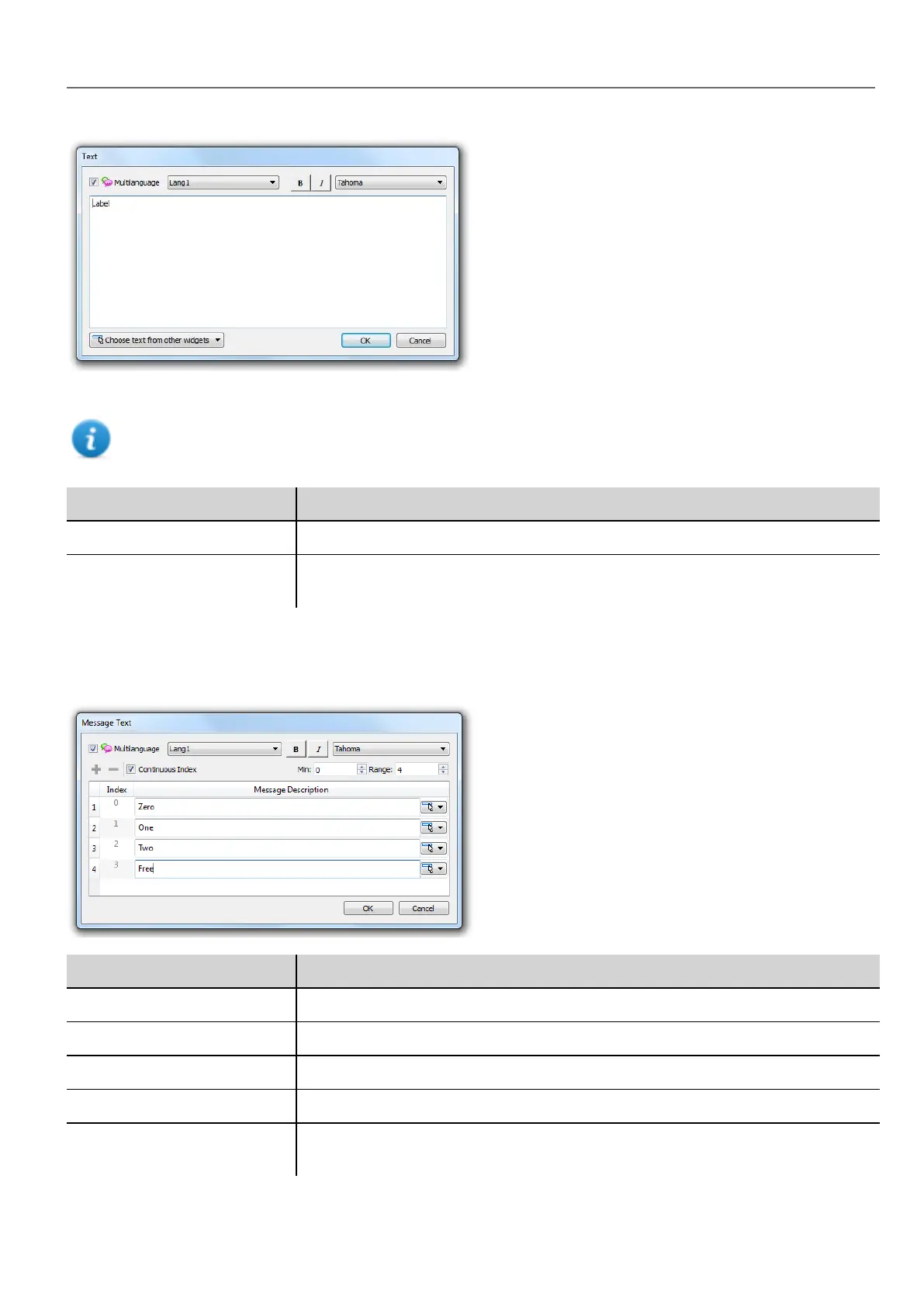
Enable/disable multi-language function, edit the text for the selected language and choose the font.
Note: Bold, italic and color properties set here for the widget are applied to all languages .
Parameter Description
Multilanguage Enable/disable multi-language function for the widget.
Choose text from other
widget
Click on button to browse existing message strings in project to pick text for the
widget.
Multi-language for message widgets
Double-click on a message widget in a page to open the Message Text dialog.
Parameter Description
Multilanguage Enable/disable multi-language function for the widget.
Continuous Index Index for the widget is set of contiguous numbers (example 3, 4,5,6)
Min Starting number for index
Range Number of messages
Choose text from other
widget
Click on button to browse existing message strings in project to pick text for the
widget.
HMWIN Studio |User Manual| v206 (2017-06-30) | EN| © 2014-2017 Panasonic Electric Works Europe AG
215
20 Multi-language



 To Next Page