4. Enable the checkbox Disable Audio.
5. Click Encode (Active Files) to start encoding of the videos.
Now you can open the videos with a standard video player, such as Windows Media Player and check the quality. You can
add the resulting video to the playlist of the Media Player widget.
Note : This video converter tool is not distributed with the HMWIN Studio.
Using Media Player in JavaScript
The Media Player widget can be also referenced in JavaScript programs with the following syntax:
//get the mediaplayer widget.
var mediaWgt = page.getWidget('MediaPlayerWgt2');
//load the play list
mediaWgt.setProperty('medialist', '/Storage Card/demo_3.avi,/Storage Card/video1_
3.avi');
// set the loopstyle 0 - noloop, 1 - loop one, 2- loop all, 3 - random
mediaWgt.setProperty('loopstyle', 2);
//start playing the first file.
mediaWgt.mediapath = '/Storage Card/demo_3.avi';
See "JavaScript " on page335 for details on how to work with JavaScript.
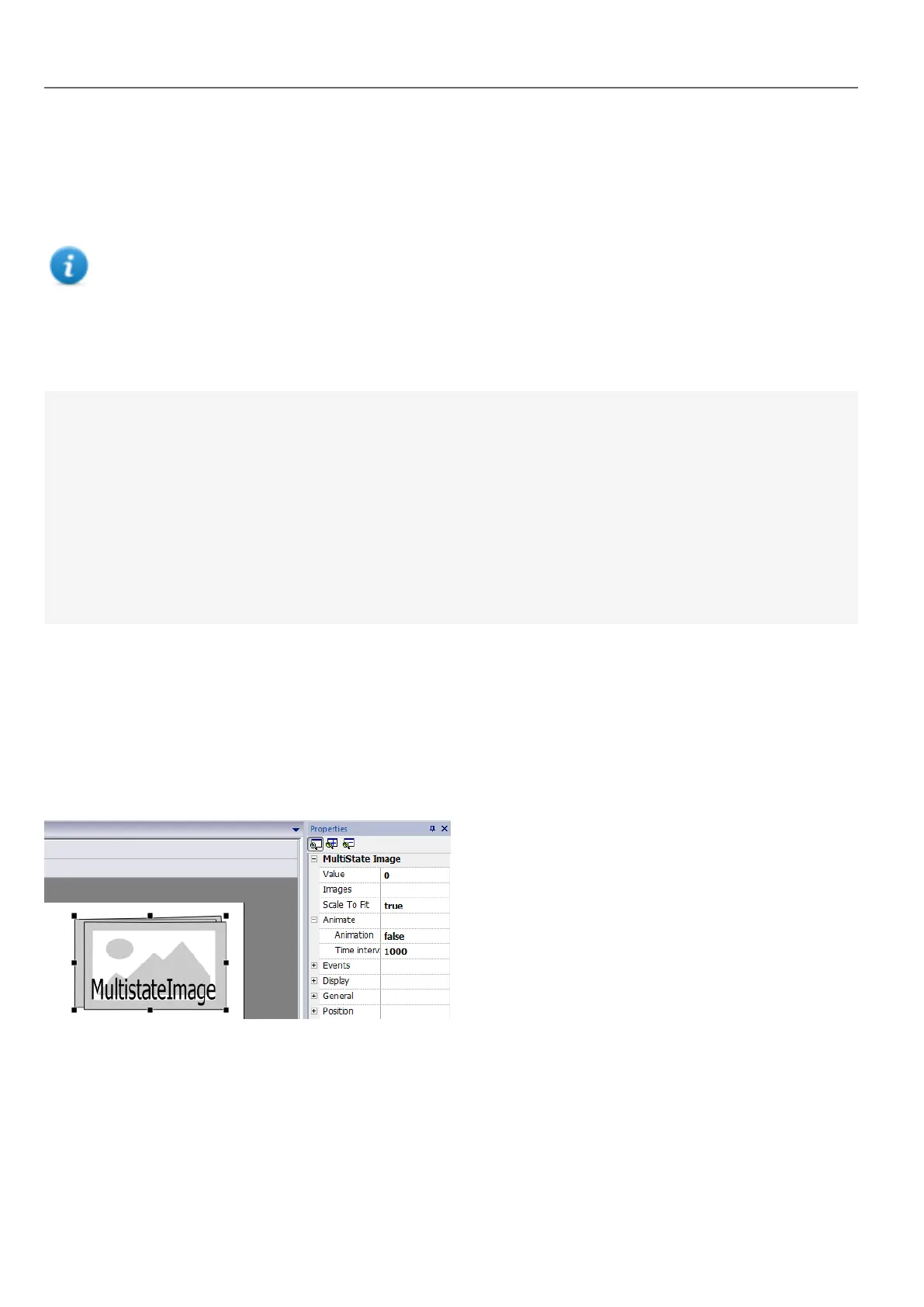
Multistate Image widget
Path: Widget Gallery> Basic> Images
Use this widget to display an image from a collection based on the value of a tag used as Index. You can use this widget
also for simple animations.
302
HMWIN Studio |User Manual|v206 (2017-06-30) |EN|© 2014-2017 Panasonic Electric Works Europe AG
Multistate Image widget



 To Next Page