l SwitchUser
l LogOut
See "User management actions" on page147for details.
Managing users at run time
The default user, if any, is automatically logged in when the HMIRuntime is started. If no default user is configured, the
system requires a user name and password. See "User management actions" on page147for details on the actions that
can be executed on users.
Removing user data
All the user information modified at run time is stored in dedicated files. To remove these dynamic files and all the changes
applied to user configuration at run time you can:
l on HMI Runtime: execute the action DeleteUMDynamicFile
l with HMWIN Studio: select the Delete Dynamic Files in the download dialog.
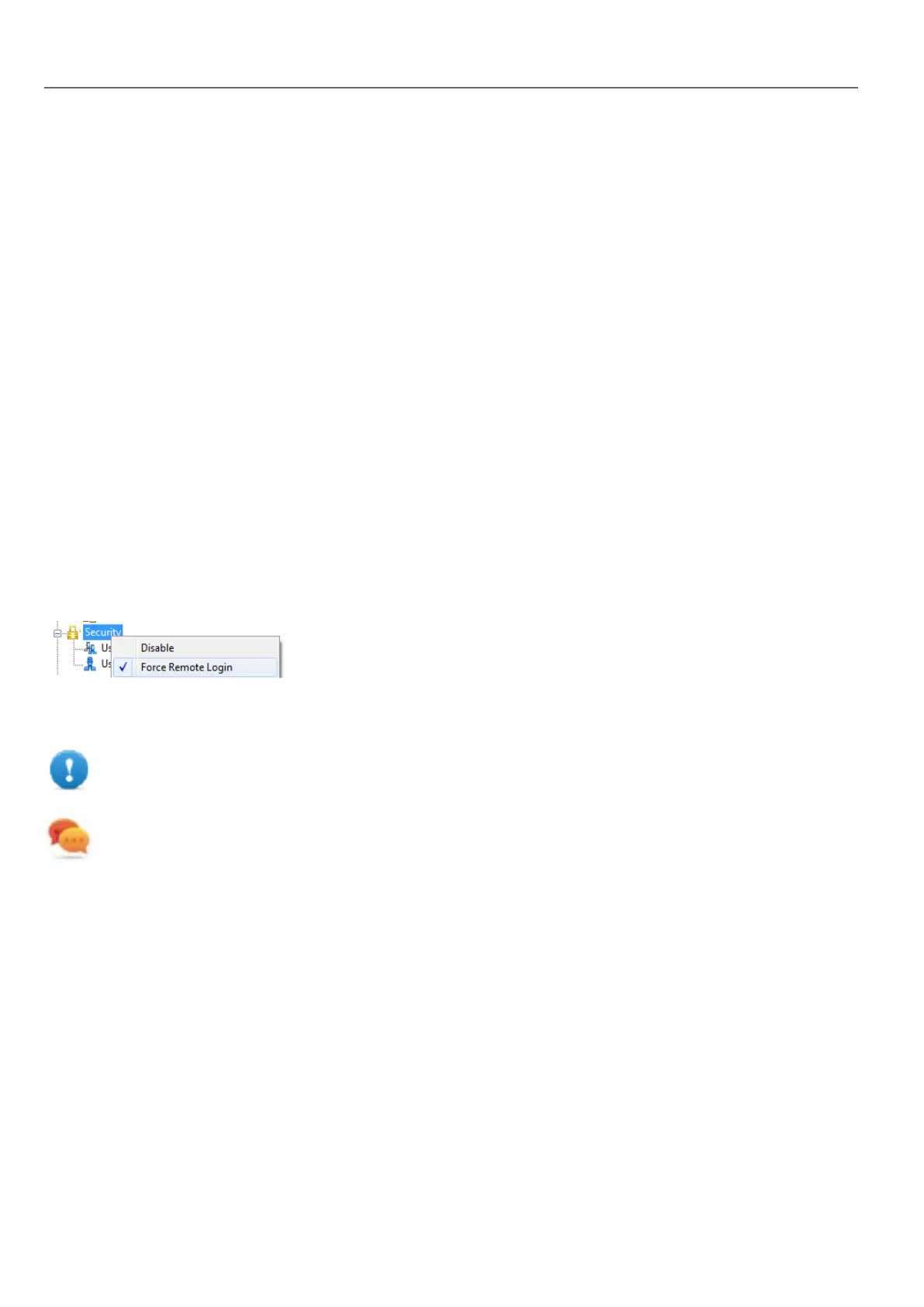
Force remote login
Path: ProjectView> right-click Security> Force Remote Login
Select this option to force user to log in when using remote access viaHMWIN Client. If not selected, remote access will
use the same level of protection of local access.
Important: This function only works when user management is enabled.
Tip: Use this option when you have a default user but at the same time you want to protect remote access.
See "Enable/disable security management" on page230for details.
The only files/folders still accessible when this flag is enabled are:
l PUBLIC folder and Index.html.
See "Modifying access permissions" on page231 for details on HTTP access limits.
238
HMWIN Studio |User Manual|v206 (2017-06-30) |EN|© 2014-2017 Panasonic Electric Works Europe AG
Managing users at run time



 To Next Page