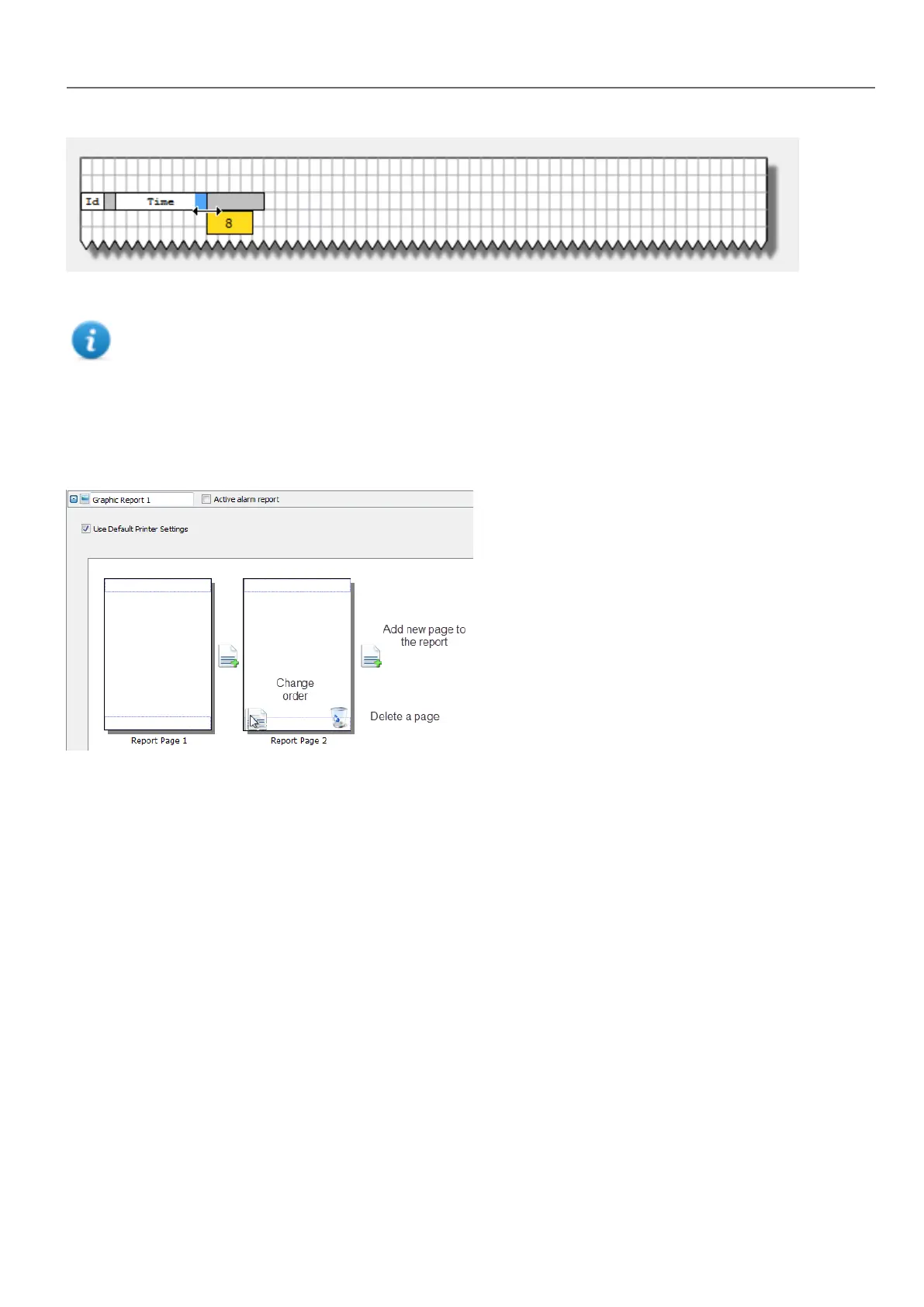
Re-size the field using the mouse, a tool tip shows the dimension in number of characters.
Note: If the text does not fit in the dedicated space, the auto wrap is applied.
Configuring graphic reports
Use the Report editor to configure graphic reports.
Adding a report page
Click + to add a new page to the report layout.
When the mouse goes over a page, two icons are displayed and allow you to reorder or delete the pages.
Modifying report page content
1. Double click on a page to edit its content: the Graphic Report editor appears.
Each page is divided in: header, footer and page body.
2. Double click on the area you want to edit: the edit area is shown in white, others are grayed out.
The Widget Gallery is context-sensitive and displays only the widgets available for the area you are editing.
Widgets available for reports
Widgets that can be used for a graphic report:
HMWIN Studio |User Manual| v206 (2017-06-30) | EN| © 2014-2017 Panasonic Electric Works Europe AG
247
24 Reports



 To Next Page