12 Using the integrated FTP server
HMI Runtime system uses an integrated FTP server.
Connect to the HMI device FTP server using any standard FTP client application. The FTP server responds on the
standard port 21 as default.
Important: The server supports only one connection at a time; if you are using a multiple connection
FTP client disable this feature on the client program or set the maximum number of connections per
session to 1.
FTP settings
FTP default credentials
When User Management/Security is disabled use the following credentials for incoming connections:
User name admin
Password admin
Changing FTP settings
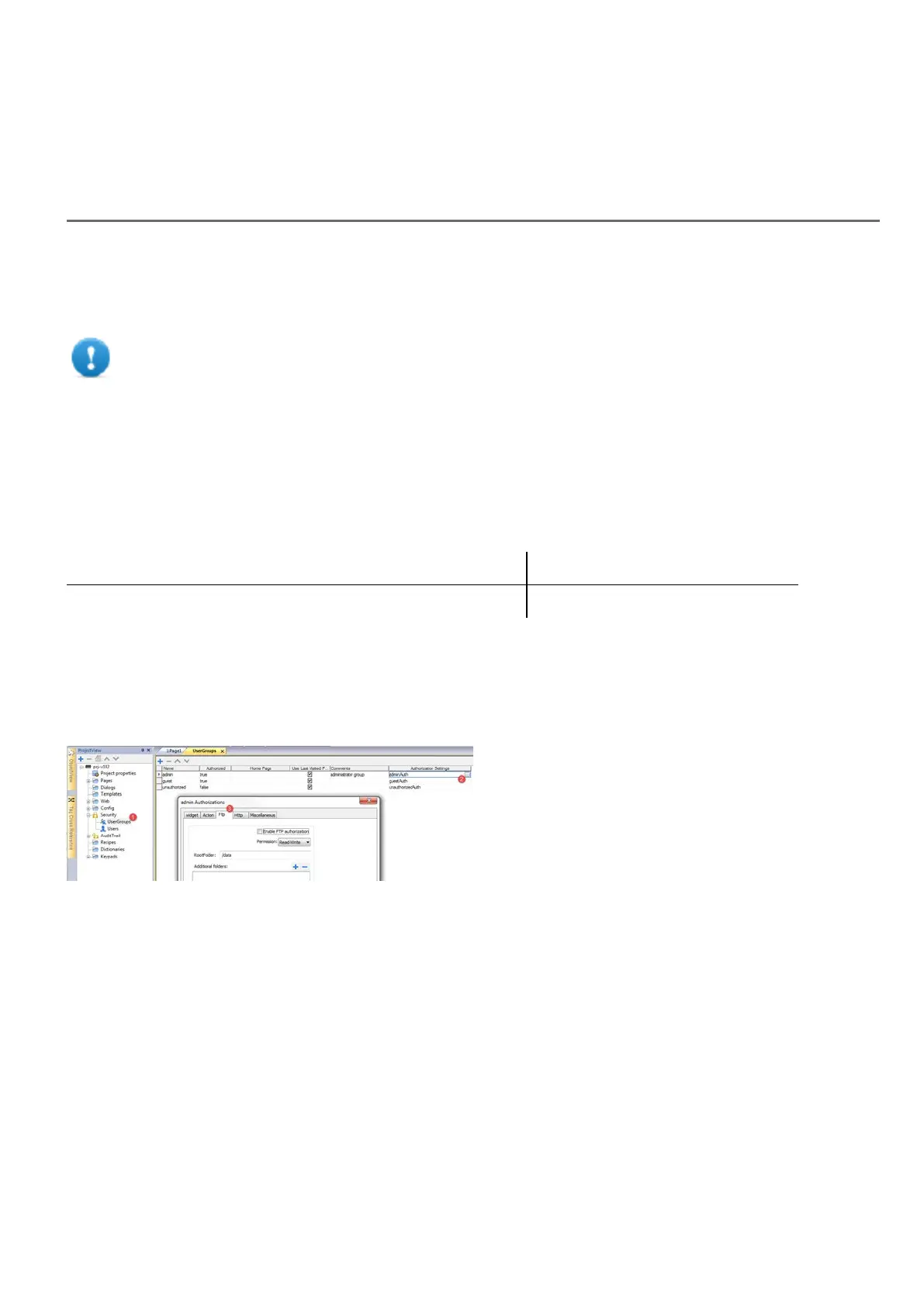
Path: ProjectView> Security> UserGroups > Authorization Settings
You can change FTP permissions and account information in the Ftp tab of the admin authorizations dialog.
See "Configuring groups and authorizations" on page230 for details.
HMWIN Studio |User Manual| v206 (2017-06-30) | EN| © 2014-2017 Panasonic Electric Works Europe AG
157



 To Next Page