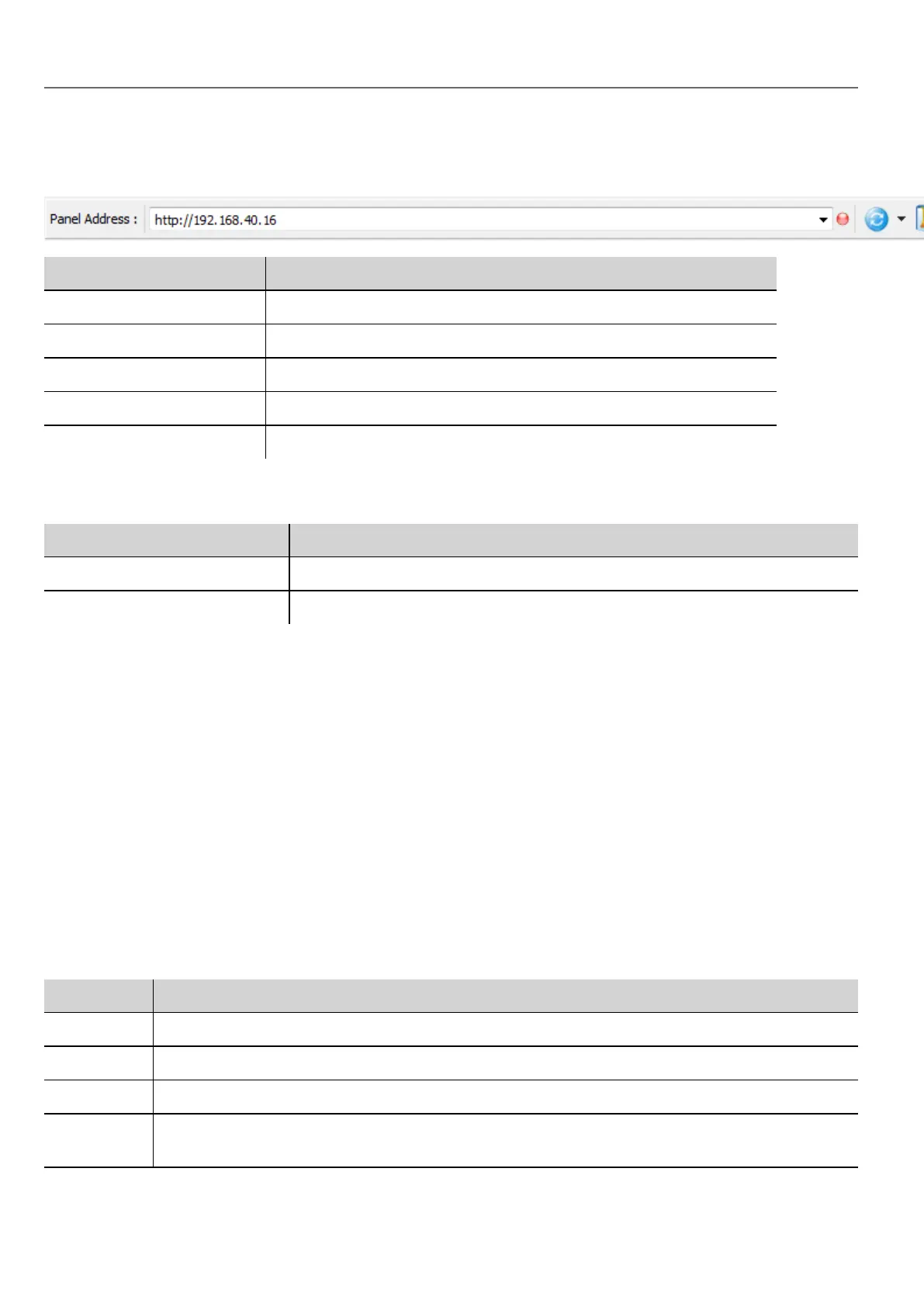
The Client application toolbar
Element Description
HMI server address HMIdevice address
Connection status Network request status. Red during data exchange.
Reload from cache Reloads project
BookMark Bookmarks preferred pages and reload them.
Settings Opens Settings dialog
Reload options
Option Description
F5 Reloads project from cache
Shift + F5 Downloads project to client
Workspace
Project files are uploaded from the device and stored in HMWIN Client into the following cache folder.
%appdata%\Panasonic\[build number]\client\cache
where:
[build number] = folder named as build number, for example 01.90.00.608.
Settings and time zone options
In the Settings dialog you can configure client settings and decide how to display project timestamp information.
HTTP settings
Parameter Description
Protocols Communication protocol used by HMWIN Client to communicate with an HMIdevice.
Update Rate Polling frequency to synchronize data from server. Default = 1 s.
Timeout Maximum wait time before a request is repeated by the HMWIN Client. Default = 5 s.
Reuse
connection
Enables reuse of the same TCP connection for multiple HTTP requests to reduce network traffic.
154
HMWIN Studio |User Manual|v206 (2017-06-30) |EN|© 2014-2017 Panasonic Electric Works Europe AG
The Client application toolbar



 To Next Page