Data simulation methods
Set tag simulation behavior in the Simulator field of Tag Editor.
Method Description
Variables Data is stored in a simulator variable. This variable holds the value of the tag so you can read and write the
value.
SawTooth A count value is incremented from Offset to Amplitude + Offset value with a Period of 60..3600 seconds.
When the counter reaches Amplitude + Offset, the value is reset to Offset and the counter restarts.
Sine
Wave
A sine wave value is generated and written to the tag value. Min, Max and Period values can be defined for
each tag.
Triangle
Wave
A triangle wave value is generated and written to the tag value. Min, Max and Period values can be defined
for each tag.
Square
Wave
A square wave value is generated and written to the tag value. Min, Max and Period values can be defined
for each tag.
See "Adding tags" on page21 for details.
Simulator settings
The Simulator works by default with simulated protocols. It can also work with real protocols (Ethernet or serial protocols)
Note: For protocols not supporting communication with external devices, such as the Variables protocol, this
option is always disabled.
Changing simulated protocols
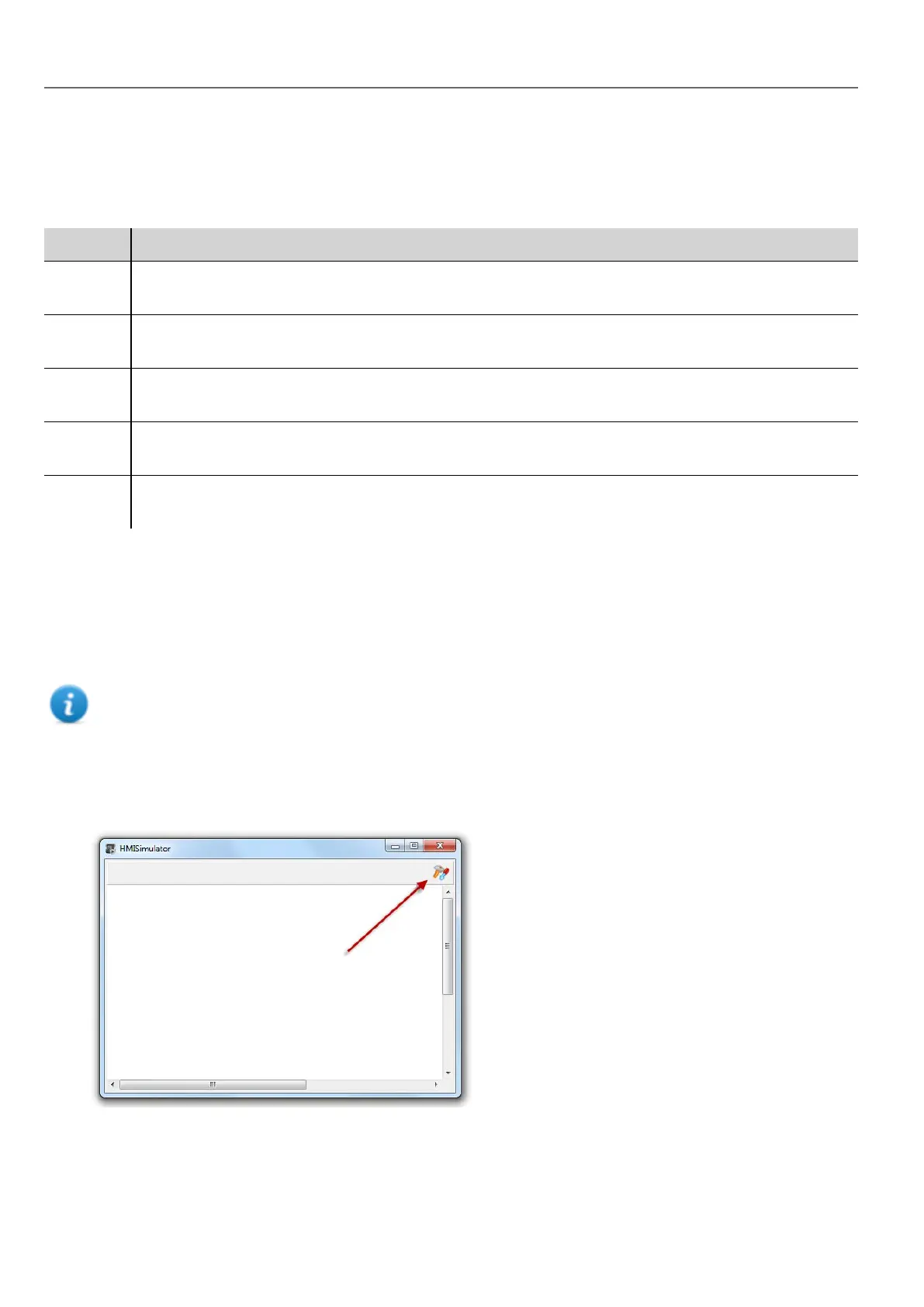
1. Click the simulator Settings icon.
64
HMWIN Studio |User Manual|v206 (2017-06-30) |EN|© 2014-2017 Panasonic Electric Works Europe AG
Data simulation methods



 To Next Page