Showing trend values
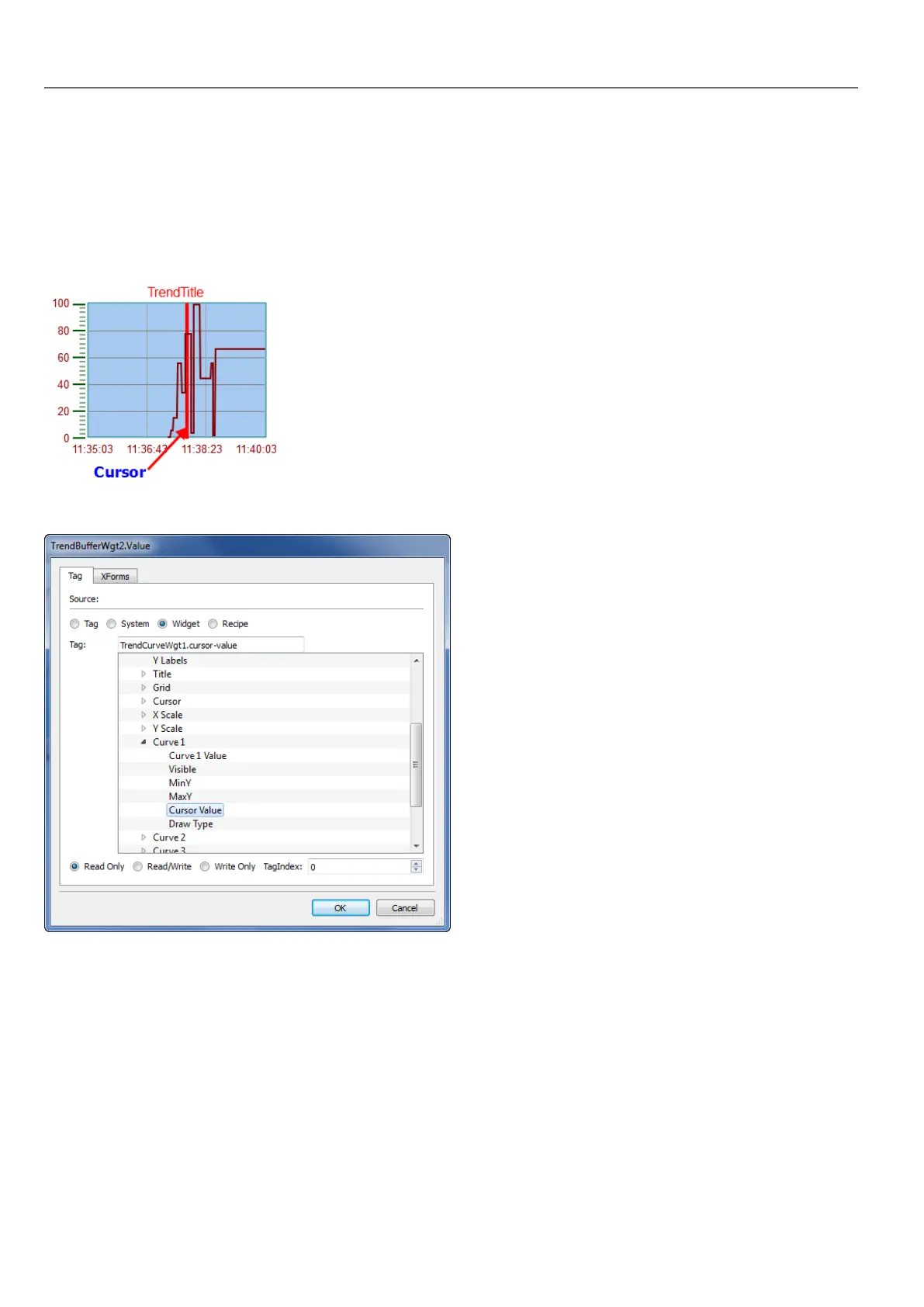
Trend cursor displays the trend value at a specific point.
Use the actions ShowTrendCursor and ScrollTrendCursor to enable the trend cursor and move it to the required point to
get the value of the curve at that particular point in time.
To display the value of the trend cursor on the page, define a numeric field and attach it to the Cursor Value widget tag.
In this example the Y axis value of the cursor is displayed.
To display the trend timestamp at the position of the cursor, define a numeric field and attach it to Cursor Timestamp
widget tag.
198
HMWIN Studio |User Manual|v206 (2017-06-30) |EN|© 2014-2017 Panasonic Electric Works Europe AG
Showing trend values



 To Next Page