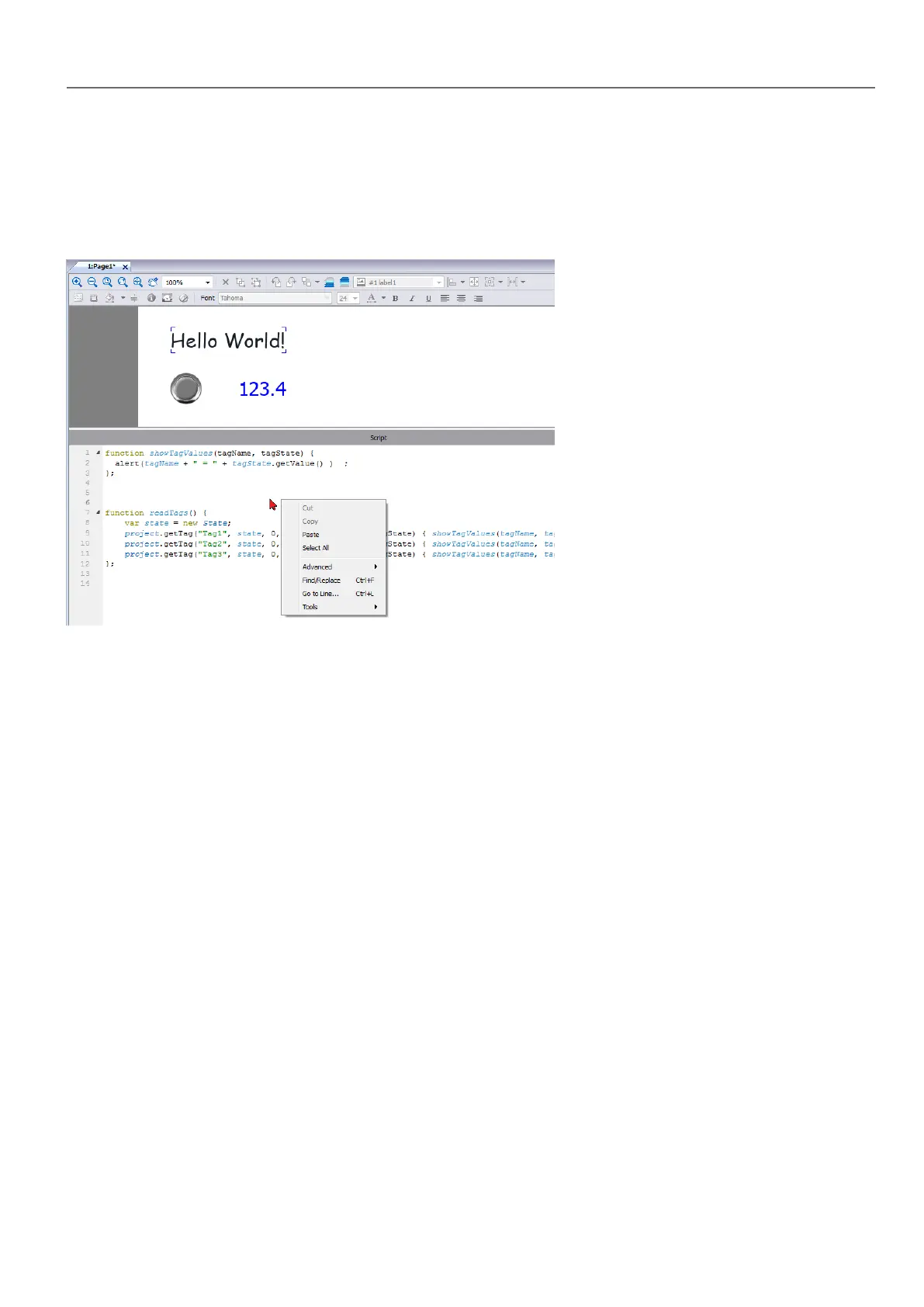
JavaScript editor
HMWIN Studio includes a powerful JavaScript editor.
Right-click in the editor to display available commands.
Execution of JavaScript functions
JavaScript functions are executed when events occur. For example, a user can define a script for the OnMouseClick event
and the JavaScript script will be executed when the button is pressed on the HMI device.
JavaScript functions are executed only when the programmed event occurs and not cyclically. This approach minimizes
the overhead required to execute logic in the HMI device.
HMWIN Studio provides a JavaScript engine running on the client side. Each project page can contain scripts having a
scope local to the page where they are added; global scripts can be created to be executed by scheduler events or alarm
events.
In both cases scripts are executed on the client. This means that if more than one client is connected to the HMI device (for
external computer running the HMWIN Client), each client will run the same script, providing different output results
depending on the input, since inputs provided to different clients may be different.
For example, if a script acts according to the position of a slider and this position is different on the different clients, the
result of the script will be different on each client.
JavaScript functions for page events
JavaScript editor will open when you add a JavaScript action inside an action list.
HMWIN Studio |User Manual| v206 (2017-06-30) | EN| © 2014-2017 Panasonic Electric Works Europe AG
337
35 JavaScript



 To Next Page