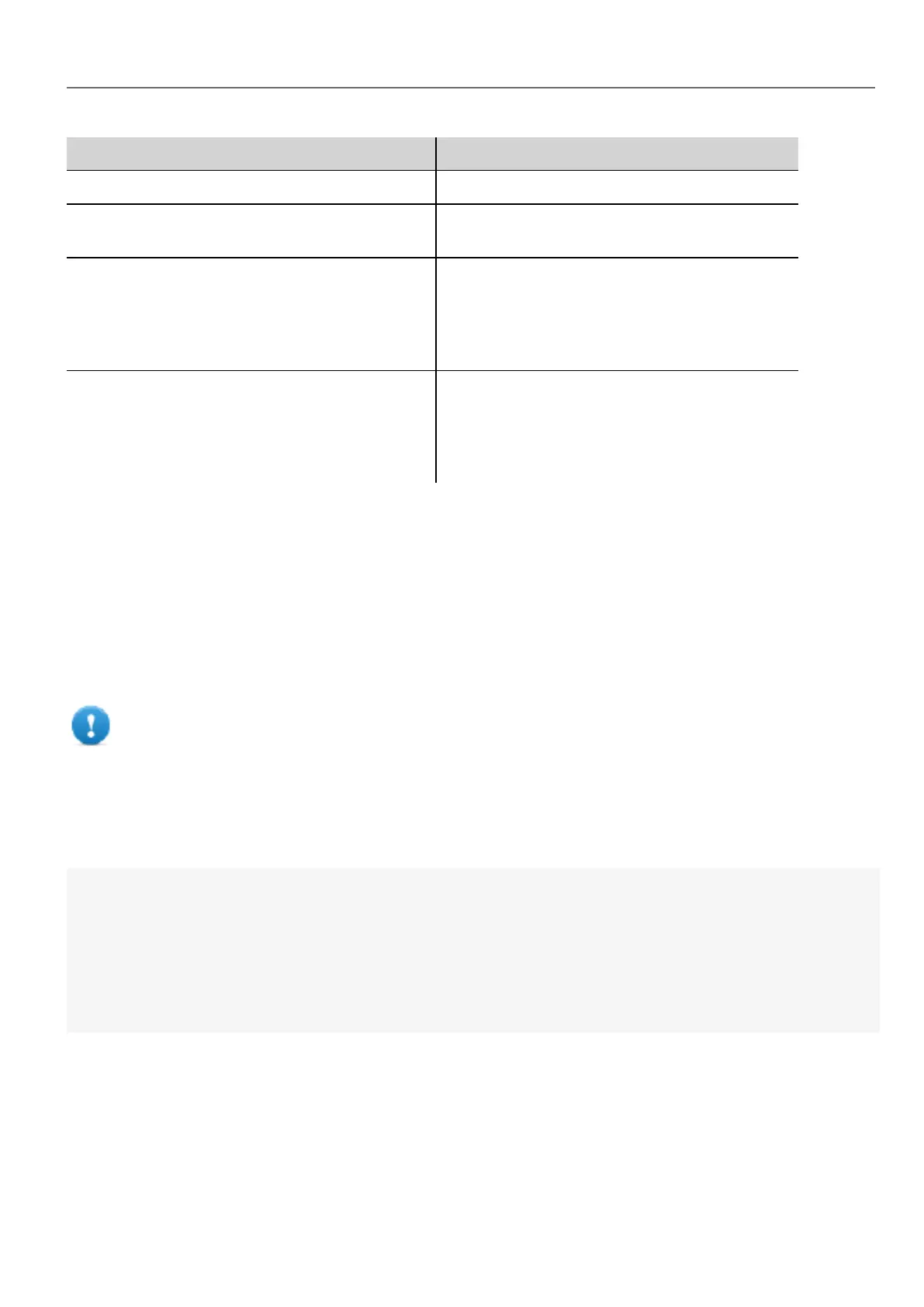
Object Description
The page is the top-level object of the screen.
Group This object associates a set of tags to allow uniform
operation on a set of logically connected tags
Project This object defines the project widget. The project
widget is used to retrieve data about the project such
as tags, alarms, recipes, schedules, tags and so on.
There is only one widget for the project and it can be
referenced through the project variable.
State This object is the class holding the state of a
variable acquired from the controlled environment.
Beside the value itself, it contains the timestamp
indicating when the value was collected and flags
marking the quality of the value.
Widget class objects
The Widget class is the base class for all the elements on a page including the page element.
Widget, in this case, is not used to indicate a specific screen object but a JavaScript class.
Changing widget properties with JavaScript
If you want to change the properties of widgets with JavaScript set the widget property Static Optimization to Dynamic.
Important: If the widget property Static Optimization is not set to Dynamic, changes to properties will
be ignored.
Whenever a call to getWidget fails, the remote debugger reports the following error:
“Trying to access static optimized widget "label1". Disable widget static optimization to access widget from script.”.
This error is visible also using following code fragment:
var wgt;
try {
wgt = page.getWidget('label1');
} catch(err) {
alert("" + err);
}
Widget properties
Some properties are common to all widgets.
HMWIN Studio |User Manual| v206 (2017-06-30) | EN| © 2014-2017 Panasonic Electric Works Europe AG
347
35 JavaScript



 To Next Page