9. Add as many color bands as you need, in this example 3 color bands.
10. Assign a band to each hour in the weekly table, in this example a red band (E1) is used to indicate the range of time
in the day/week where the cost of energy is the highest.
Note: You can apply a scale factor to each color band, if needed.
The result is a bar graph consumption meter showing daily consumption of energy in KW/h, with colors indicating the
different energy costs. The height of each bar represents the amount of energy in the time range considered, 1 day in this
example.
Use the action ConsumptionMeterPageScroll to scroll the bar graph back and forth and the action RefreshTrend to refresh
the bar graph since data is not refreshed automatically.
Important: No other Trend action is currently supported by the Consumption Meter widget.
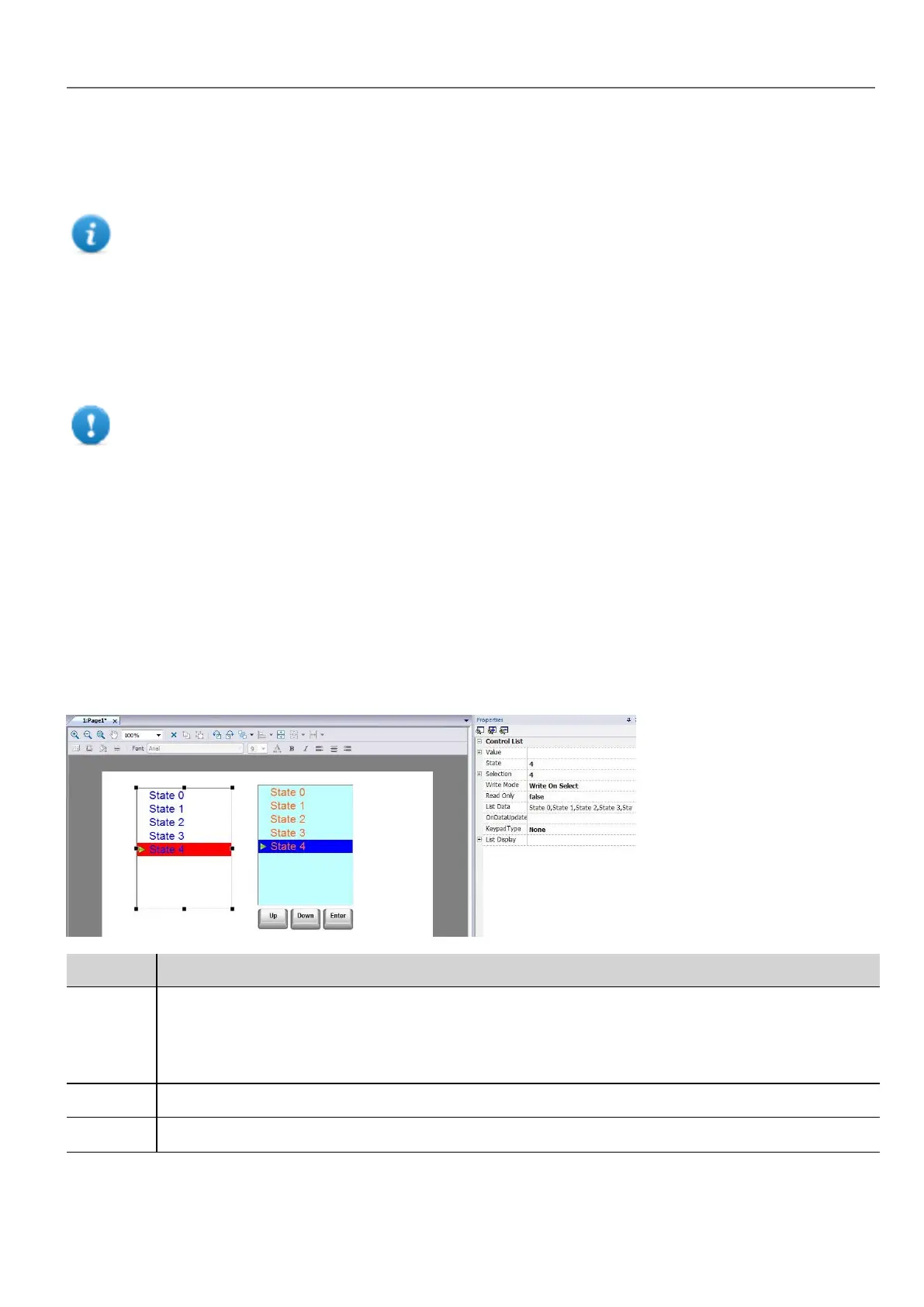
Control list widgets
Path: Widget Gallery> Advanced> Control List
Use these widgets to represent the status associated with a particular process and to control that process from the same
widget.
Two types of control lists are available:
l a group control list, with a limited set of navigation button already included, and
l a basic control list with no pre-configured button to be navigated using the touch screen feature.
Parameter Description
Value If Write mode is Write On Select: value of the item selected.
If Write mode is Write On Enter: value of item selected and confirmed pressing enter button.
This field can be attached to a tag to control selected and confirmed item.
State Default state when widget is loaded.
Selection Currently selected item, displayed as a highlight cursor moving up and down. This property can be attached
HMWIN Studio |User Manual| v206 (2017-06-30) | EN| © 2014-2017 Panasonic Electric Works Europe AG
291
32 Special widgets



 To Next Page