0x0100 File is executable by the user
0x0040 File is readable by the group
0x0020 File is writable by the group
0x0010 File is executable by the group
0x0004 File is readable by anyone
0x0002 File is writable by anyone
Important notes on file handling
Path for files and folders are expected to be UNIX style. This means the backslash character (\) is not recognized. Use
slash character (/) instead.
File system object is a client side object. So operations are performed on local file system, not on server file system.
Current JavaScript API to get access at the device file system has been designed to manipulate small files. When a file is
read, the entire file contents is temporarily stored inside the RAM available for JavaScript environment (16MB) and an
exception is raised when there is not enough available memory. Good programming practice is to include the
fs.readFile() call inside a try/catch block.
Limitations in working with widgets in JavaScript
Widgets cannot be instantiated by JavaScript, they can only be accessed and changed. If you need additional widgets on
the page, you can add hidden widgets on the page, and then display or position them using JavaScript.
Debugging of JavaScript
HMWIN Studio and HMI Runtime include a JavaScript debugger.
Two types of debuggers are available:
l Runtime debugger: a debugger running directly on the HMI device
l Remote debugger: a debugger running on a remote computer connected to the HMI device via Ethernet (usually
computer running HMWIN Studio)
Enabling debugging
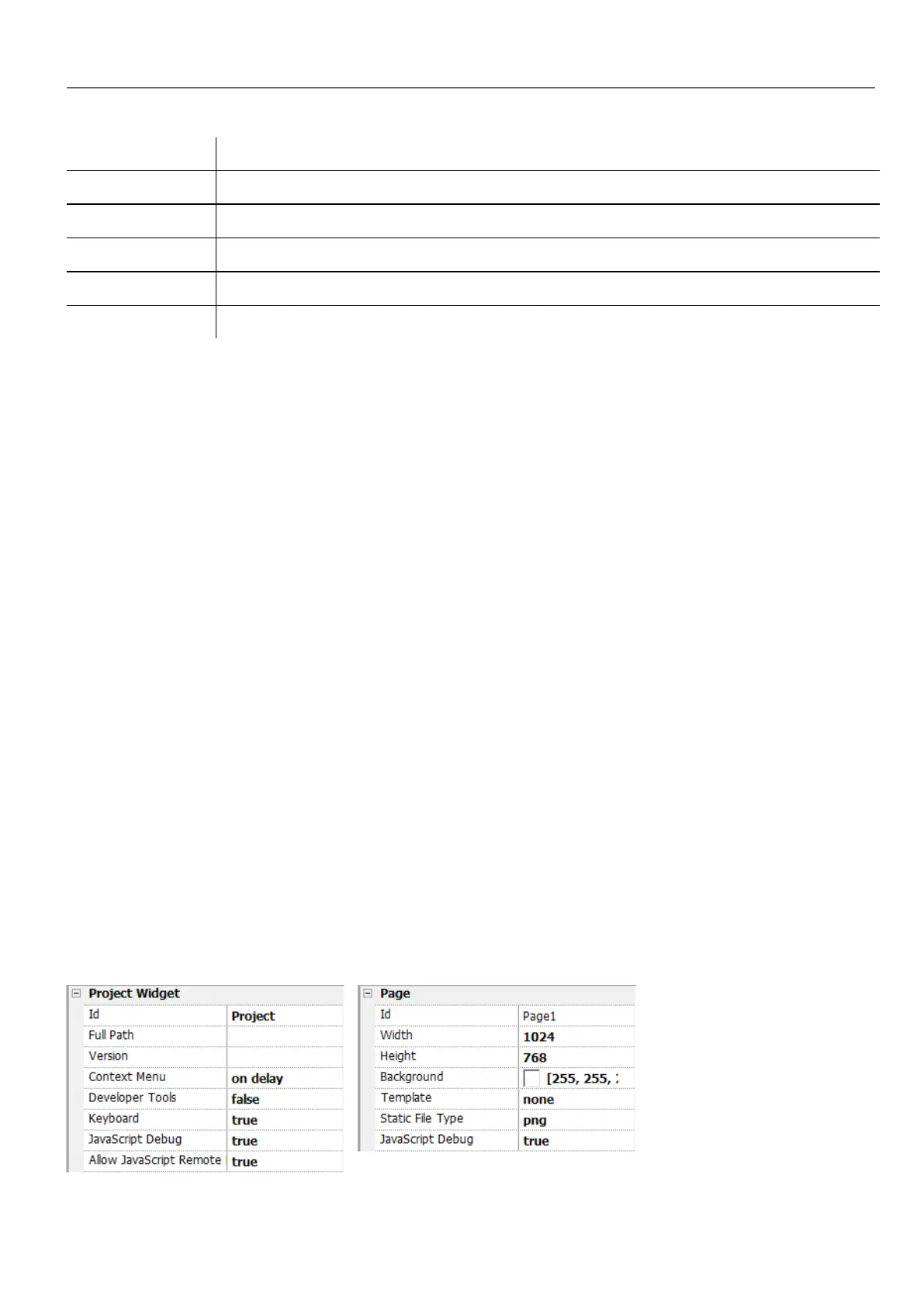
In the Properties pane of a page, set JavaScript Debug to true.
HMWIN Studio |User Manual| v206 (2017-06-30) | EN| © 2014-2017 Panasonic Electric Works Europe AG
373
35 JavaScript



 To Next Page