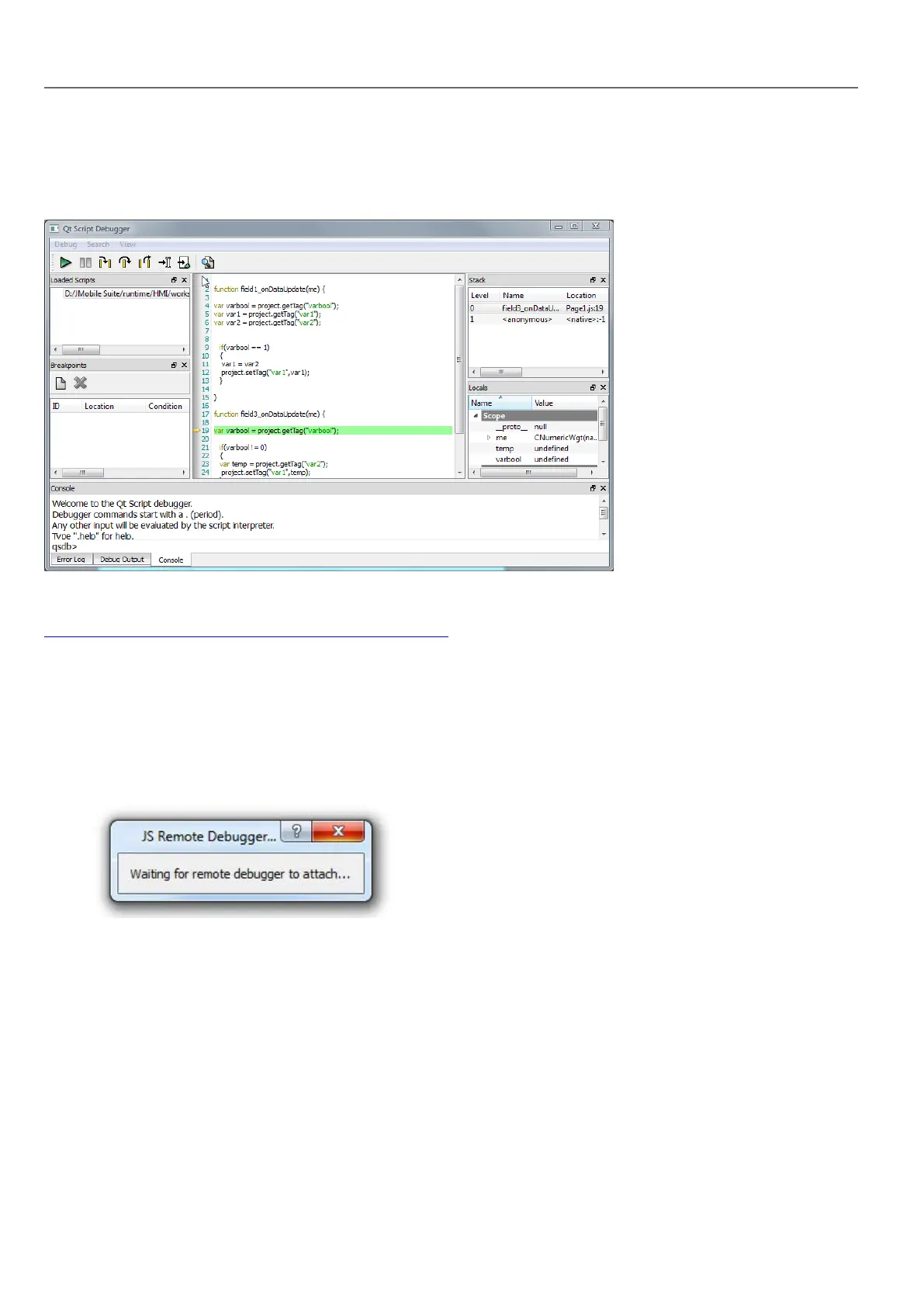
For schedulers and alarms debugging, enable JavaScript Debug in Project properties.
In the HMI Runtime, when the events are called, the debugger will show the debug information. In the Locals pane you can
inspect all variables and elements.
For a complete reference guide about JavaScript Debugger refer to :
http://qt-project.org/doc/qt-4.8/qtscriptdebugger-manual.html
Remote JavaScript Debugger
Path: Run> Start JS Remote Debugger
1. Set the Allow JavaScript Remote and the JavaScript Debug parameters in the project Properties to true in all the
pages where debugging is required.
2. Download the project: the following message is displayed on the runtime.
374
HMWIN Studio |User Manual|v206 (2017-06-30) |EN|© 2014-2017 Panasonic Electric Works Europe AG
Debugging of JavaScript



 To Next Page