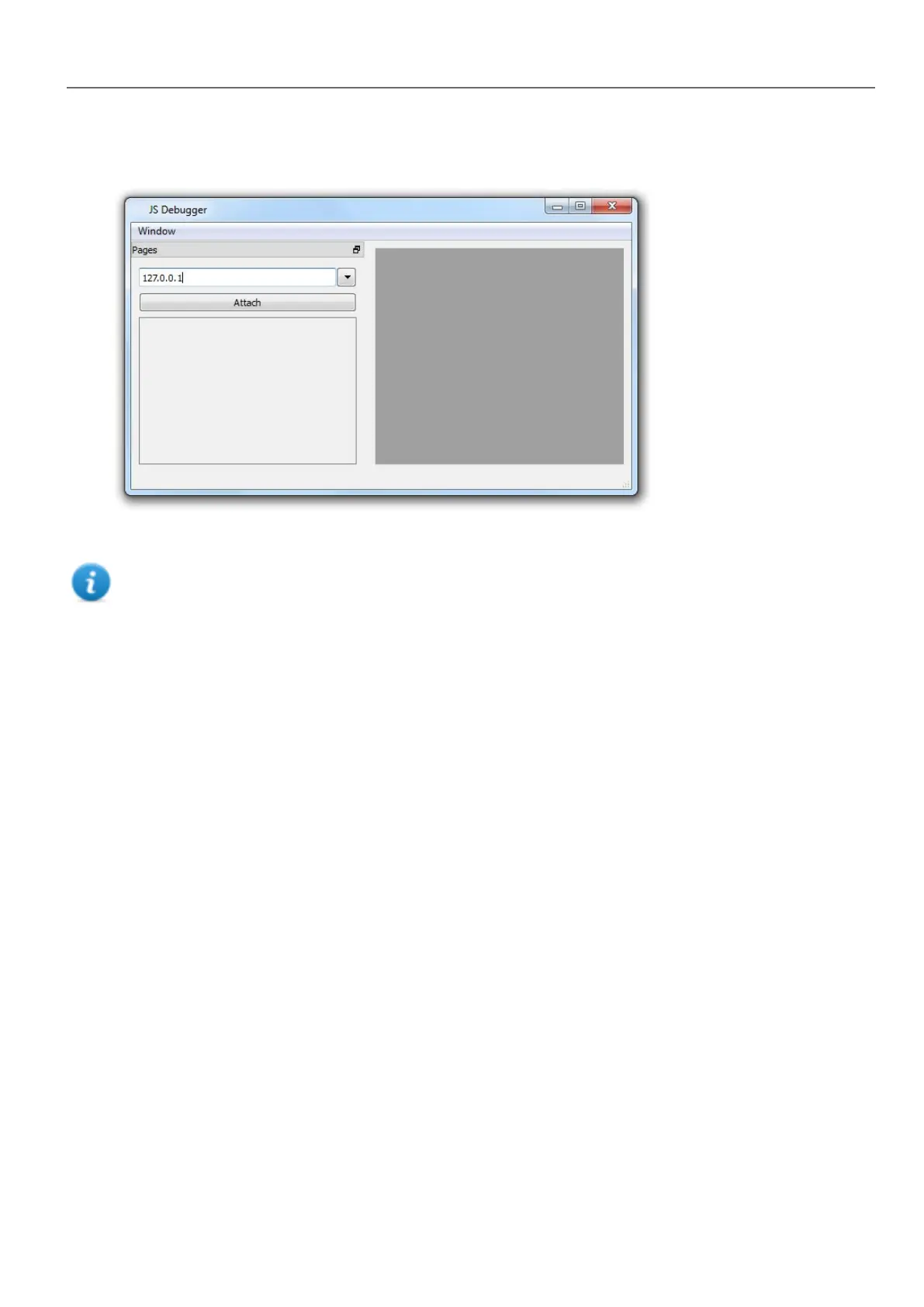
3. In the JS Debugger window, select the IP of the HMI device and click Attach to connect the debugger to the HMI
device.
Remote JavaScript debugger connects to HMI Runtime using port 5100/TCP.
Note: The Remote JavaScript debugger tool is not supported in HMWIN Client.
JavaScript Memory Usage
When the memory exceeds the maximum, an out of memory exception is thrown with a custom message. Please note that
we don't have a fine control over the actual memory usage so it is mainly a soft limit. Moreover we can't forbid the allocation
(this will break the engine implementation), so exception is thrown only when the memory is already over the limit. Before
raising the exception, a garbage collection is forced to see if some memory can be freed.
JavaScrip memory limit can be accessed from the global object $EngineMemory. The default is 16MB, which should be
enough for the typical JavaScript usage (mainly control, without many allocations).
l $EngineMemory.setLimit()
set maximum memory allowed for JavaScript (the default limit is 0x00FFFFFF)
l $EngineMemory.getLimit()
get maximum memory allowed for JavaScript
l $EngineMemory.getSize()
get currently used memory from JS (fastMallocStat)
Test memory exception
To generate and test memory exception you can use the following snipped. Please note that we need to reset the memory
limit to 0xffffffff to be able to run the alert, otherwise the memory allocations required to pop up the alert would fail.
HMWIN Studio |User Manual| v206 (2017-06-30) | EN| © 2014-2017 Panasonic Electric Works Europe AG
375
35 JavaScript



 To Next Page