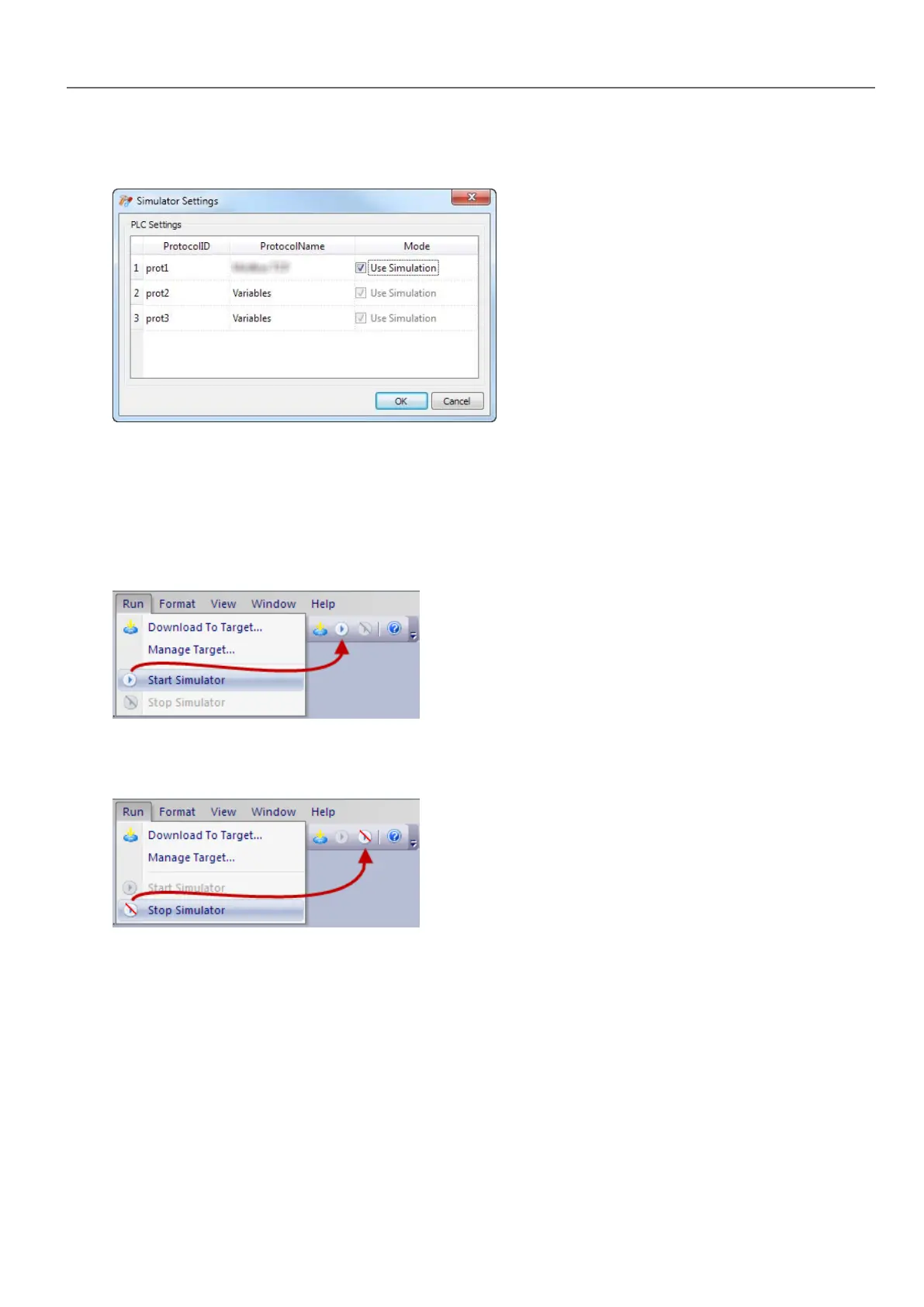
2. Select Use Simulation to use simulated protocols, otherwise real protocols will be used for communication with
external devices.
Launching and stopping the simulator
To launch the simulator:
1. On the Run menu, click Start Simulator: the Simulator runs on the computer in the same way as the server would
run on the HMIdevice.
To stop the simulator:
1. On the Run menu, click Stop Simulator or on the simulated page double-click the Exit button.
HMWIN Studio |User Manual| v206 (2017-06-30) | EN| © 2014-2017 Panasonic Electric Works Europe AG
65
6 The HMI simulator



 To Next Page