Import constraints
The following formats are supported for import:
l Comma Separated Values (.csv)
l Unicode Text (.txt)
Note: Use the Unicode Text file format when you import a file modified using Microsoft® Excel®.
Changing language at run time
Changing language with an action
After the project download, the HMIRuntime will start using the language set as default. You can change the language
using the SetLanguage action. See "MultiLanguage actions" on page119.
Note: Once the language has been changed, it will be used also in future sessions.
Missing fonts
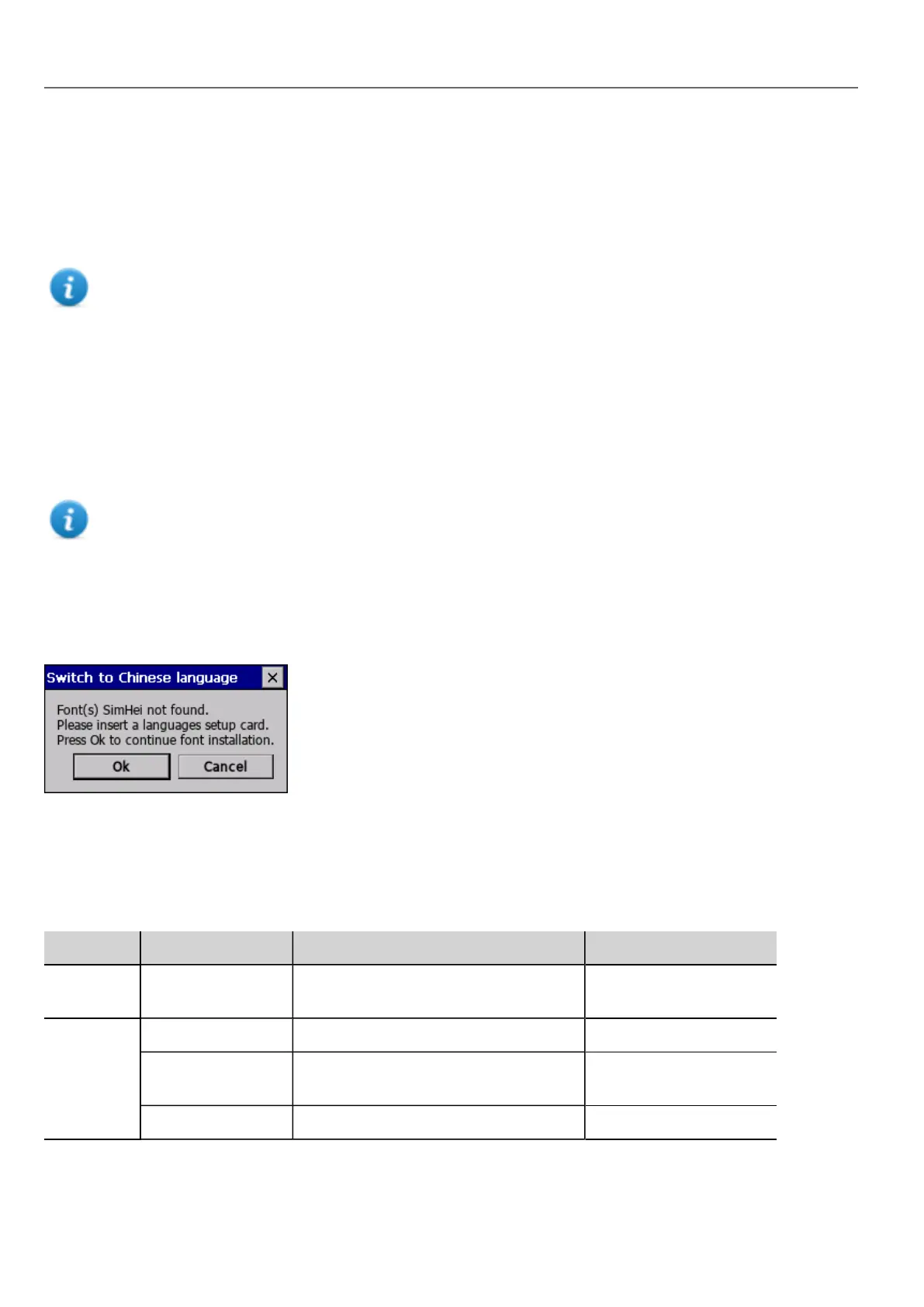
When you change language, if the required fonts are not available in the device memory, a pop-up message prompts you to
insert the memory card containing the missing fonts. At the end of the operation you can remove the memory card.
Limitations in Unicode support
HMWIN Studio has been designed for working with Unicode text. However, for compatibility issues with some platforms,
Unicode is supported only in a subset of properties.
Area Property Charset Accepted Reserved Chars/Strings
Protocol
editor
Alias ASCII [32..126] (space) , ; : . < * >'
Tag editor Name ASCII [32..126] . \ / * ? : > < | " & # %;=
Group ASCII [32..126] <New> \ / * ? : > < | " & #
% ;
Comment Unicode
218
HMWIN Studio |User Manual|v206 (2017-06-30) |EN|© 2014-2017 Panasonic Electric Works Europe AG
Changing language at run time



 To Next Page