Exporting and reimporting strings
Path: ProjectView> Config > double-click MultiLanguage
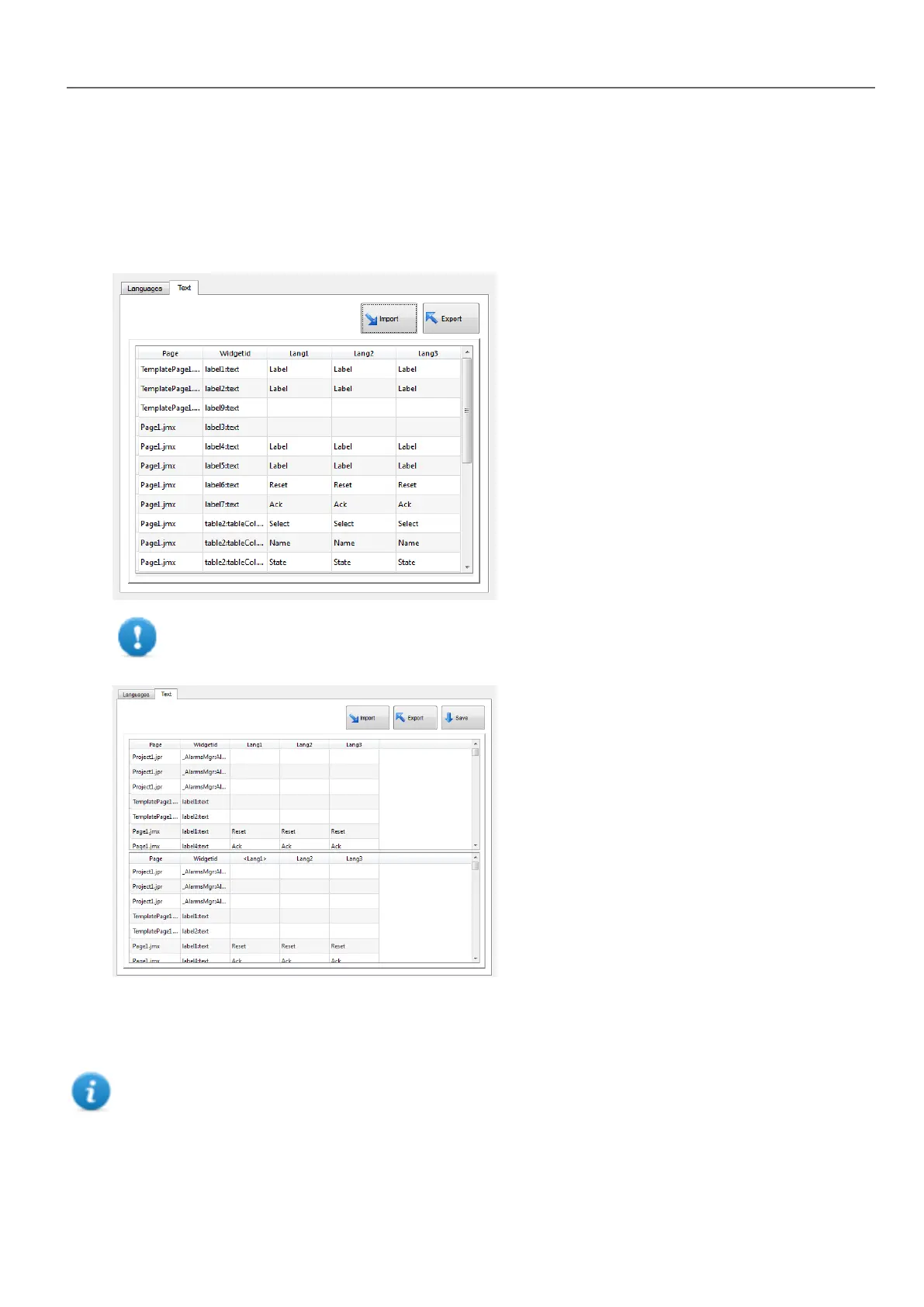
To export and re-import multi-language strings:
1. In the Text tab, click Export: all multi-language strings are exported to a .csv file.
Important: Set all languages that will be used in the project before exporting the file. This will
guarantee that the exported file will contain all columns and language definitions.
2. Once the strings have been translated, click Import to re-import them into the project: strings are imported matching
the widget ID and the page number of each widget.
3. Click Save to save the new widget data.
Note: To change the separator used in the exported file, change the regional settings of your computer. When
importing, the separator information is retrieved from the file; if not found, the default character "," is used.
HMWIN Studio |User Manual| v206 (2017-06-30) | EN| © 2014-2017 Panasonic Electric Works Europe AG
217
20 Multi-language



 To Next Page