Deleting or renaming custom keypads
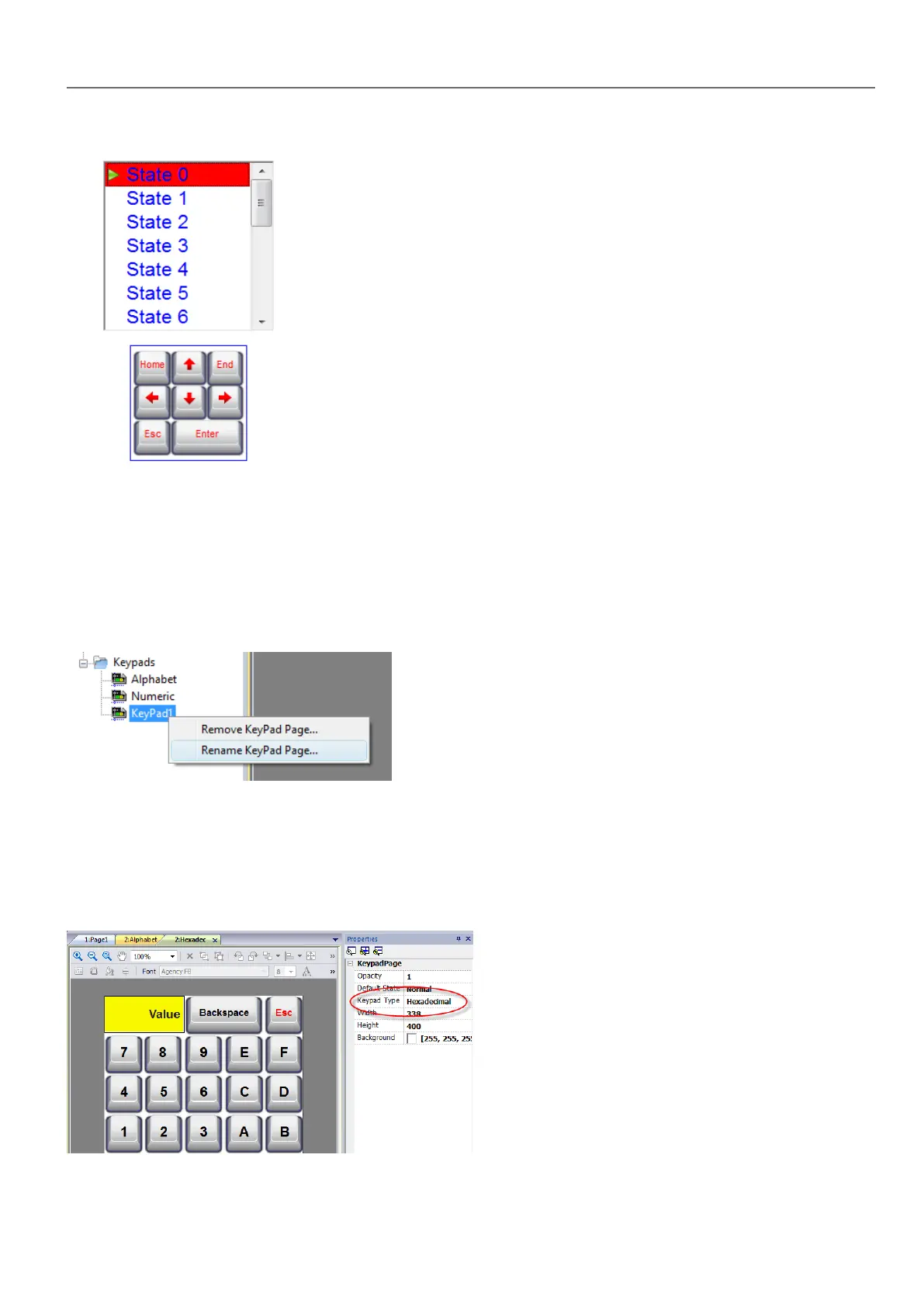
In ProjectView, right-click on a custom keypad and select one of the options:
l Remove KeyPad Page to remove the keypad from the project
l Rename Keypad Page to rename the keypad.
Keypad type
Path: ProjectView> Keypads > double-click a keypad > Properties
Set Keypad Type parameter for a keypad to define the type of data entry.
HMWIN Studio |User Manual| v206 (2017-06-30) | EN| © 2014-2017 Panasonic Electric Works Europe AG
261
27 Keypads



 To Next Page