Location files position
Application Location file path
HMWIN Studio Panasonic\HMWIN\languages\shared\studio\config\Target_Location.xml
HMI Devices Panasonic\HMWIN\runtime\<HW Platform>\config\Target_Location.xml
Simulator Panasonic\HMWIN\simulator\config\Target_Location.xml
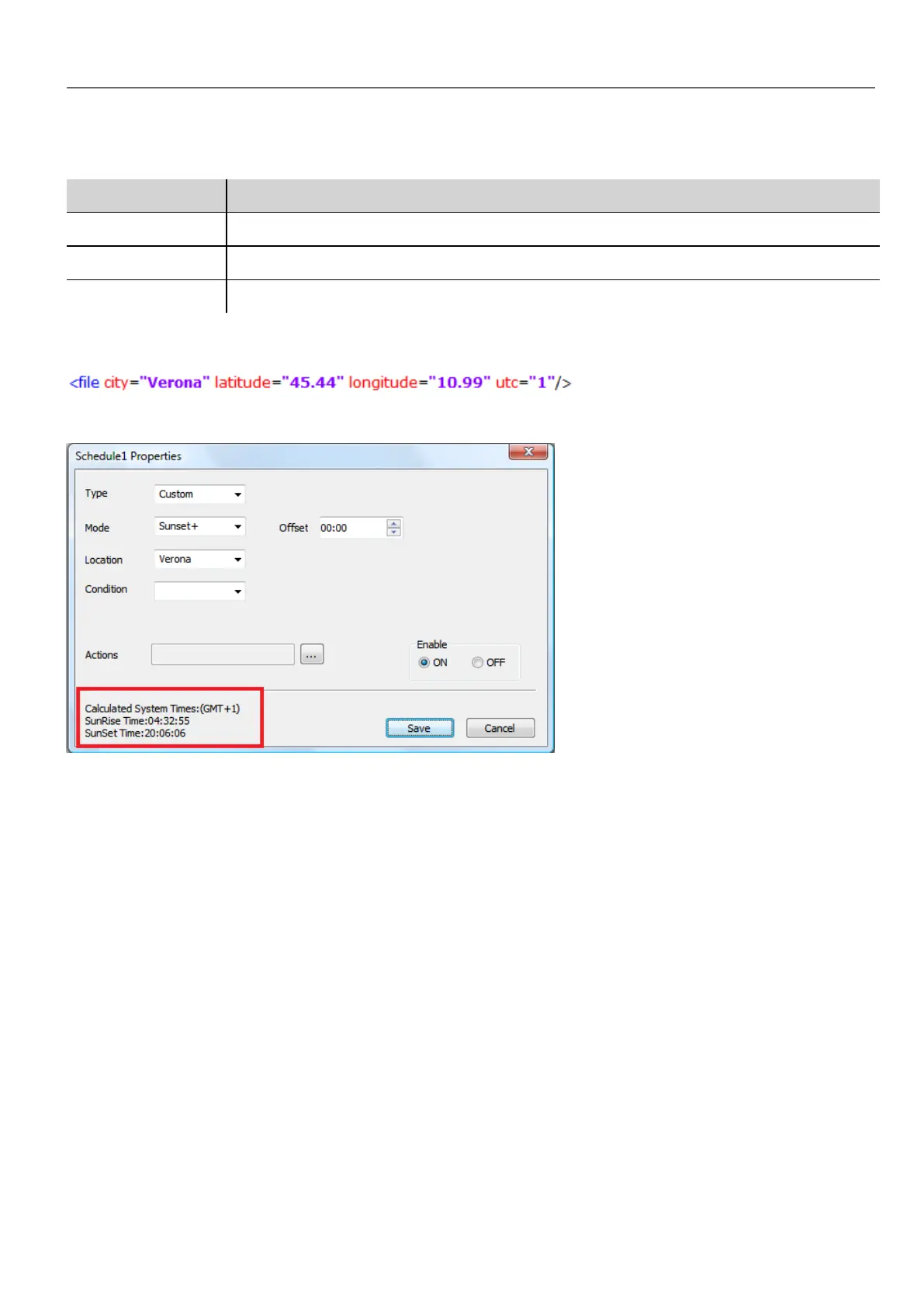
For example, the information for the city of Verona (IT) is shown below:
Location information is also displayed in the dialog together with sunset and sunrise times.
Configuring the Scheduler widget
To display scheduler data on a page:
HMWIN Studio |User Manual| v206 (2017-06-30) | EN| © 2014-2017 Panasonic Electric Works Europe AG
225
21 Scheduler



 To Next Page