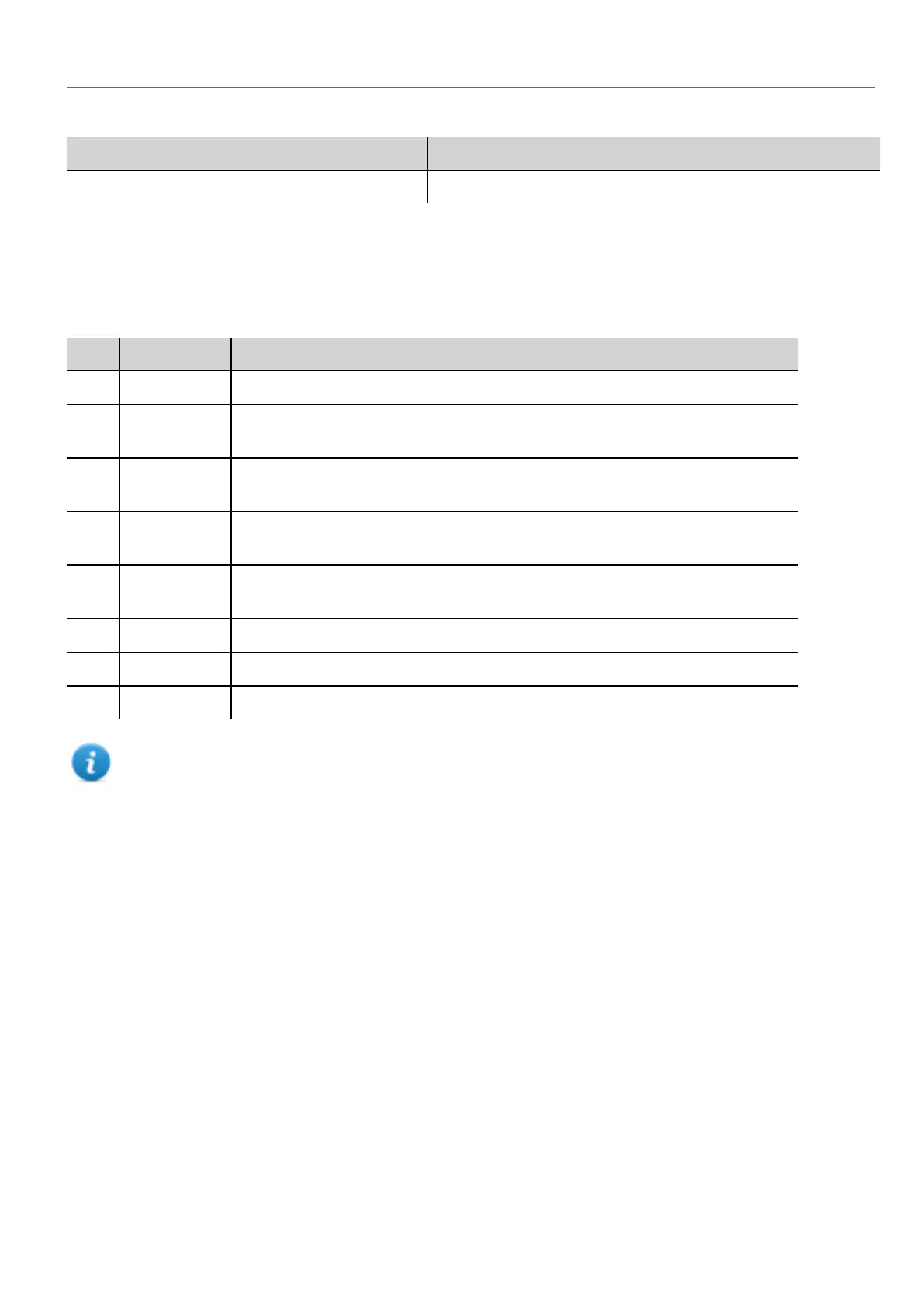
Parameter Description
Recipe Name Name of the recipe
Recipe status
After every recipe upload or download, or recipe set modification, the recipe Status parameters contain a value with the
result of the operation.
Code Function Description
0 Set modified Selected set changed
1 Download
triggered
Download request triggered
2 Download
Done
Download action completed
3 Download
Error
Error during download (for example, unknown set, unknown recipe, controller not
ready, Tags write failed etc.)
4 Upload
triggered
Upload request triggered
5 Upload done Upload action completed
6 Upload Error Error during upload - same as for download
7 General Error General error (for example, data not available)
Note: On device startup the value of recipe Status is 0.
Uploading/downloading a recipe
Uploading a recipe
You upload a recipe to an HMI device using a recipe widget and the UpLoadRecipe, UpLoadCurRecipe action in one of
the following ways:
l attach the action to an event of a button or a switch (see ""Attach to" parameters" on page30 for details)
l configure the action in an alarm action list (see "Alarm actions" on page118 for details)
l configure the action in a scheduler action list (see "Scheduling events at run time" on page226 for details)
Downloading a recipe
You download a recipe from an HMI device using a recipe widget and the DownloadRecipe, DownLoadCurRecipe
action. See "Recipe actions" on page130
HMWIN Studio |User Manual| v206 (2017-06-30) | EN| © 2014-2017 Panasonic Electric Works Europe AG
187
16 Recipes



 To Next Page