36 Handling Gestures
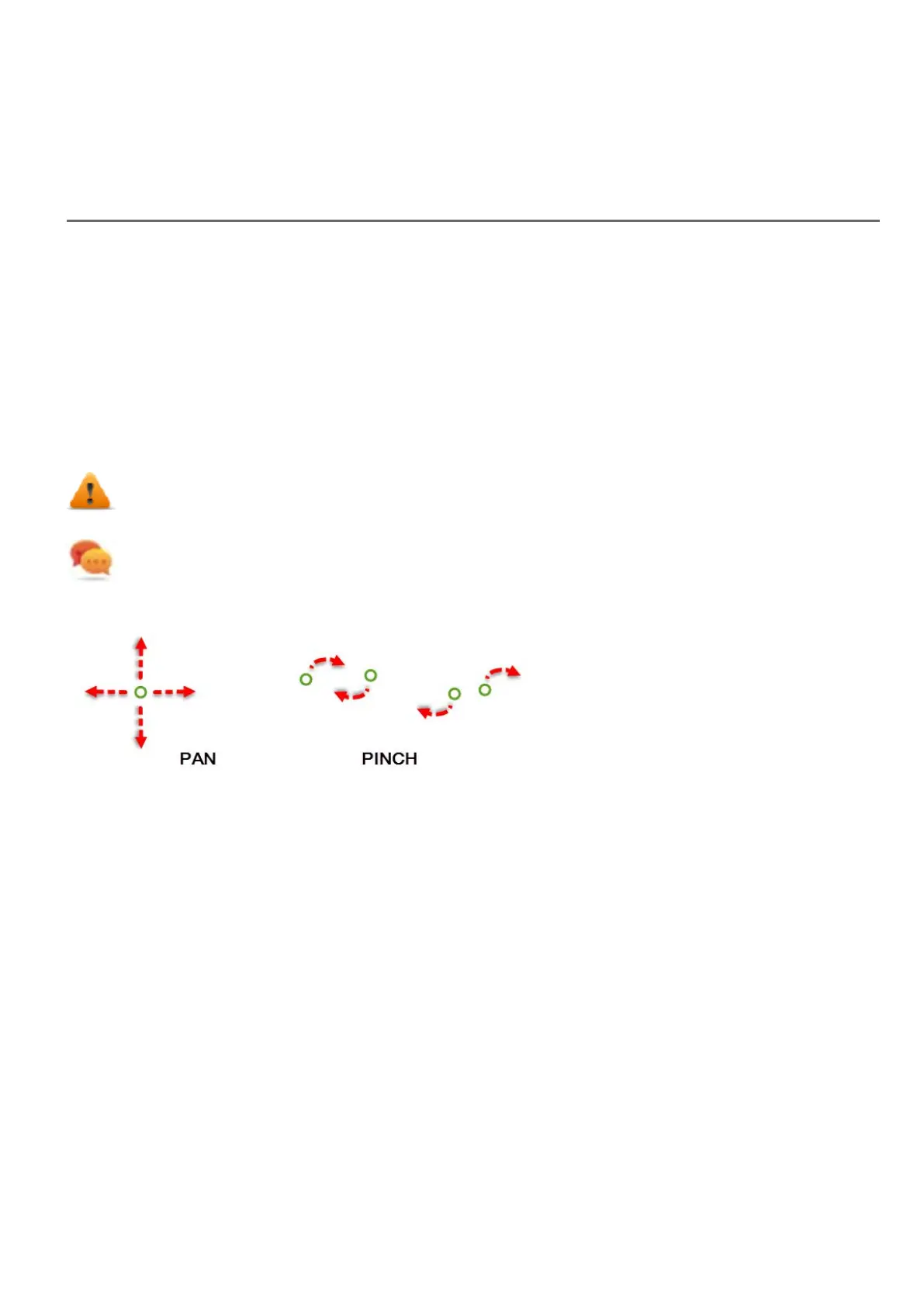
Some widgets have the capability to detect and manage pan and pinch gestures.
l Trends (see "Trend widget gestures" on page196 for details)
l Gesture Area Widget. Special widget designed to customize handling of gesture events (see "Gesture area widget"
on page293 for details)
For widgets based on table presentation, when the Scrollbars Type parameter has been set to "Gesture", the pan gesture
is used to smoothly scroll the table.
l Alarms
l Control List
WARNING: pinch gesture requires two fingers. It is available only with HMI devices supporting multi
touch operation (see "HMI devices capabilities" on page435
Tip:Using multi touch HMI device you can implement safe commands by programming a command to be
executed only when two buttons are pressed at the same time.
HMWIN Studio |User Manual| v206 (2017-06-30) | EN| © 2014-2017 Panasonic Electric Works Europe AG
377



 To Next Page