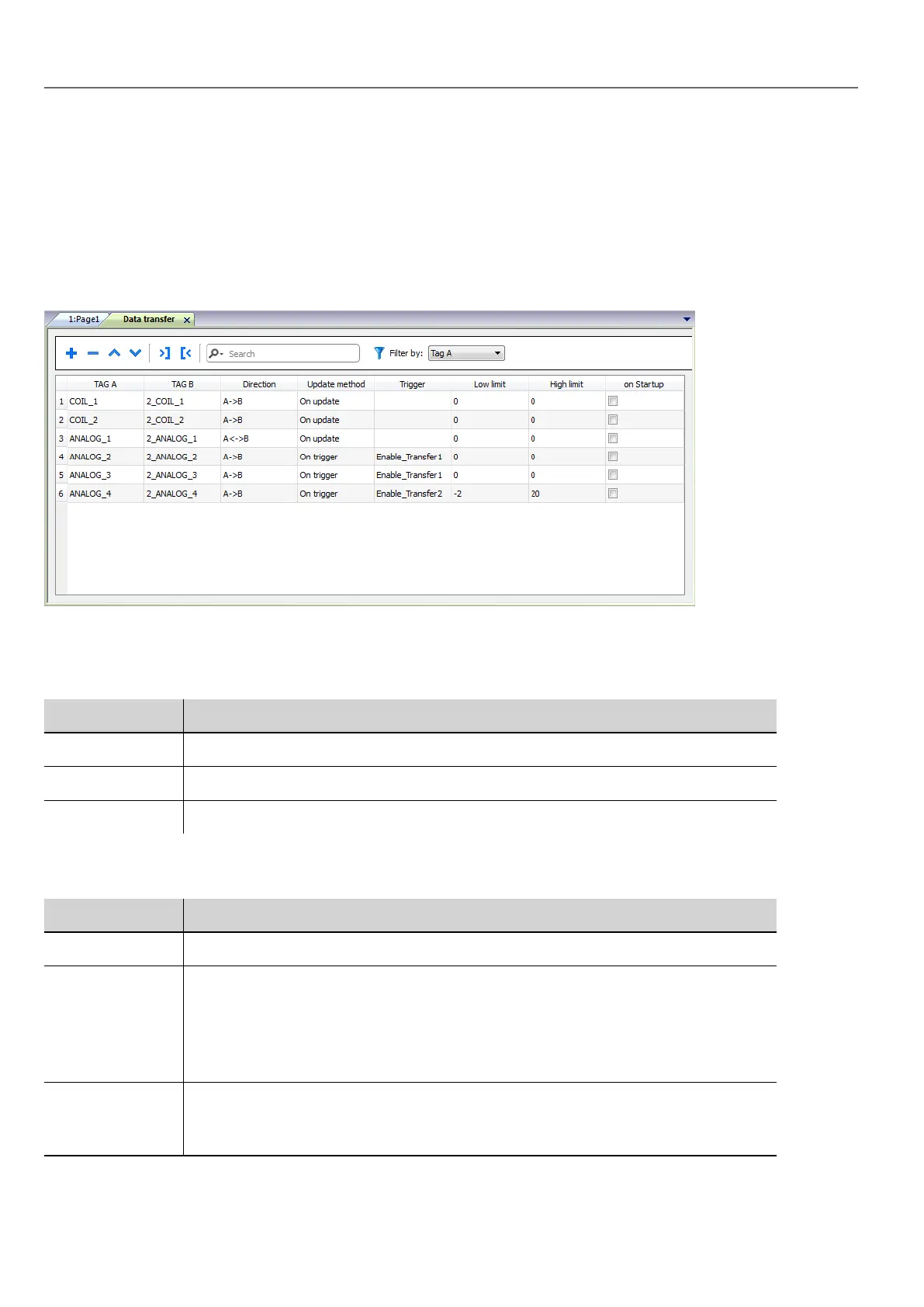
Data transfer editor
Path: ProjectView> Config > double-click Data transfer
Use the Data transfer editor to map transfer rules.
Each line in the Data transfer editor defines a mapping rule between two tags. Define more mapping rules if you need
different direction, update method or trigger.
To add a new rule, click +: a new tag line is added.
Data transfer toolbar
Prameter Description
Import/ Export Imports or exports data transfer settings from or to a .csv file.
Search Displays only rows containing the search keyword.
Filter by Display only rows matching filter and search field.
Data transfer parameters
Prameter Description
TAG A/ TAG B Pair of tags to be mapped for exchanging through the HMI device.
Direction Transfer direction.
A->B and B->A: Unidirectional transfers, values are always copied from one tag and
sent to the other tag in the specified direction.
A<->B: Bidirectional transfer, values are transferred to and from both tags.
Update Method On trigger: Data transfer occurs when the value of the tag set as trigger changes
above or below the values set as boundaries. Limits are recalculated on the previous
tag value, the same that triggered the update.
202
HMWIN Studio |User Manual|v206 (2017-06-30) |EN|© 2014-2017 Panasonic Electric Works Europe AG
Data transfer editor



 To Next Page