Group of pages
You can group similar pages for easier maintenance. Grouping pages does not affect how pages appears at run time. To
create a group of pages:
1. In ProjectView right click Pages node and select Create Group: a new folder is added
2. To move a page to a group, right click a page and select Groups > groupName.
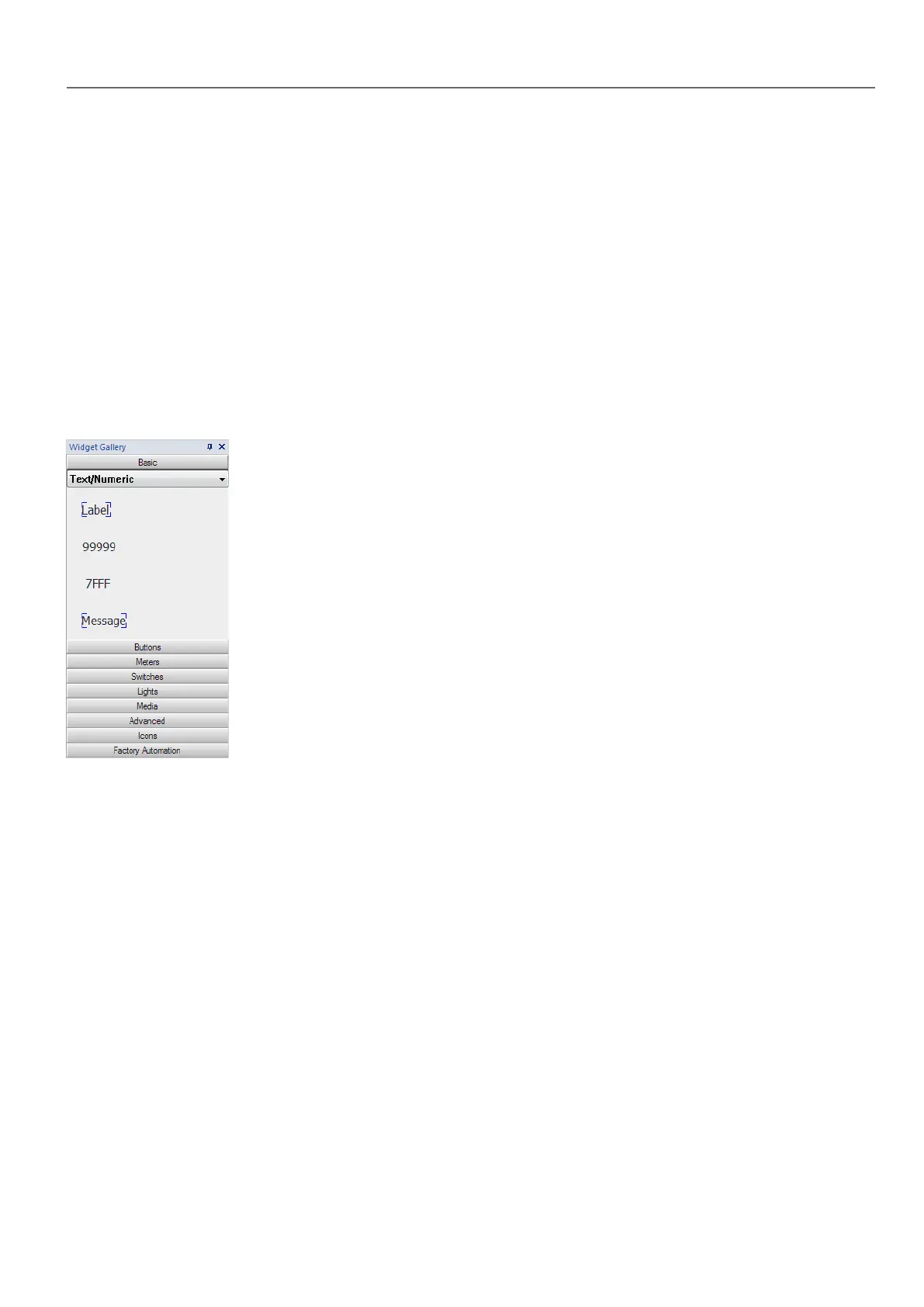
The Widget Gallery
Path: View> Toolbars and Docking Windows> Widget Gallery
HMI objects required to build an application are available in the Widget Gallery. The gallery is divided into several
categories, each containing a collection of widgets.
Adding a widget to a page
1. Select the widget from the Widget Gallery.
2. Drag and drop it on the page.
Changing the appearance of a widget
All widgets have properties (Properties pane) that can be changed, Some widgets are presented in various styles. You can
click the buttons in each category to see available styles.
Example
To set the widget style for round gauges:
HMWIN Studio |User Manual| v206 (2017-06-30) | EN| © 2014-2017 Panasonic Electric Works Europe AG
19
3 My first project



 To Next Page