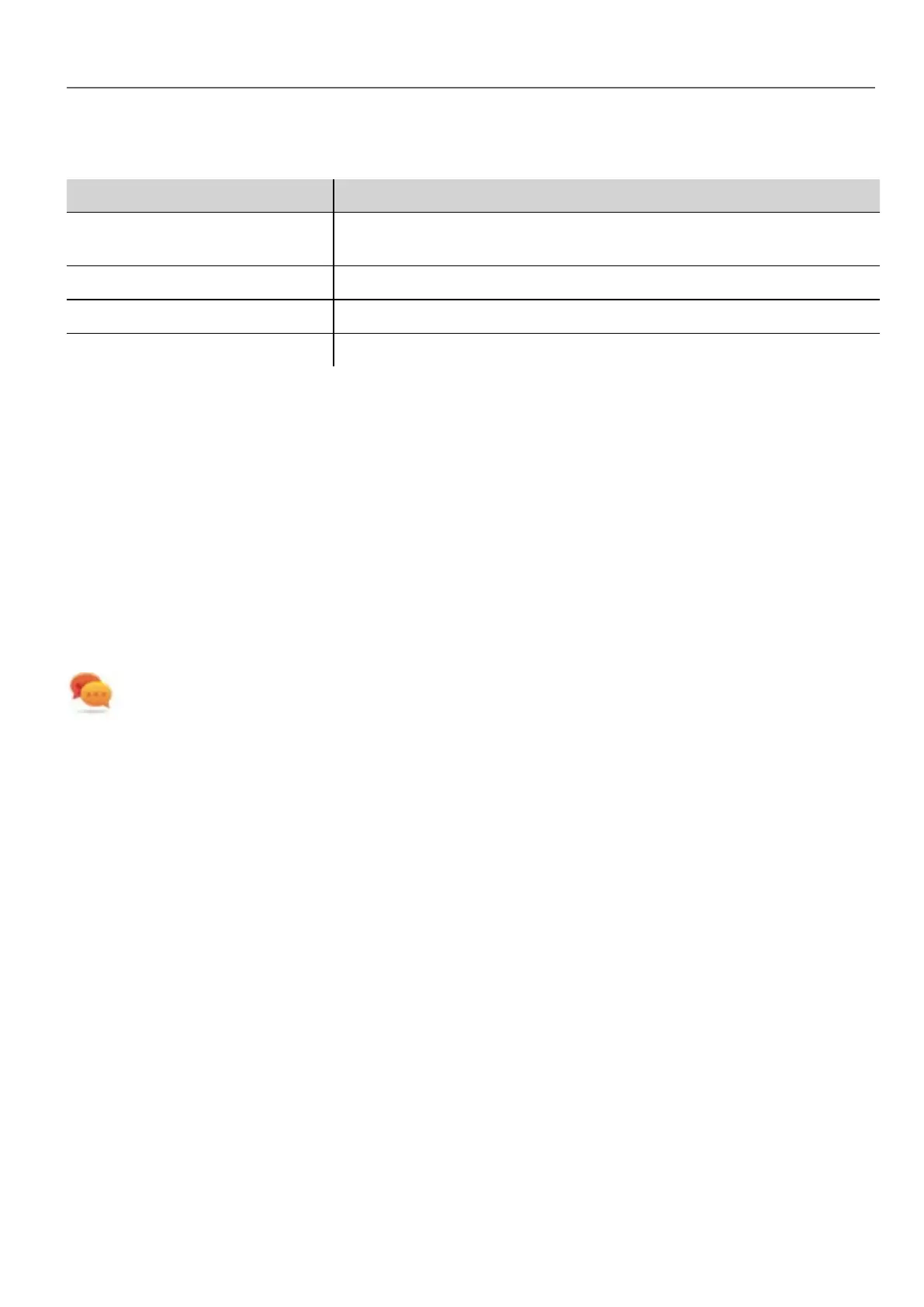
Timelog data
Data Description
Time parsing Time spent parsing current page. Depends on page complexity/number of
widgets.
Time gfx creation Time spent for image rendering. Mainly related to the Onload method.
Time rendering Time spent rendering the page.
Time unloading Time spent unloading the page, if current page depends from another page.
Times are provided in couples: wall time/CPU time. Wall time is the absolute time required by this part which can be higher
than the actual CPU time required since higher priority threads are also running (for instance protocols). The start time
column refers to the page load start time. It can be used to track the actual time required to load a page, since partial times
only refer to the most time critical functions and do not include other times that often contribute significantly to the total
time.
For example, the actual total wall time required to load a page is rendering (which is the last step) start time + rendering wall
time.
FreeType font rendering
New projects use the FreeType font engine as default. Projects created with older versions of HMWIN Studio could use an
older font engine also after project conversion to avoid any backward compatibility issue.
Switch to FreeType whenever possible for better page rendering.
Once you have switched to the new font rendering, save the project and verify that all texts are displayed correctly in all
project pages.
Font rendering issues
When switching to the FreeType font engine a project created with the older font engine, you may experience the following
problems:
l text requires more/less pixels for rendering thus changing text layout
l widgets are resized to accommodate text
l better rendering can be obtained using antialiasing (antialiasing is a text widget property)
Software plug-in modules
You can choose which software modules are downloaded to the runtime with the project. Software plug-in has been
designed to reduce memory requirements for the HMI application in HMI devices where storage is limited. This option is not
supported in Win32 platform
Software plug-in:
HMWIN Studio |User Manual| v206 (2017-06-30) | EN| © 2014-2017 Panasonic Electric Works Europe AG
55
5 Project properties



 To Next Page