16 Recipes
Recipes are collections of tag values organized in sets that satisfy specific application requirements.
For example, if you have to control room variables (temperature and humidity) in the morning, afternoon and evening. You
will create three sets (morning, afternoon and evening) in which you will set the proper tag values.
Each element of the recipe is associated to a tag and can be indexed into sets for a more effective use. This feature allows
you to extend the capabilities of controllers that have limited memory.
You can add controller data to a page using a recipe widget. Recipe data contains all the controller data items; however
data is no longer read directly from the controller but rather from the associated recipe element in the HMI device.
Recipe data is configured in HMWIN Studio workspace; the user can specify default values for each element of the data
records. In HMI Runtime, data can be edited and saved to a new data file, any change to recipe data is therefore stored to
disk. With the use of a separate data file HMI Runtime ensures that modified recipe values are retained throughout different
project updates. In other words, a subsequent project update does not influence the recipe data modified by the user in the
HMI Runtime.
See "Recipe actions" on page130 for details on how to reset recipe data.
Note: Recipe data can be stored on a Flash memory, on a USB drive or on a SDcard.
Managing recipes 183
Configuring a recipe widget 186
Recipe status 187
Uploading/downloading a recipe 187
Backup and restore recipes data 188
Managing recipes
Creating a recipe
To create a recipe for your project:
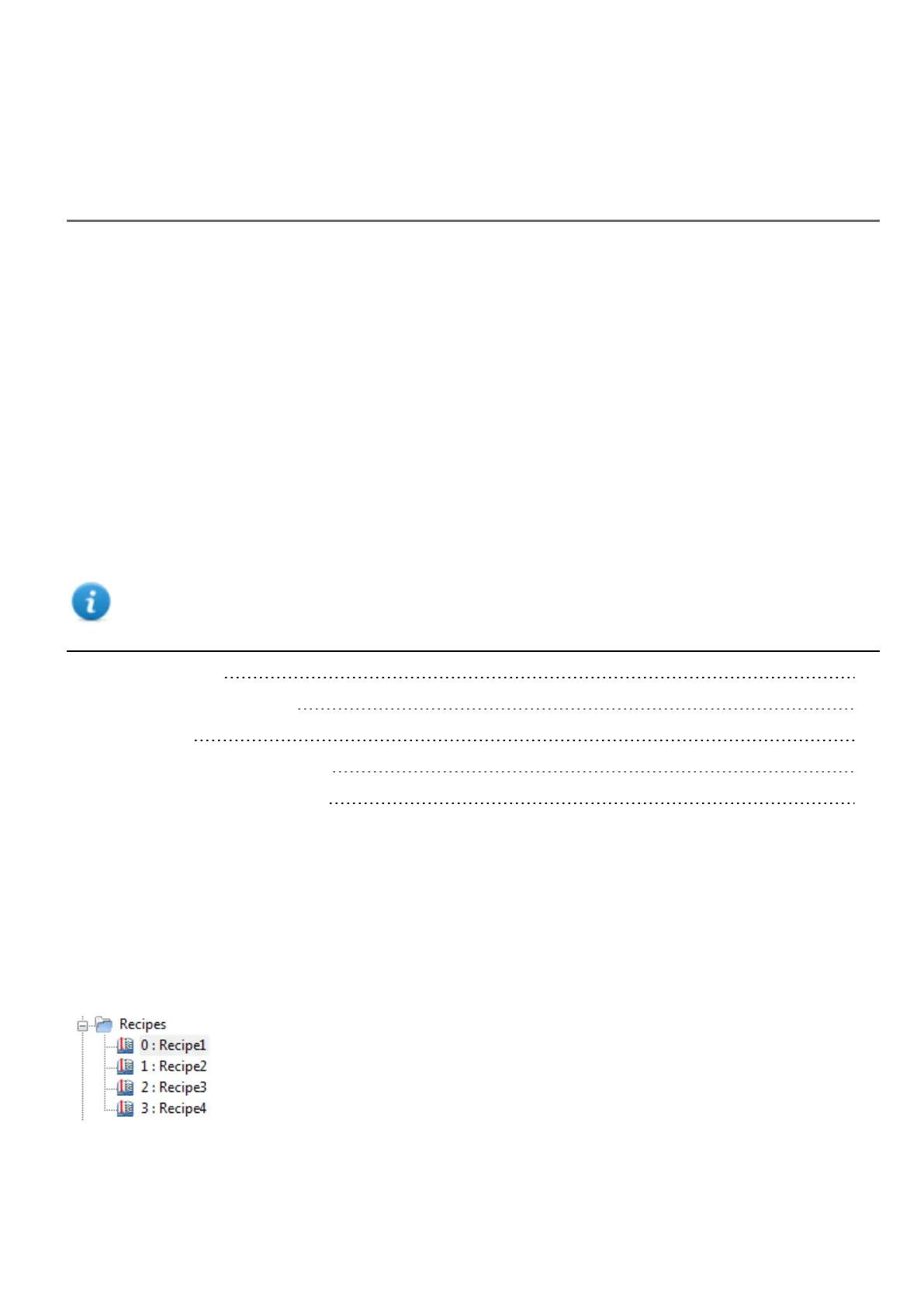
1. In ProjectView right-click Recipes and select Insert Recipe: an empty recipe is added. You create and configure
recipes using the Recipe Editor.
HMWIN Studio |User Manual| v206 (2017-06-30) | EN| © 2014-2017 Panasonic Electric Works Europe AG
183



 To Next Page