Parameter Description
Value Index of image to display.
For example, set Value=0, to display the image with index 0 in the image collection.
Images Images collection with associated index.
Animate Set to true, to enable a slide show.
Time interval Interval between images in the slide show.
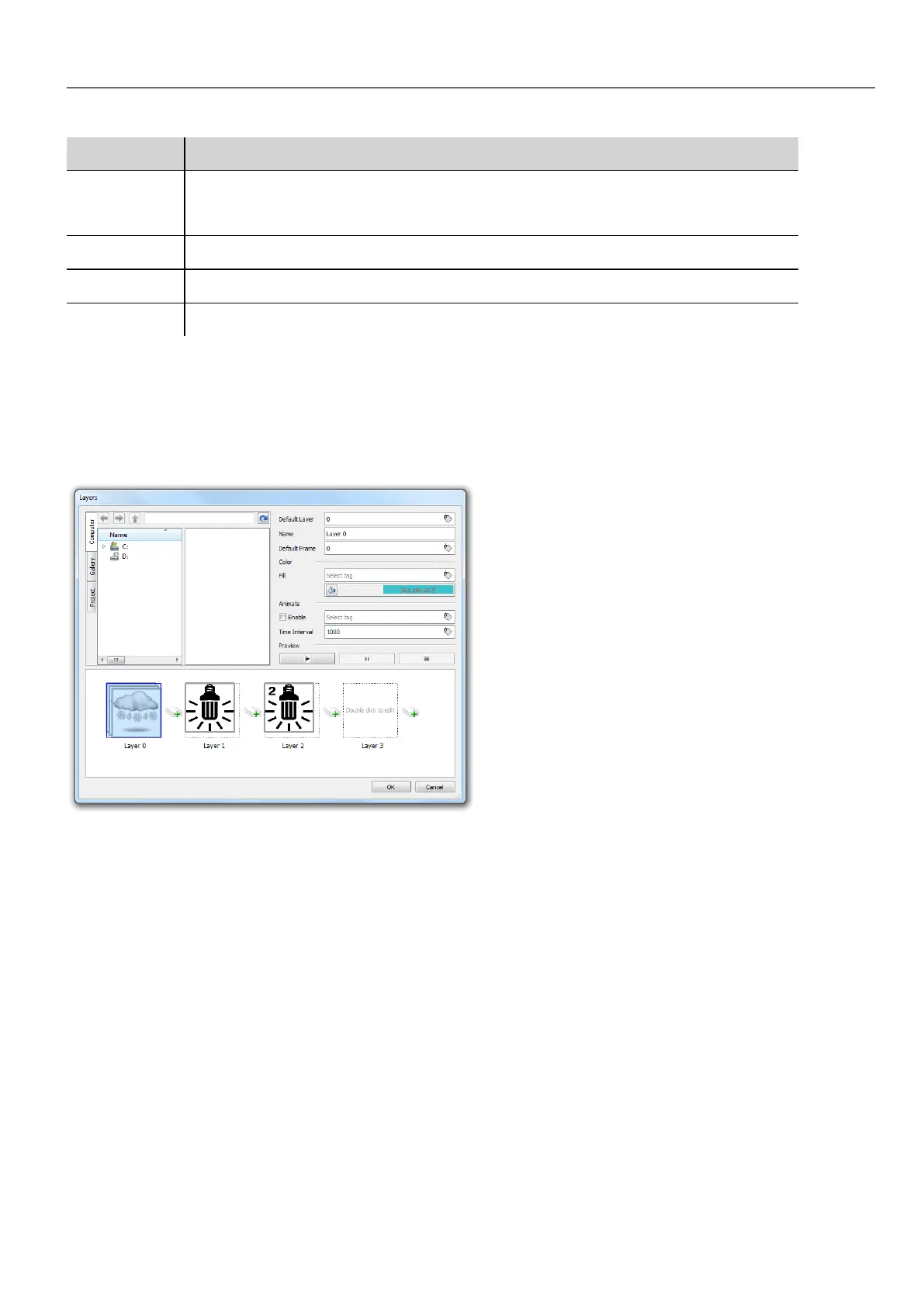
Multistate Image Multilayer widget
Path: Widget Gallery> Basic> Images
Use this widget to create different animations and select the most suitable at run time.
HMWIN Studio |User Manual| v206 (2017-06-30) | EN| © 2014-2017 Panasonic Electric Works Europe AG
303
32 Special widgets



 To Next Page