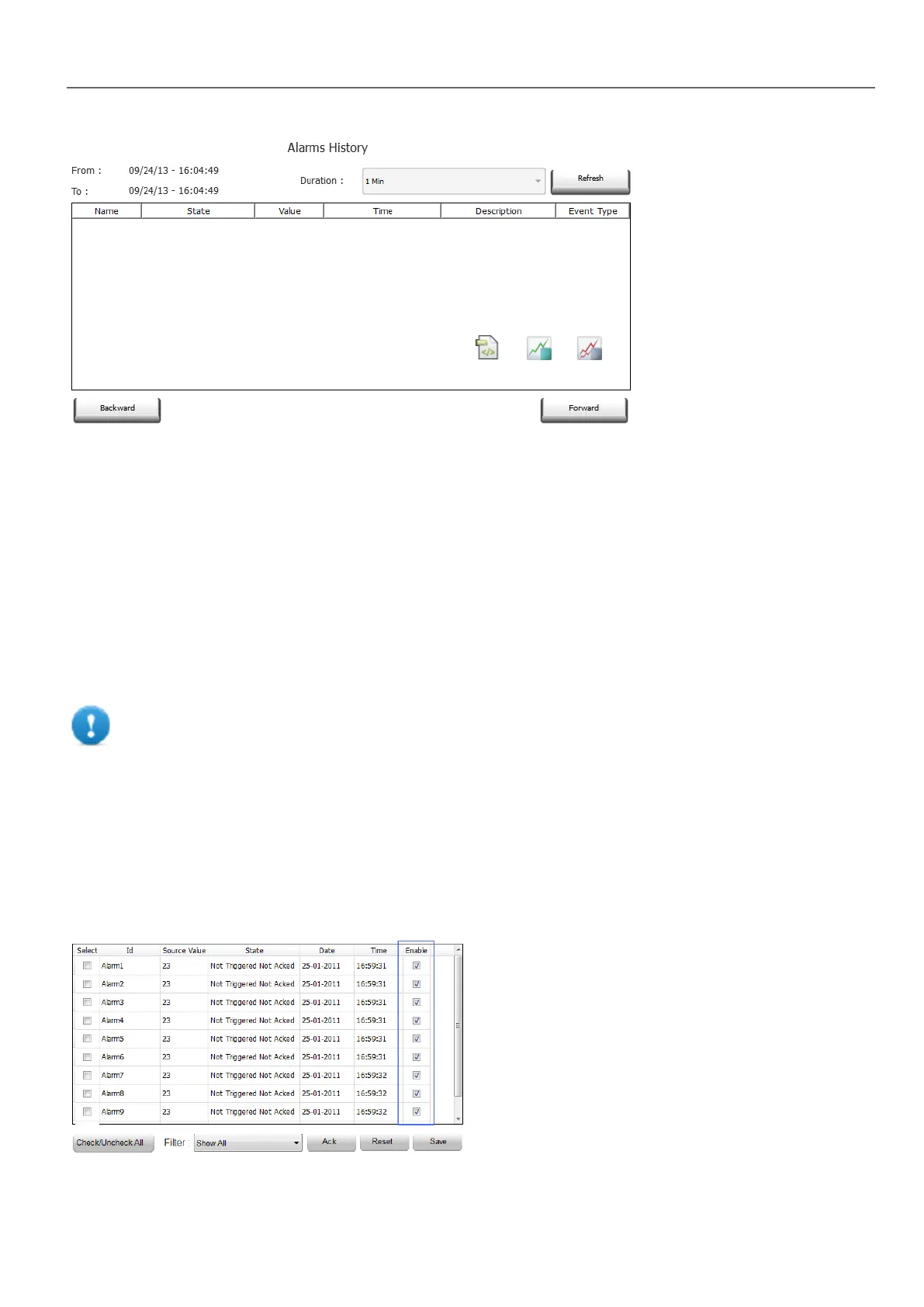
Attaching widget to buffer
Path: AlarmHistory widget> Properties pane> Buffer > EventBuffer
In Properties pane > Event select the Event Buffer from which the alarm list is retrieved
Managing alarms at run time
When an alarm is triggered it is displayed in the Active Alarms widget where you can acknowledge and reset it. You can
filter the alarms displayed using several filters, for example you can hide not triggered alarms or show all alarms.
See "Active Alarms widget" on page172 for details.
IMPORTANT: The Active Alarms widget is not displayed automatically. You must add a dedicated
action that will open the page containing the alarm widget when the alarm is triggered.
Enable/disable alarms at run time
You can enable or disable the alarms at run time.
To enable an alarm select the Enable option in the alarm widget.
Disabled alarms are not triggered and therefore not displayed at run time.
HMWIN Studio |User Manual| v206 (2017-06-30) | EN| © 2014-2017 Panasonic Electric Works Europe AG
177
15 Alarms



 To Next Page