Example
1. Configure an action for an event (for example, an alarm) that executes a data transfer of the system time into a tag.
2. Select that tag as ScrollTrendtoTime parameter: the trend windows will be centered at the time when the event
was triggered.
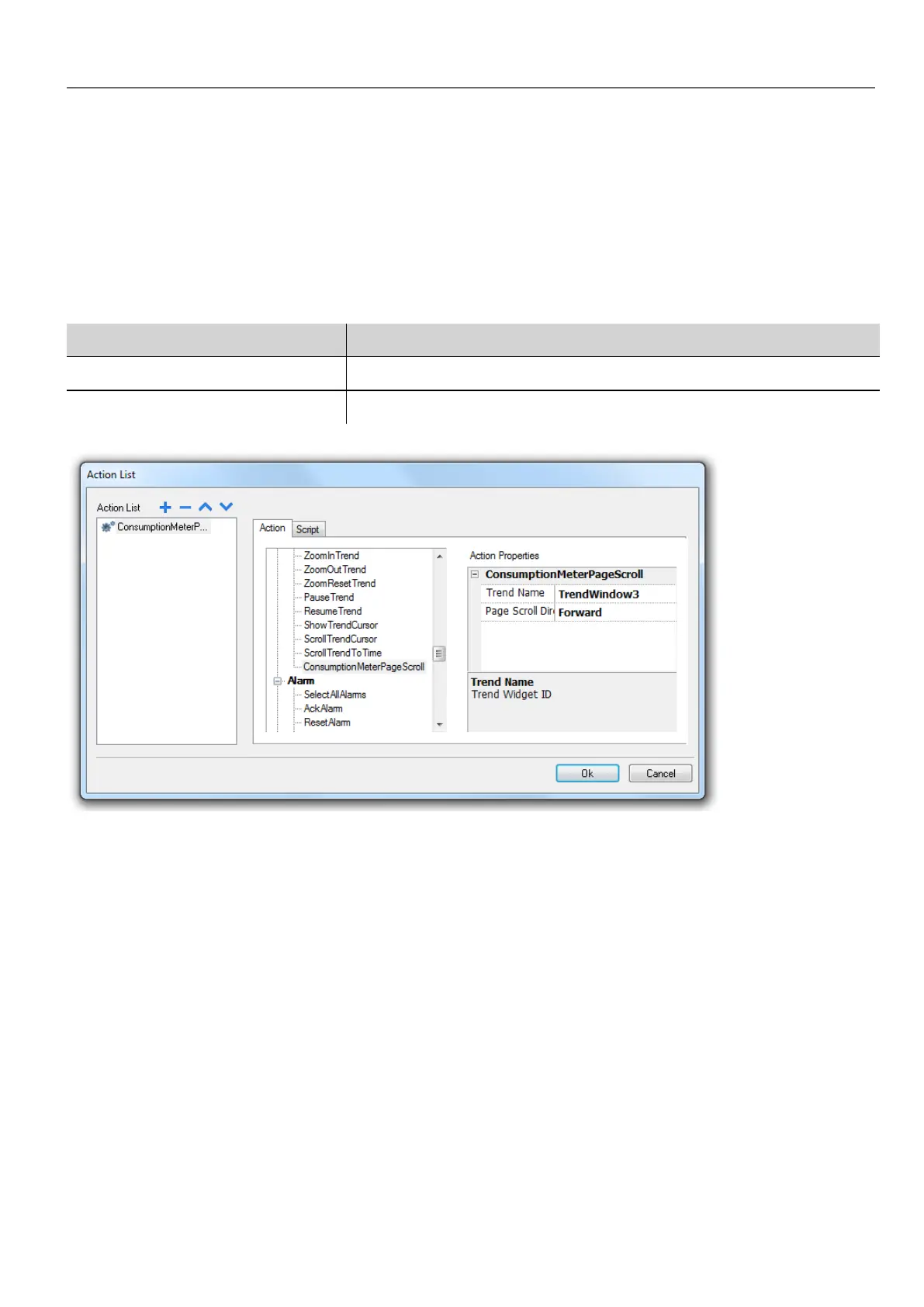
ConsumptionMeterPageScroll
Scrolls the page backward or forward in a Consumption Meter widget.
Parameter Description
Trend Name Trend widget ID (for example, TrendWindow3)
Page Scroll Direction Direction of page scrolling (Forward/backward)
User management actions
User management and security settings.
LogOut
Logs off the current user. The default user is then automatically logged in. If no default user has been configured, the logon
window is displayed.
SwitchUser
Switches between two users without logging off the logged user: the user login dialog appears. User can click Back to go
back to the previously logged user.
HMWIN Studio |User Manual| v206 (2017-06-30) | EN| © 2014-2017 Panasonic Electric Works Europe AG
147
10 Actions



 To Next Page