When used with real time trend the plotting stops when the curve reaches the right border of the graph. This action does not
stop trend logging.
ResumeTrend
Resumes trend plotting if paused.
ShowTrendCursor
Shows value of the curve at a given point on the X axis.
It activates the trend cursor. A cursor (vertical line) will be displayed in the trend widget.
When the graphic cursor is enabled, the scrolling of the trend is stopped.
The ScrollCursor action moves the graphic cursor over the curves, or over the entire Trend window.
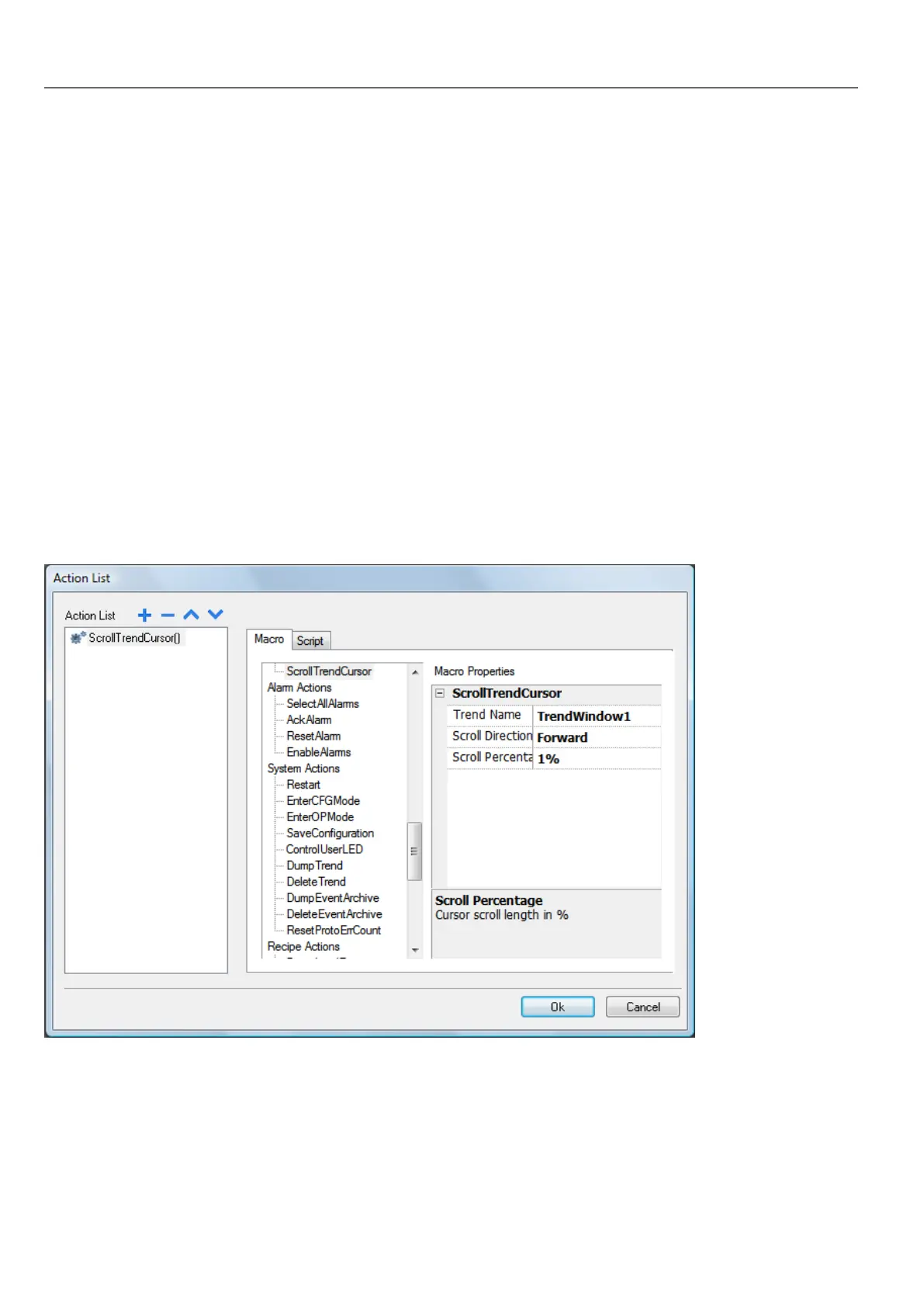
ScrollTrendCursor
Scrolls the trend cursor backward or forward.
The Y cursor value will display the trend value at the point of the cursor. Scrolling percentage can be set at 1% or 10%. The
percentage is calculated on the trend window duration.
ScrollTrendToTime
Scrolls the Trend window to a specified point in time.
Use this action when you need to scroll to a specific position in a trend window when a specific event occurred.
146
HMWIN Studio |User Manual|v206 (2017-06-30) |EN|© 2014-2017 Panasonic Electric Works Europe AG
Trend actions



 To Next Page