Variables widget
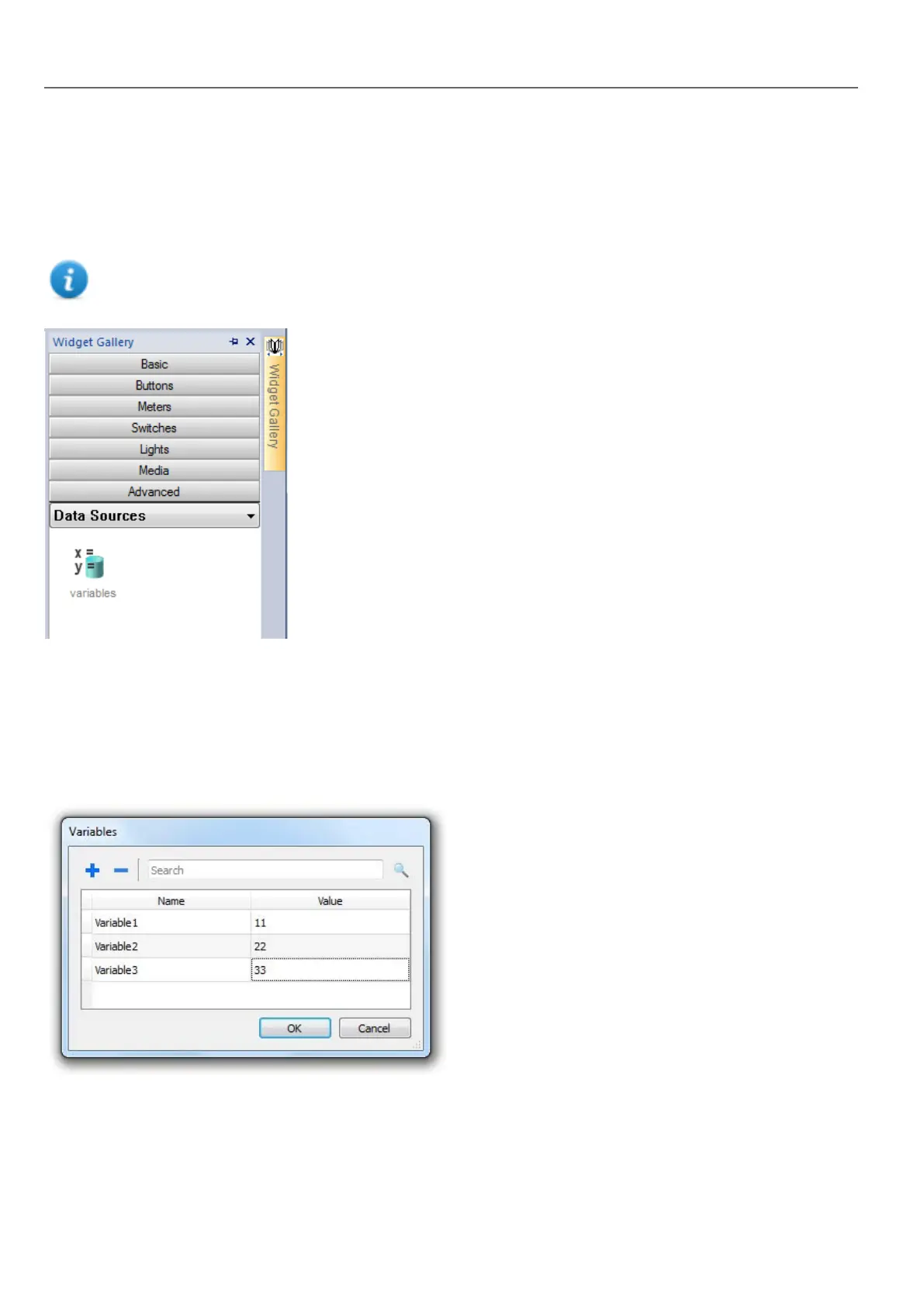
Path: Widget Gallery> Advanced> Data Sources
Use this widget to add internal variables for operations such as data transfer or to be used in JavaScript programs.
Note: The variables are local to the page where the widget has been inserted.
When you drag and drop this widget into you page, a place holder will be displayed to indicate the widget location, but it will
not be visible at run time.
Setting the widget
To create variables and assign values to them, open the Variables dialog from the Variables property in the Properties
pane.
These variables can then be referenced from the Attach tag dialog, from the Page Editor.
316
HMWIN Studio |User Manual|v206 (2017-06-30) |EN|© 2014-2017 Panasonic Electric Works Europe AG
Variables widget



 To Next Page