Assumptions
We assume that readers have a basic understanding of computers, Microsoft Windows, and the specific network
environment where the application will run.
Installing the application
HMWIN Studio installation contains:
l HMWIN Studio: an application for designing custom HMI projects in a user-friendly manner, along with a variety of
objects in its built-in library, the Widget Gallery.
l HMWIN Client: a light-weight application that can be used on Windows computers to remotely view and manage a
project running on an HMI device.
l HMI Runtime: a standalone application that runs on the HMI devices. The HMI Runtime is installed via HMWIN
Studio.
HMWIN Studio system requirements
HMWIN Studio has the following system requirements:
Operating System Windows XP (SP2 or SP3)
Windows Vista Business/Ultimate
Windows 7
Windows 8
Windows 10
Storage 500 MB Minimum
RAM 512 MB
Other One Ethernet connection
Installation procedure
To install HMWIN Studio:
1. Run HMWIN Studio setup and click Next.
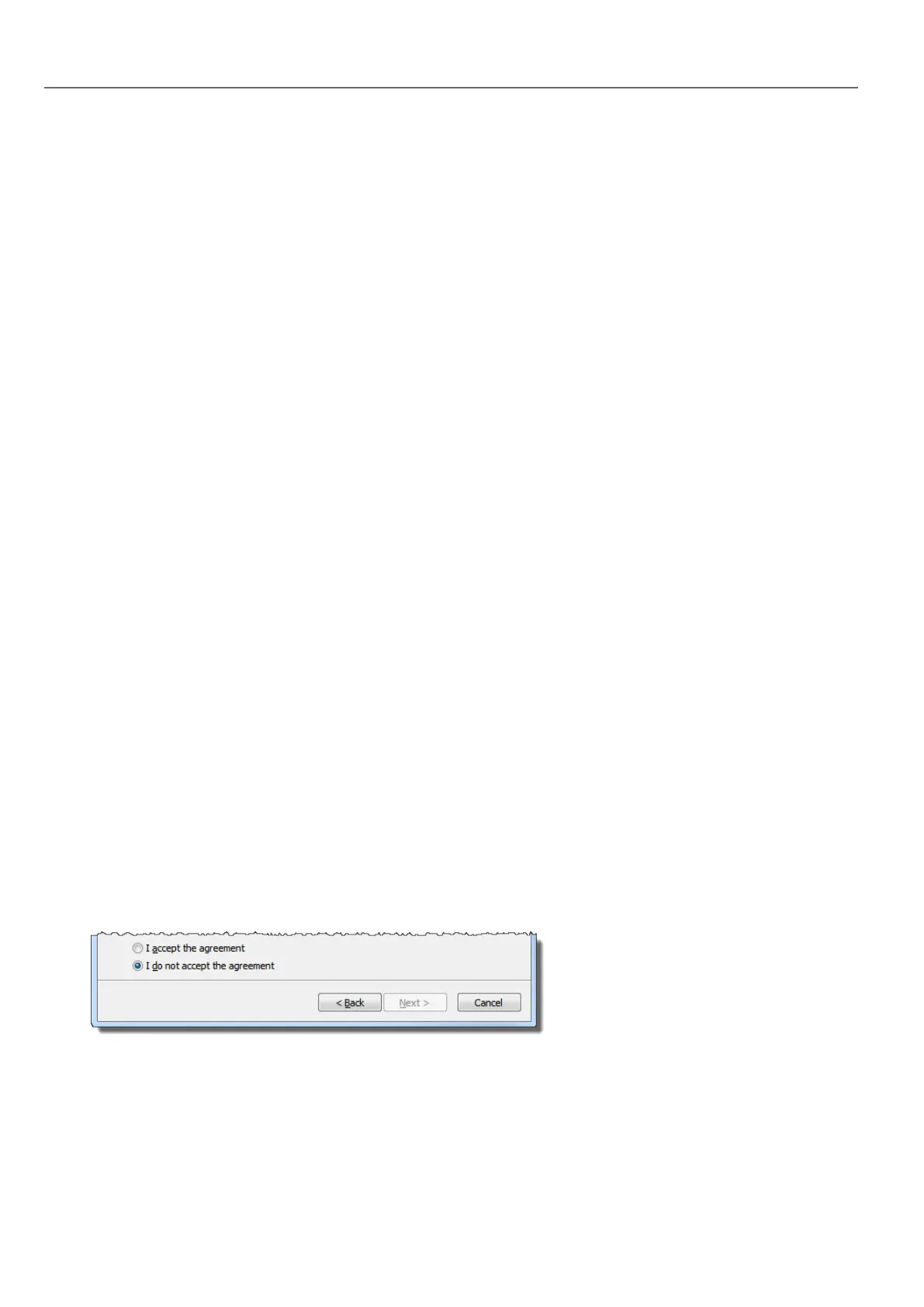
2. Read the HMWIN Studio Software License and accept the agreement.
2
HMWIN Studio |User Manual|v206 (2017-06-30) |EN|© 2014-2017 Panasonic Electric Works Europe AG
Assumptions



 To Next Page