Note: Default Layer, Default Frame, Color and Fill can be changed at run time, attaching the to a tag.
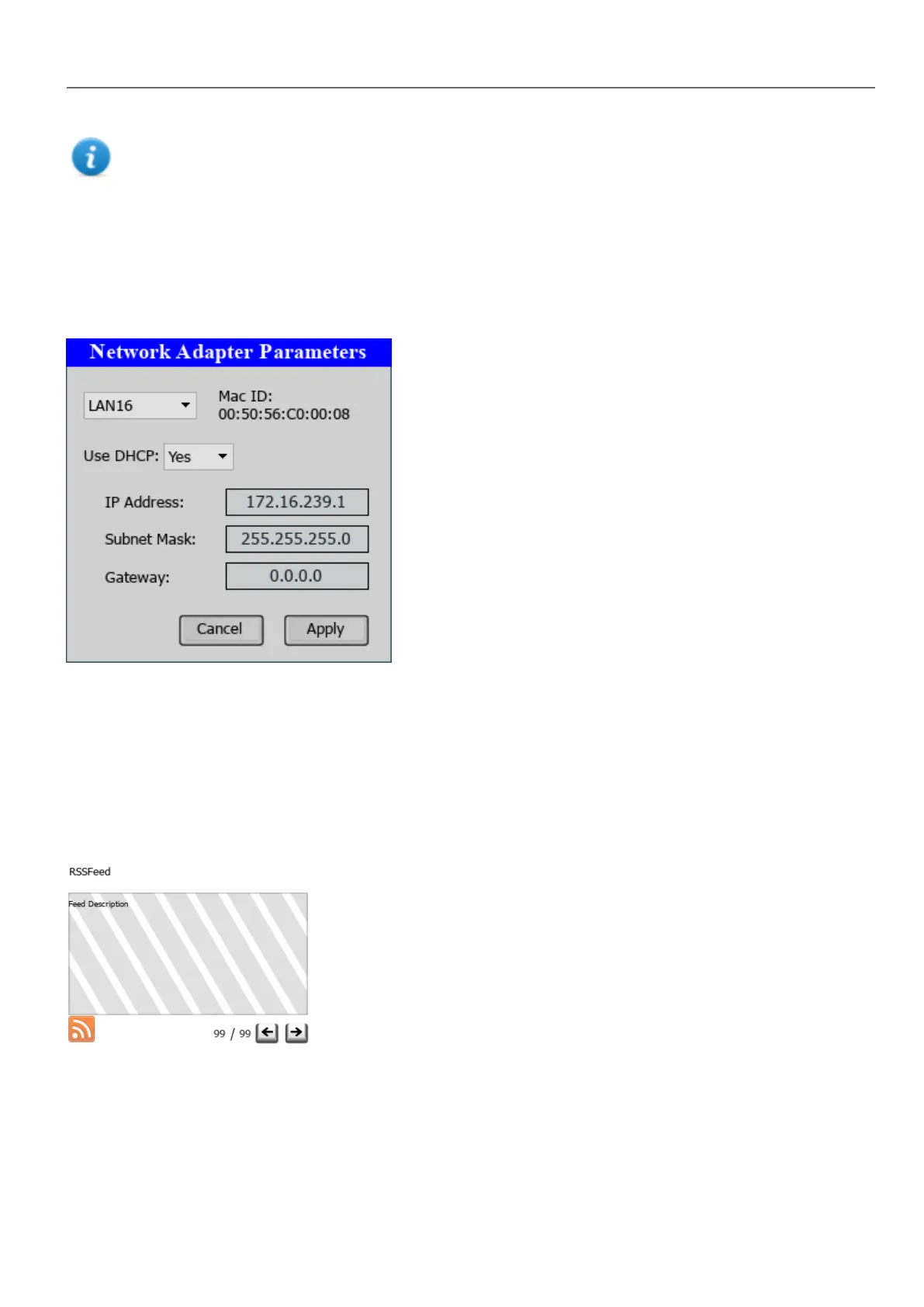
Network Adapters widget
Path: Widget Gallery> Basic> Control
Use the IP Widget to set the network adapters parameters.
The system variable Network->Status contains the result of the last operation performed by the IP Widget (see "Network
variables" on page82for details)
RSS Feed widget
Path: Widget Gallery> Media> RSSFeed Source
Use this widget to display on the HMIdevice your favorite RSS feeds directly from the Internet.
HMWIN Studio |User Manual| v206 (2017-06-30) | EN| © 2014-2017 Panasonic Electric Works Europe AG
305
32 Special widgets



 To Next Page