Creating and using custom keypads
You can either create a new keypad or customize an existing one.
Creating a keypad
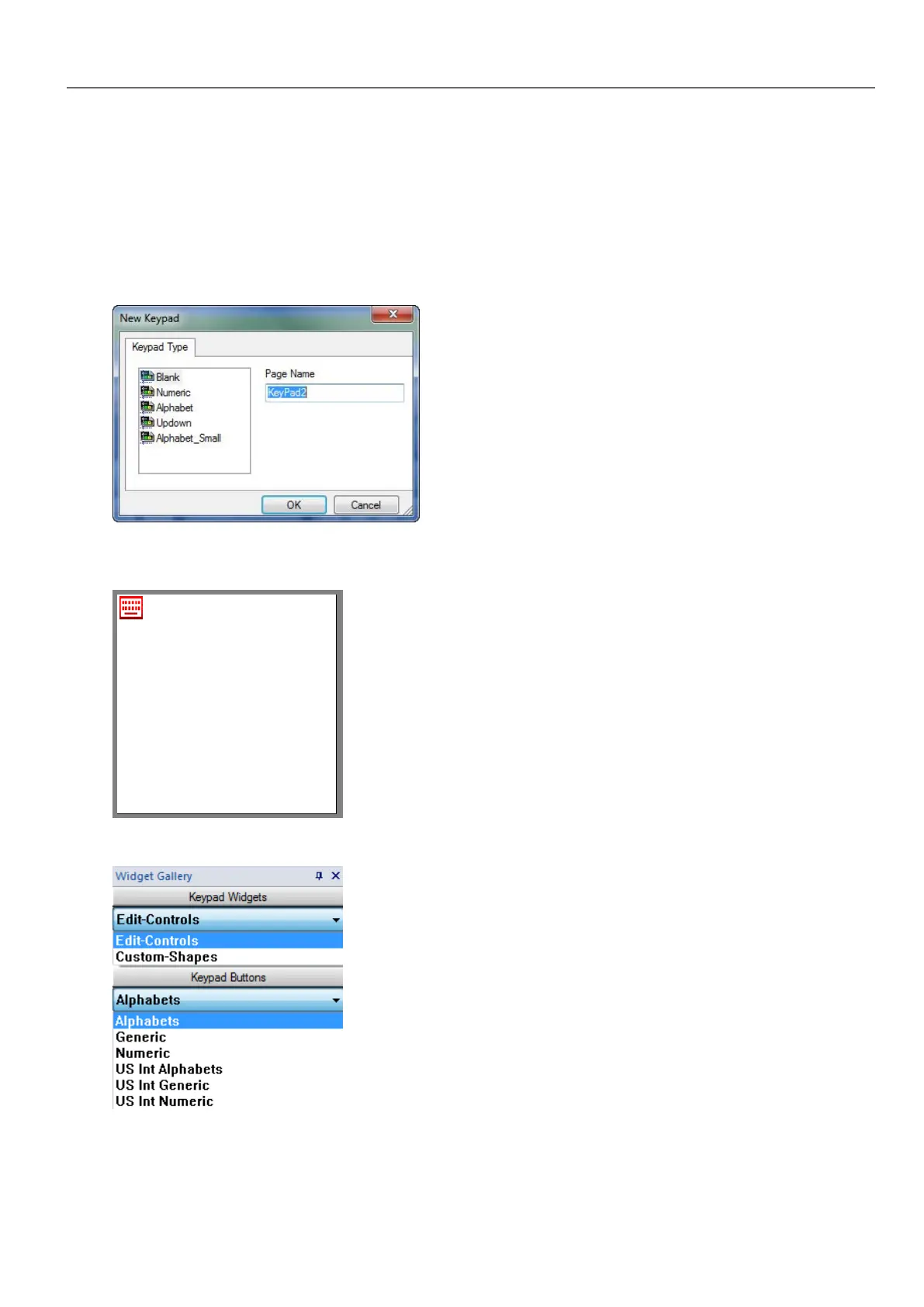
1. In ProjectView, right-click Keypads and select Insert Keypad: the New Keypad dialog is displayed.
2. Select one of the available keypads, or Blank to create a keypad from scratch. In this case a blank keypad is
displayed.
3. Use the Keypad Widgets and Keypad Buttons from the Widget Gallery to create your custom keypad.
The keypad you create, as in this example, will be saved in the project folder.
HMWIN Studio |User Manual| v206 (2017-06-30) | EN| © 2014-2017 Panasonic Electric Works Europe AG
259
27 Keypads



 To Next Page